內容簡介
WPCraftEngineer Product Finder for WooCommerce 是一款浮動聊天小工具,幫助顧客透過自然語言發現產品。它支援關鍵字模式和 AI 提供者模式,提升顧客的購物體驗。
【主要功能】
• 浮動聊天小工具,方便顧客使用
• 支援 WooCommerce 產品推薦選項
• 無需 API 金鑰的關鍵字模式
• 可連接 OpenAI、Google Gemini 和 Anthropic
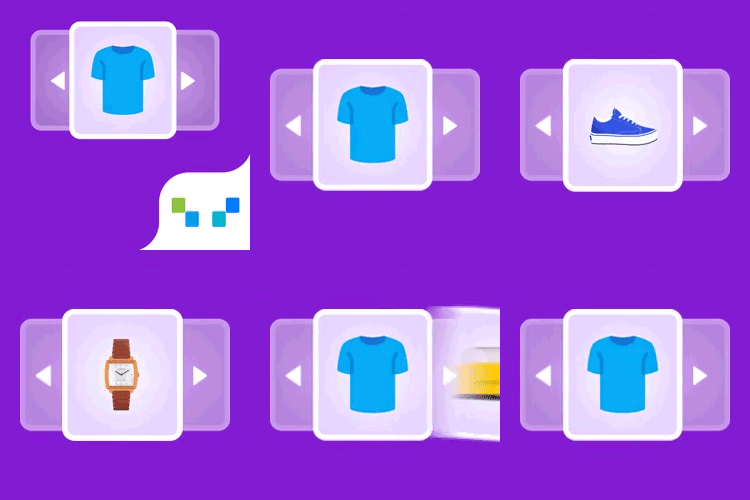
• 顯示產品卡片,包括圖片、價格和評分
• 管理員可自訂顏色、機器人名稱和歡迎訊息
外掛標籤
開發者團隊
② 後台搜尋「WPCraftEngineer Product Finder for WooCommerce」→ 直接安裝(推薦)
原文外掛簡介
WPCraftEngineer Product Finder for WooCommerce adds a floating chat widget that helps shoppers discover products through natural language.
It can work in two modes:
Keyword mode: no external AI account required. The plugin uses on-site keyword matching and WooCommerce product data.
AI provider mode: connect OpenAI, Google Gemini, or Anthropic to improve intent detection and reply quality.
With WooCommerce product recommendations enabled, shoppers can ask things like:
“Show me products under $50”
“I need a gift for a runner”
“What are your newest arrivals?”
“Do you have anything on sale?”
If WooCommerce recommendations are disabled, the widget can still act as a general store assistant using your configured welcome message, fallback message, and custom instructions.
Features
Floating chat widget for the front end
Optional WooCommerce product recommendations
Keyword mode with no API key required
Optional OpenAI, Google Gemini, and Anthropic provider support
Product cards with image, price, rating, stock status, and product links
Admin settings for color, bot name, greeting message, and chat history retention
Option to hide out-of-stock products
Preview and test screen in wp-admin
Installation
Upload the plugin ZIP in Plugins → Add New → Upload Plugin, or upload the folder to /wp-content/plugins/.
Activate WPCraftEngineer Product Finder for WooCommerce.
Go to Product Finder in wp-admin.
Configure the widget settings.
If you want AI provider mode, add an API key for OpenAI, Google Gemini, or Anthropic.
Usage
Enable the chatbot.
Decide whether to enable WooCommerce product recommendations.
Choose either keyword mode or an AI provider.
Visit the front end and test the widget.
Notes
WooCommerce is optional, but product recommendations require WooCommerce to be installed and active.
API keys are stored in your WordPress options table.
The plugin stores short chat history in transients so follow-up questions can work for the configured number of days.
External services
This plugin can connect to third-party AI services only when the site administrator selects a provider and enters an API key.
OpenAI
Used for optional intent parsing and response generation.
Data sent: the visitor’s chat message, limited recent chat context, store-assistant instructions, and when WooCommerce recommendations are enabled, a short text summary of matched products.
When sent: only when OpenAI is selected as the AI provider and the widget processes a chat request or the admin runs the connection test.
Terms: https://openai.com/policies/services-agreement/
Privacy: https://openai.com/business-data/
Google Gemini
Used for optional intent parsing and response generation.
Data sent: the visitor’s chat message, limited recent chat context, store-assistant instructions, and when WooCommerce recommendations are enabled, a short text summary of matched products.
When sent: only when Google Gemini is selected as the AI provider and the widget processes a chat request or the admin runs the connection test.
Terms: https://ai.google.dev/gemini-api/terms
Privacy: https://policies.google.com/privacy
Anthropic
Used for optional intent parsing and response generation.
Data sent: the visitor’s chat message, limited recent chat context, store-assistant instructions, and when WooCommerce recommendations are enabled, a short text summary of matched products.
When sent: only when Anthropic is selected as the AI provider and the widget processes a chat request or the admin runs the connection test.
Terms: https://privacy.anthropic.com/
Privacy: https://docs.anthropic.com/en/docs/legal-center/privacy