
內容簡介
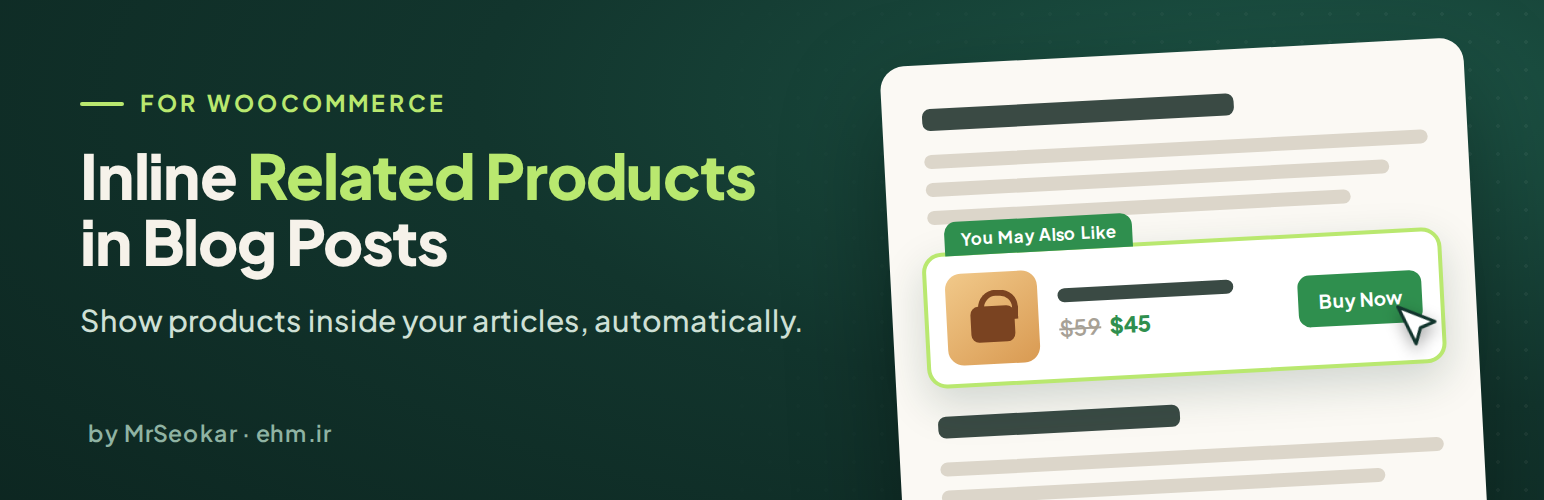
MrSeokar Inline Related Products for WooCommerce 自動在您的部落格文章中顯示相關產品,讓讀者在閱讀過程中能夠輕鬆找到匹配的商品,提升轉換率與使用者體驗。
【主要功能】
• 自動在文章中顯示相關產品
• 智能產品匹配,根據標題或關鍵字
• 每篇文章可手動選擇產品
• 支援外部/聯盟產品連結
• 四種響應式設計樣式
• 完全可自訂按鈕與標籤文字
外掛標籤
開發者團隊
② 後台搜尋「MrSeokar Inline Related Products for WooCommerce」→ 直接安裝(推薦)
原文外掛簡介
MrSeokar Inline Related Products for WooCommerce automatically shows related products inside your blog posts: between the headings, paragraphs or images of every article, exactly where readers are paying attention. No shortcodes, no snippets, no editing posts one by one.
Activate the plugin, pick a style, and every post starts recommending matching products. Want full control over an important article? Choose its products by hand from the post editor.
Who is it for?
Online stores with a blog – show your products right inside your articles.
Affiliate sites – list your affiliate offers as WooCommerce external/affiliate products and show them automatically in every review, guide and comparison post. The buy button can go straight to the affiliate link with rel="sponsored nofollow".
Content sites – add product recommendations to existing articles without editing them.
Features
Show related products in blog posts automatically – before every heading (H2 to H6), paragraph or image, or every other one.
Seven product matching methods – a product category named in the post title (checked from the first or the last word), a product category with the same name as the post’s blog category (first or last match), product search with the title words (first or last words first) or with the Yoast SEO / Rank Math focus keyword. Every method is explained with an example on the settings page.
Works in any language – punctuation and small words (and, of, the, و، در، به…) are removed, letter case, half-spaces and Arabic/Persian letter forms are ignored.
Per-post control from one simple box – search and pick products, choose a product category, or turn products off for a single post. No snippets needed, even with hundreds of posts.
Affiliate ready – external/affiliate products link directly to the affiliate URL with the product’s own button text.
Four responsive designs – vertical card, horizontal row, text over image, image beside details.
Simple, variable, grouped and external products – sale prices and price ranges use your WooCommerce currency and tax settings.
Fully customizable – button text, label text (“You May Also Like”), colors, product name tag, new-tab links.
Skips unavailable products – out-of-stock, hidden and zero-price products are not shown (optional).
Works with any theme and page builder – Elementor, Elementor Pro theme builder, the block editor (Gutenberg), Classic Editor, WPBakery, Divi, Beaver Builder, Bricks, Oxygen and block themes. Your article markup is read with the WordPress HTML API and never rebuilt.
Built for speed – the product boxes of each post are cached with the post, so after the first view the plugin adds zero database queries. The cache clears itself when products, prices, stock or settings change, and a “Clear cache” button is included.
SEO friendly – product names use a paragraph tag by default, so they never pollute your heading structure or table of contents.
RTL and multilingual – works in left-to-right and right-to-left languages; English and Persian included, translation ready.
Lightweight and private – no tracking, no external requests, no ads in your dashboard.
How related products are found
Products or a product category chosen in the post’s Inline Products box always come first.
Otherwise the method selected in the settings is used:
Category named in the post title (from the first / last word) – the title is split into words, punctuation and small words are removed. Single words are compared with your product category names first, then pairs of neighbouring words, then groups of three; the first exact match wins. Example: “Barbecue types compared: gas, charcoal, brick and electric” → from the first word, the “Barbecue” category is used; from the last word, “Charcoal” (if it exists) is found first.
Blog category of the post (first / last match) – the title is not used. The post’s blog categories are compared with your product category names; the first (or last) exact match wins, then their parent categories are checked.
Product search with the title words (first / last words first) – each title word is searched in product names and descriptions; categories are not used.
Product search with the focus keyword – the Yoast SEO or Rank Math focus keyword is searched.
If the method finds nothing, the When nothing is found setting either searches product names with the title words or shows no products.
Out-of-stock, hidden and zero-price products are skipped (unless you allow them).
Pro add-on
An optional Pro add-on, installed next to this free plugin, adds: product order (cheapest, most expensive, best selling, most popular, most reviewed, most relevant), grid, slider, 3D slider and promo carousel layouts, angled, call-to-action, spotlight and slim-bar styles, AJAX add to cart, ratings and discount badges, shortcode and block, rules per blog category, global exclusions and click statistics. This free plugin is complete on its own and contains none of these features.
Privacy
This plugin does not collect any data, does not set cookies and does not connect to any external service.
For developers
Filters: mrseokar_ip_should_insert, mrseokar_ip_post_types, mrseokar_ip_product_ids, mrseokar_ip_pre_find, mrseokar_ip_category_query_args, mrseokar_ip_post_settings, mrseokar_ip_product_parts, mrseokar_ip_pre_product_html, mrseokar_ip_pre_render_blocks, mrseokar_ip_product_html, mrseokar_ip_default_settings, mrseokar_ip_setting_choices, mrseokar_ip_sanitize_settings, mrseokar_ip_keywords, mrseokar_ip_stopwords, mrseokar_ip_focus_keyword, mrseokar_ip_cache_ttl, mrseokar_ip_content_priority. Action: mrseokar_ip_register_settings.
Example – never show products in the “news” category:
add_filter( 'mrseokar_ip_should_insert', function ( $insert, $post_id ) { return has_category( 'news', $post_id ) ? false : $insert; }, 10, 2 );
Author
Made by Ebrahim Hanafi (MrSeokar). Documentation: Inline products in blog posts.
WooCommerce is a trademark of Automattic Inc. This plugin is not affiliated with or endorsed by Automattic.














