內容簡介
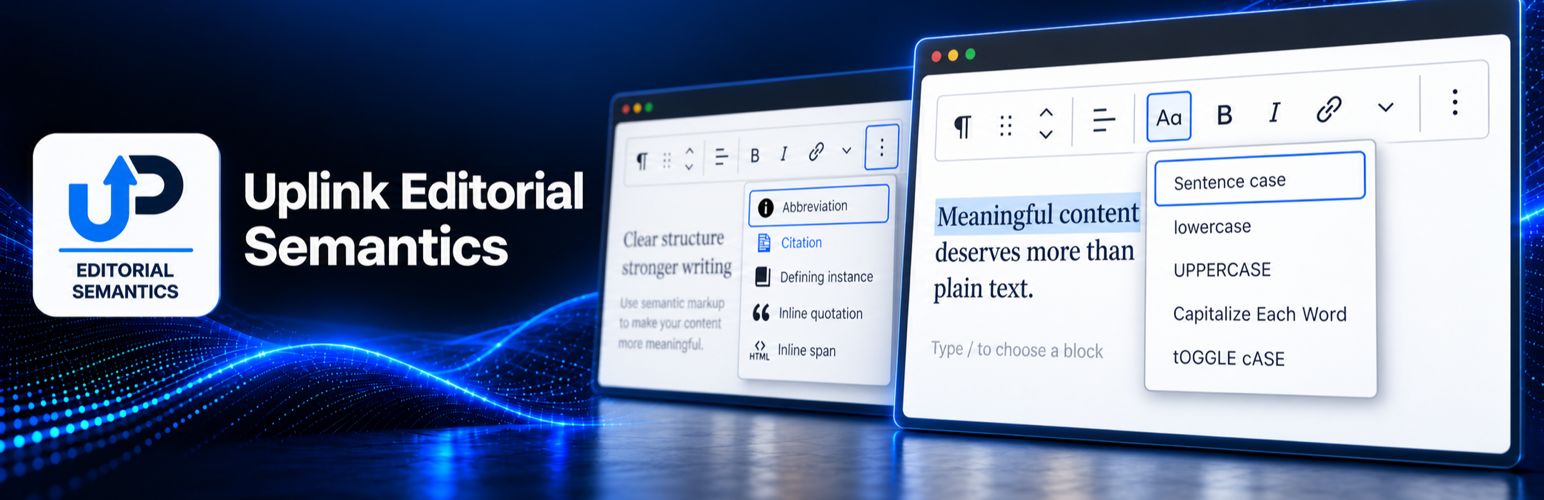
Uplink Editorial Semantics 為 WordPress 區塊編輯器中的富文本欄位新增編輯標記工具,讓使用者能夠輕鬆地使用標準 HTML 進行內容標記,無需前端 JavaScript。
【主要功能】
• 支援內聯引用、引文及縮寫標記
• 定義術語的實例標記功能
• 自訂鏈接屬性與 aria-label
• 變更選取文字的大小寫格式
• 編輯引用區塊,包含引用與標題
外掛標籤
開發者團隊
原文外掛簡介
Uplink Editorial Semantics adds editorial markup tools to Rich Text fields in the WordPress Block Editor. The saved content uses standard HTML and does not require front-end JavaScript.
Inline formats:
Inline quotation (q) with optional BCP 47 language and citation URL attributes.
Citation (cite) for the title of a creative work.
Abbreviation (abbr) with a required expanded form.
Defining instance (dfn) for the occurrence of a term being defined.
Inline span (span) with optional sanitized CSS classes and one custom data-* name/value pair for cases where no semantic element is appropriate.
Link attributes for adding one custom data-* name/value pair and an optional aria-label to an existing native hyperlink.
Change case for converting selected text to sentence case, lowercase, uppercase, capitalized words, or toggled case without removing its inline formatting.
The Editorial Quotation block saves a figure containing a blockquote and an optional figcaption. Its quotation area accepts Paragraph, Heading, and List blocks. The plugin supplies no front-end styling, allowing the active theme to control presentation.
Development
Human-readable source is included in the plugin’s src directory, and the build configuration is included in package.json. Public source and contribution history are also available at https://github.com/stphnwlkr/uplink-editorial-semantics.
To build the production assets, install Node.js and npm, run npm install, and then run npm run build. The compiled files are written to the build directory.