內容簡介
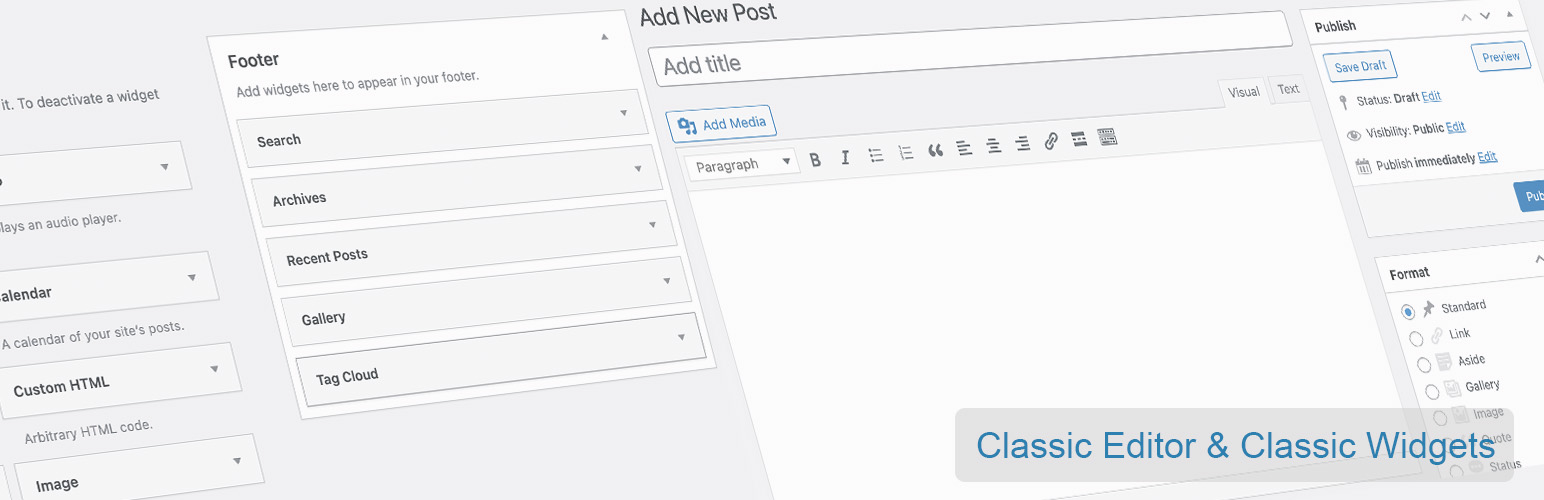
Classic Editor and Classic Widgets 外掛可讓使用者輕鬆停用 Gutenberg 編輯器,並啟用傳統的 WordPress Classic Editor 和 Classic Widgets,讓使用者能夠使用熟悉的編輯介面和小工具。
【主要功能】
• 完全停用 Gutenberg 編輯器
• 啟用 WordPress Classic Editor
• 啟用 Classic Widgets
• 支援進階自訂欄位(ACF)
• 可選擇每篇文章的編輯器
• WooCommerce 兼容
外掛標籤
開發者團隊
② 後台搜尋「Classic Editor and Classic Widgets」→ 直接安裝(推薦)
原文外掛簡介
The free Classic Editor & Classic Widgets plugin helps you to easily disable Gutenberg editor totally everywhere and enables Classic Editor and Classic Widgets.
Classic Editor and Classic Widgets plugin enables old-style WordPress Classic Editor for “Edit Post” with TinyMCE (WYSIWYG), Meta Boxes (Custom Fields), and others. Once activated, this plugin hides all functionality available in the new Gutenberg block editor.
What does this plugin do?
Disables the Gutenberg Editor
Enables WordPress Classic Editor
Enables Classic Widgets
Features
Disable Gutenberg totally
Disable Gutenberg for any post type
Editor Switcher
Choose Editor for each Post
Choose Default Editor
Choose Widgets Editor
Full Support Advanced Custom Fields (ACF)
Hide plugin menu item
Enable/Disable frontend Gutenberg styles
WooCommerce compatible
WPML Compatible
Polylang compatible
Also, you will be able to use old-style Classic Widgets under Appearance > Widgets and Appearance > Customize > Widgets. There is no need to setup any configuration.
By default, this plugin hides all functionality available in the new Gutenberg block editor without setting up any extra options.
Upgrade to Pro Version
Classic Editor and Classic Widgets PRO plugin provides more additional features. Go to the Next Level with Pro Version. Pro plugin works together with this Free Plugin and does not need any re-installation or deactivation of Free version.
Premium Features
Choose Editor for User Roles
Choose Editor for Custom Post Types
Remember Last used Editor
Displaying Post States
Exclude Posts/Pages by Autocomplete
Premium Support
⭐ Get PRO Version Now
More Powerful Plugins
Dynamic XML Sitemaps for Google
Developed with love by WP Grim