內容簡介
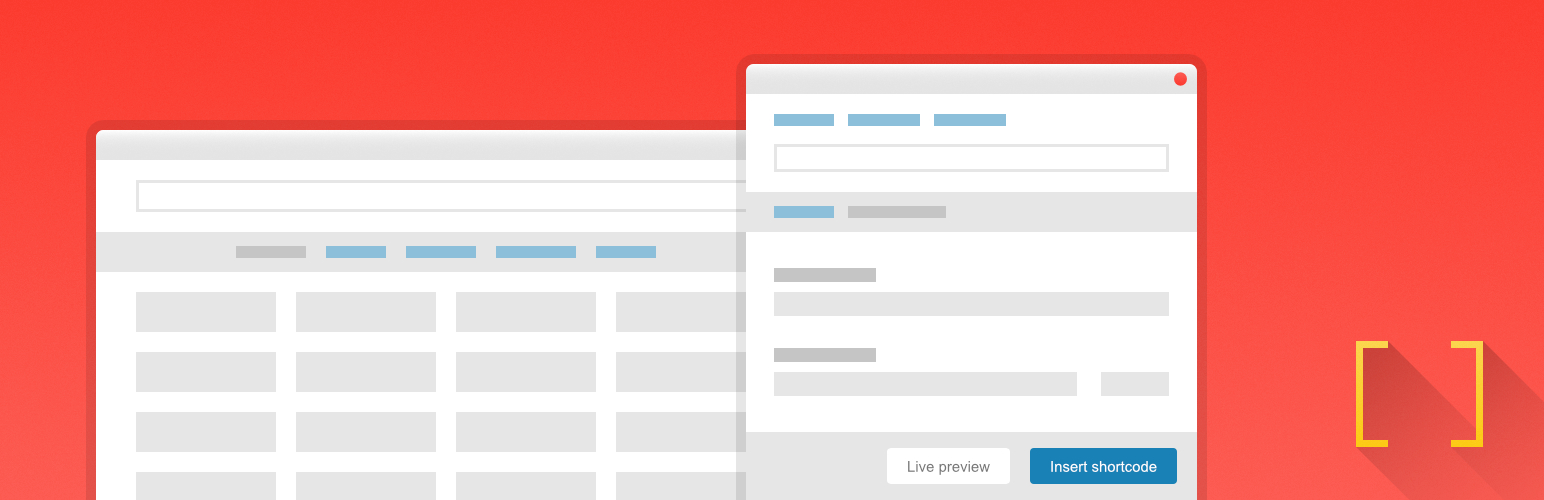
Shortcodes Ultimate 是一款 WordPress 外掛,提供超過 50 種短碼,讓使用者能夠輕鬆添加各種內容元素,如標籤、手風琴、按鈕等,無需編碼。此外掛適合希望提升內容佈局的網站擁有者,並可在不同編輯器中使用。
【主要功能】
• 超過 50 種現成短碼
• 可視化短碼生成器
• 實時預覽功能
• 支援區塊編輯器與經典編輯器
• 響應式內容元素
• 內建自訂 CSS 編輯器
外掛標籤
開發者團隊
② 後台搜尋「Shortcodes Ultimate – Content Elements」→ 直接安裝(推薦)
📦 歷史版本下載
原文外掛簡介
Building new pages with Gutenberg?
Explore VovaBlocks, a focused collection of native marketing and content blocks from the creator of Shortcodes Ultimate.
View VovaBlocks →
About Shortcodes Ultimate
Shortcodes Ultimate is a WordPress shortcode plugin for adding tabs, accordions, buttons, FAQs, sliders, carousels, lightboxes, columns, boxes and other reusable content elements without coding. It is ideal for site owners who want richer content layouts and practical UI elements without switching to a full page builder.
Use Shortcodes Ultimate in the Block Editor, Classic Editor, widgets and template files. Generate shortcodes visually, preview the result before inserting it, and reuse the same elements across posts, pages and existing shortcode-based content.
Trusted by hundreds of thousands of WordPress sites, Shortcodes Ultimate helps you replace multiple single-purpose UI plugins with one maintained toolkit. Explore live examples
What you can build
With Shortcodes Ultimate, you can quickly add common WordPress content elements such as:
Accordions and FAQ sections
Responsive tabs
CTA buttons and download buttons
Boxes, notes and callouts
Columns and layout helpers
Sliders and carousels
Lightboxes for images and custom content
Post lists and dynamic content blocks
Spoilers, toggles and expandable content
Media embeds and visual content blocks
Instead of installing a separate plugin for every small content element, Shortcodes Ultimate gives you one maintained toolkit for everyday WordPress content tasks.
Works with modern and classic WordPress workflows
Shortcodes Ultimate works with the Block Editor, Classic Editor, widgets and template files. You can insert shortcodes manually, use WordPress shortcode blocks or use the built-in shortcode generator to configure elements visually.
This makes the plugin useful for:
Site owners who want to improve content without coding
Bloggers and affiliate publishers who need reusable CTA and content blocks
Agencies and freelancers maintaining multiple WordPress sites
Developers who want shortcode-friendly output in templates
Existing sites with older content that already uses shortcodes
Why use Shortcodes Ultimate?
50+ ready-to-use WordPress shortcodes
Visual shortcode generator
Live preview
Works with the Block Editor and Classic Editor
Shortcodes can be used in posts, pages, widgets and template files
Responsive elements that work with your theme
Built-in Custom CSS editor
Developer-friendly hooks and documentation
Free version available on WordPress.org
Pro version available for advanced shortcodes, extra styles and premium support
Why shortcodes still matter in WordPress
The WordPress Block Editor is great for visual content editing, but shortcodes are still useful when you need portable, reusable content elements that work across different parts of a WordPress site.
Shortcodes are especially helpful when you want to:
Reuse the same content element in many posts or pages
Add dynamic content inside widgets or templates
Maintain older WordPress sites that already use shortcodes
Work across Classic Editor and Block Editor workflows
Add content elements without switching to a full page builder
Keep common UI elements available through a simple text-based syntax
Shortcodes Ultimate is designed for these practical workflows. It gives you a large collection of ready-made shortcodes and a visual generator, so you do not need to write shortcode syntax manually unless you want to.
Free and Pro
The free version of Shortcodes Ultimate includes a large collection of useful shortcodes for everyday WordPress content tasks.
Shortcodes Ultimate Pro adds advanced shortcodes, additional styles, Content Slider, Pricing Table, Testimonials, Shortcode Creator, Elementor support and premium support.
Compare Free and Pro
Useful links
Documentation
Live Examples
Pro features
Support