外掛標籤
開發者團隊
② 後台搜尋「TimerPlus: Countdown & Urgency Suite」→ 直接安裝(推薦)
原文外掛簡介
TimerPlus: Countdown & Urgency Suite is a WordPress countdown timer plugin for promotions, product pages, content blocks, and WooCommerce stock urgency.
Use it to create WooCommerce product countdown timers, sale countdown bars, countdown blocks, countdown shortcodes, stock indicators, and low stock progress bars from one settings area.
What you can create
WooCommerce product countdown timers for fixed promotions, scheduled sale dates, or evergreen offers.
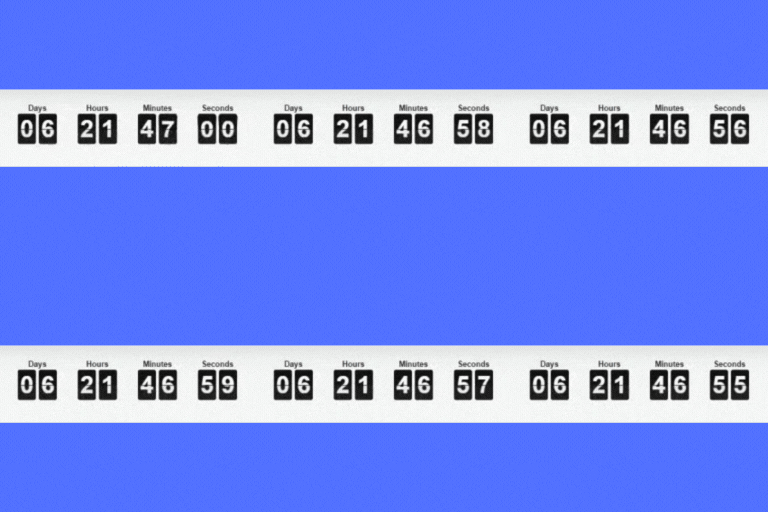
Sitewide sale countdown bars and announcement bars with a message, countdown timer, and optional call-to-action button.
Countdown blocks for the WordPress block editor, plus countdown shortcodes for classic content, widgets, and builders.
Stock indicators for WooCommerce product pages, including low stock messages and visual stock progress bars.
Product archive countdowns and stock urgency indicators on WooCommerce shop and category pages.
Enable the modules you want, configure them without code, and use the same plugin for sitewide bars, embedded countdowns in posts and pages, plus WooCommerce-only product countdowns and stock urgency when WooCommerce is active.
Add countdown timers to WooCommerce product pages
Create WooCommerce product countdown timers for launches, flash sales, limited-time offers, and scheduled discounts. You can also sync countdowns automatically with WooCommerce sale dates or use evergreen timers so each visitor gets their own countdown window.
Use individual product settings or countdown campaigns that target products and categories. Choose display positions and countdown themes to fit your store layout.
Show stock urgency with messages and progress bars
Display stock messaging and visual stock indicators directly on product pages. Use thresholds, labels, and progress bars to highlight low inventory and help shoppers understand stock status without leaving the product page.
You can also show compact stock urgency indicators in WooCommerce product loops, including shop and category archive pages.
Run sitewide promotional bars with countdowns
Launch sitewide countdown bars for storewide promotions, seasonal sales, and special events. Add your message, countdown timer, and optional call-to-action button, then choose whether the bar stays sticky or can be dismissed by visitors.
Embed standalone countdowns in posts and pages
Use the Countdown & Urgency block when you want a standalone Gutenberg countdown block in the WordPress editor. If you work in classic content, widget areas, or builders that accept shortcodes, use the built-in shortcode generator to create the same kind of countdown with theme and color controls.
Built for WooCommerce store owners
TimerPlus: Countdown & Urgency Suite is designed for WordPress sites that want flexible urgency tools, with deeper product and stock features for WooCommerce stores. Manage countdowns, stock indicators, bars, and content embeds from Settings -> TimerPlus: Countdown & Urgency Suite.
License
This plugin is released under the GPLv2 or later license. Full license terms are available at https://www.gnu.org/licenses/gpl-2.0.html
Third Party Libraries
This plugin includes the following open source library:
Spectrum Colorpicker – Admin color picker interface (MIT License)
Source: https://github.com/bgrins/spectrum
Shipped files: assets/vendor/spectrum/spectrum.min.js and assets/vendor/spectrum/spectrum.css.
Human-readable source: https://github.com/bgrins/spectrum/tree/master (spectrum.js and spectrum.css).
Development and Build Assets
This plugin ships both the production assets used at runtime and the human-readable source files used to build them.
Block editor source lives in blocks/countdown/.
build/countdown/index.js and build/countdown/index.asset.php are generated from blocks/countdown/index.js, blocks/countdown/edit.js, blocks/countdown/save.js, blocks/countdown/block.json, and config/section-widget-meta.json.
Compiled block assets live in build/countdown/ and are included for runtime use.
Shared frontend and admin CSS/JS assets live in assets/.
PHP source lives in src/.
The current build workflow is npm install followed by npm run build.