內容簡介
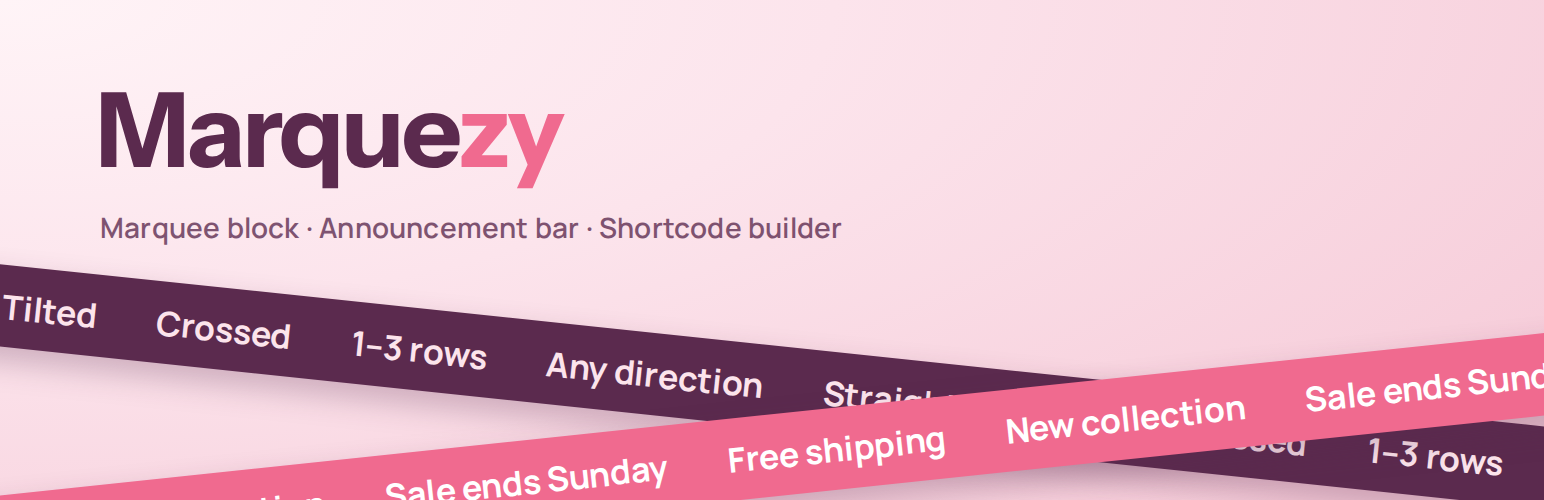
Marquezy 是一款能為您的網站添加無縫滾動文字的外掛,支持在標題下方顯示公告欄、作為區塊或短碼使用。其核心價值在於提供流暢的文字滾動效果,並具備多種顯示選項與自訂功能。
【主要功能】
• 公告欄設定,提供即時預覽
• 自訂顯示位置,選擇特定頁面
• 支援多語言,與 WPML 等外掛相容
• 短碼生成器,適用於各種頁面編輯器
• 可調整滾動方向及傾斜角度
• 輕量且無需外部庫,符合無障礙標準
外掛標籤
開發者團隊
② 後台搜尋「Marquezy – Marquee Block & Announcement Bar」→ 直接安裝(推薦)
原文外掛簡介
Marquezy adds seamless scrolling text to your site — as an announcement bar below the header, as a block, or as a shortcode for page builders. The loop is pure CSS: no jumps, no rewinds, and nothing runs while it is out of view.
Announcement bar
Configured on Settings → Marquezy, with a live preview.
Phrases — a numbered list; each phrase has its own field with bold, italic and links (with a search of your pages). Enter adds the next phrase.
Where to show — entire site, only on selected pages, everywhere except selected pages, or only where you place it yourself. Conditions: specific pages and posts, post types, categories/tags/terms and special pages (front page, blog, archives, search, 404).
Sticky modes — scrolls with the content, always visible, or “smart” (follows a header that hides on scroll).
Placement — right after the header: in block themes on the server (no layout shift), in classic themes after the detected header or a CSS selector of your choice.
Close button (remembered per content — a new announcement shows again), optional pause button, hide on mobile with a custom breakpoint and a separate mobile font size.
Marquee block
Own rows (1–3) or the announcement bar.
Straight, tilted or crossed — tilt up to 10°; two crossed rows with an adjustable crossing point.
Direction per row — by default left / right / left.
Every phrase is a regular paragraph; colors, font size and padding use the editor’s own controls; optional drop shadow per row.
Animated preview right in the editor.
Shortcode builder
For page builders (Elementor, Divi, WPBakery…) and the Classic editor. Build a marquee with the same options as the block and a live preview, save it and paste [marquezy id="3"] anywhere. [marquezy] without an id shows the announcement bar.
Light and accessible
Plain CSS animation driven by a tiny script; no jQuery, no external libraries.
Pauses on hover, on keyboard focus and when scrolled out of view; respects “reduce motion”.
Optional pause button (WCAG 2.2.2); duplicated copies are hidden from screen readers and the keyboard.
Multilingual
Phrases per language for WPML, Polylang and TranslatePress, with a fallback to the first language that has phrases.