內容簡介
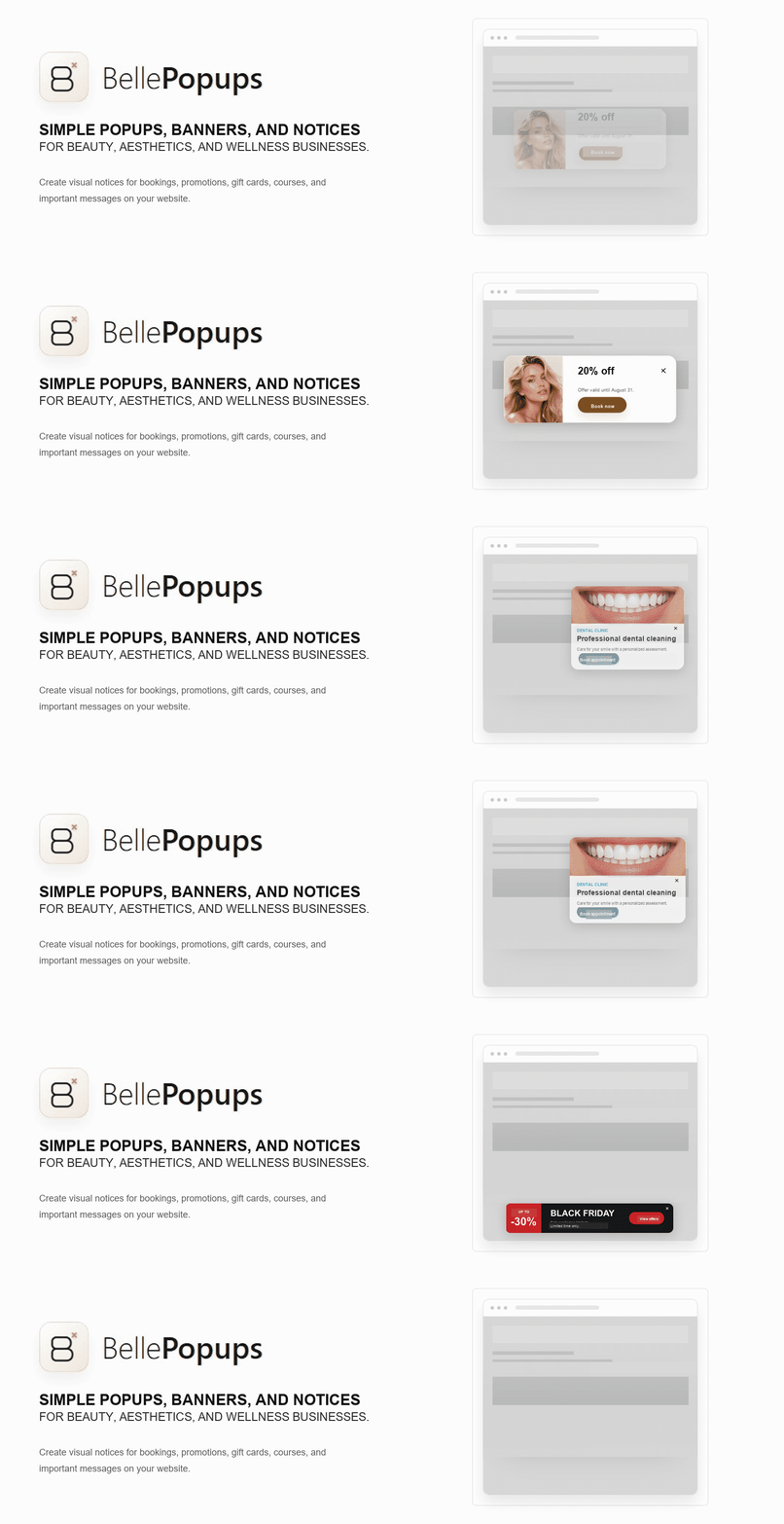
BellePopups 是一款專業的彈出視窗編輯器,無需複雜的建構工具即可創建響應式的模態視窗、公告條、浮動橫幅等。提供 17 種實用模板,讓使用者輕鬆設計專業的彈出內容。
【主要功能】
• 17 種實用模板,適用於各種用途
• 八種可控視覺風格,包含字體和顏色選擇
• 響應式彈出視窗及公告條設計
• 鍵盤友好的模態行為,支援焦點管理
• 自訂顯示規則,針對特定頁面或設備
• 無需外部請求或追蹤,保護使用者隱私
外掛標籤
開發者團隊
原文外掛簡介
Professional popups without a complex builder
BellePopups is a guided popup editor for creating responsive modal windows, announcement bars, floating banners, side notices, and compact notices without code.
Start with one of 17 practical templates, choose a visual style, and check the result in the live desktop or mobile preview. Controlled typography, colors, alignment, and subtle animations make professional results easier without adding a free-form canvas.
Choose where and when each campaign appears with page targeting, device controls, date scheduling, triggers and visitor frequency settings.
Accessibility is built into the experience with keyboard-friendly modals, focus management, Escape support, reduced motion, and accessible names.
BellePopups is entirely free. It has no Pro tier, locked controls, ads, telemetry, external fonts, or required external services.
Key features:
A guided editor with a large, faithful responsive preview.
17 practical templates for bookings, offers, email updates, launches, notices, temporary closures, waiting lists, contact, and more.
Eight controlled visual styles with typography, color, alignment, and animation choices.
Responsive centered popups, top and bottom bars, floating banners, side notices, and compact notices.
Independent mobile image height and focal-position controls with safe inheritance from desktop and tablet framing.
Keyboard-friendly modal behavior with focus trapping, restoration, Escape, inert page content, and reduced-motion support.
Display rules for the whole website, the home page, or selected locations.
Optional start and end dates.
Device targeting for all devices, desktop, or mobile.
Display frequency after a visitor closes a notice.
Essential on-load, delay, and scroll triggers.
Quick admin actions to activate, pause, or move notices to the trash.
BellePopups does not make its own external requests, does not load its own external fonts, does not create its own cookies, and does not include its own external tracking.
Privacy
BellePopups does not send data to external servers and does not create its own cookies. To avoid showing a closed notice repeatedly, it may use browser local storage with keys prefixed with bellepopups_*.
This storage only remembers that a notice was closed and, when applicable, when that close state expires. It does not contain personal data, does not store IP addresses, does not store emails, and does not identify the visitor.
BellePopups does not include its own external tracking.
Uninstall
In this version, BellePopups does not automatically delete notices created by the user when the plugin is uninstalled. This conservative behavior helps avoid accidental content loss.