內容簡介
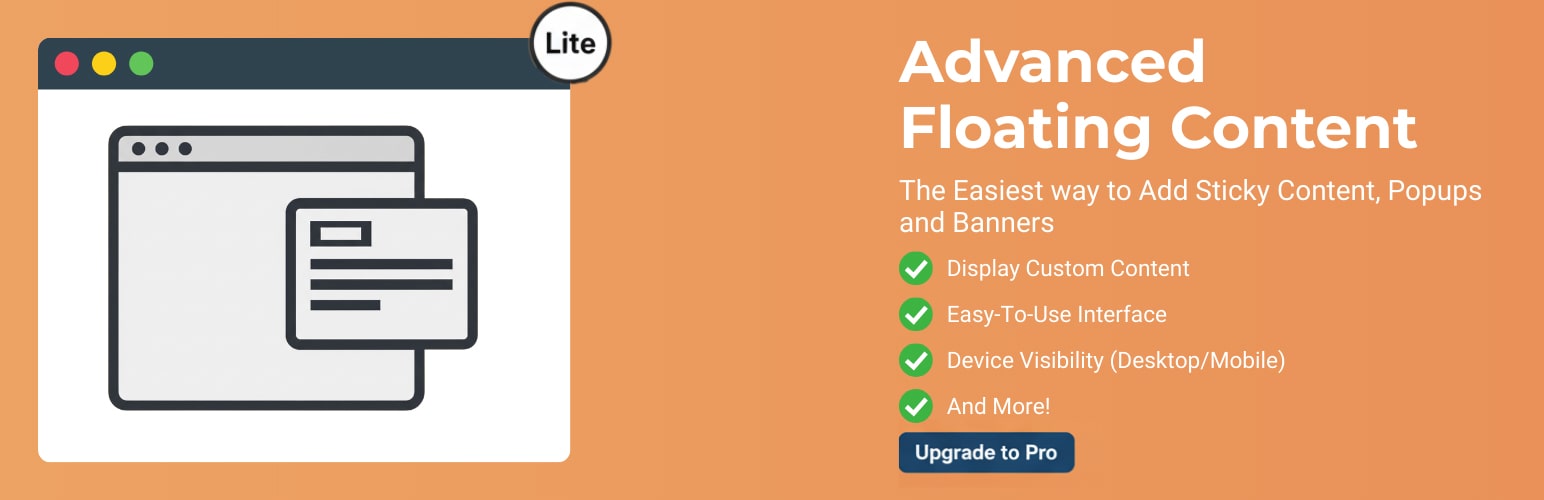
Advanced Floating Content Lite 是一款讓重要訊息不被忽略的外掛,能在訪客準備行動時,持續顯示公告、優惠及行動呼籲。此外掛簡單易用,適用於各種裝置,幫助網站保持清晰且輕量的內容展示。
【主要功能】
• 智能定位:固定、絕對或滾動基礎的顯示方式
• 彈性放置:可選擇螢幕上方、下方、左側或右側
• 關閉按鈕控制:可隨時啟用或禁用
• 自訂寬度與背景:符合網站品牌形象
• 預設響應式:自動適應所有裝置
• 基本頁面目標設定:可針對首頁、文章或頁面
外掛標籤
開發者團隊
② 後台搜尋「Advanced Floating Content Lite」→ 直接安裝(推薦)
原文外掛簡介
Stop Letting Important Messages Get Ignored — Without Annoying Popups.
Keep announcements, offers, and calls-to-action visible exactly when visitors are ready to act.
Trusted by 8,000+ Active Installations Worldwide — Loved for Its Simplicity.
Advanced Floating Content Lite makes it easy to create professional floating content that works smoothly across desktop, tablet, and mobile devices.
Most visitors scroll fast and miss key messages. This plugin solves that by keeping your most important content naturally visible while users browse — clean, responsive, and lightweight.
👉 See Full Pro Features & Screenshots | 💳 Upgrade Now – Instant Checkout | ⚖️ Compare Lite vs Pro | 🎮 Try Live Demo
🚀 Why Advanced Floating Content Lite?
2-Minute Setup — Get your first floating content live in under 2 minutes
Clean, Modern Interface – Easy controls with no learning curve
Mobile-First & Responsive – Looks perfect on every screen size
Lightweight & Fast – Lightweight code that won’t slow your site
Flexible Use Cases – Announcements, promotions, CTAs, videos, notices
Beginner to Pro Ready — Simple enough for beginners, powerful for agencies
✨ Perfect For:
Bloggers & Creators – Announcements, alerts, newsletter CTAs
WooCommerce Stores – Sales notices and promotional banners
Agencies – Reliable floating layouts for client sites
Businesses – Important messages that must stay visible
🔧 Key Features (Free)
Smart Positioning – Fixed, absolute, or scroll-based placement
Flexible Placement – Top, bottom, left, or right screen positions
Close Button Control – Enable or disable instantly
Custom Width & Background – Match your site branding
Responsive by Default – Adapts automatically to all devices
Basic Page Targeting – Homepage, posts, or pages
Beginner-Friendly – No coding required, works out of the box
🚀 What’s New in Advanced Floating Content Pro v4.0
The Pro version has just launched a major redesign with a powerful new interface and advanced features:
All-New Modern Dashboard: Tabbed interface for faster, intuitive setup.
Smart Sticky Navigation: Access all controls without endless scrolling.
Enhanced WooCommerce Integration: Display latest, featured, or on-sale products directly in floating elements.
Advanced Targeting: Control visibility by IP, country, scroll depth, user role, and more.
Professional Tools: Built-in analytics, 20+ premium animations, sticky headers/footers, countdown timers, and priority support.
Upgrade to Unlock 50+ Premium Features
Take your floating content to the next level with Advanced Floating Content PRO:
🎯 Smart Targeting & Display
Target by device, user role, scroll behavior, and location
WooCommerce product & category targeting
IP blacklisting & user access control
Auto scheduling with start & end dates
💰 Conversion Boosters
WooCommerce floating promotions
Countdown timers for urgency
20+ premium entrance & exit animations
Dynamic latest posts display
🛠️ Advanced Controls
Unlimited floating elements
Sticky announcement bars (header & footer)
Advanced padding, border & spacing controls
Separate mobile & desktop CSS
Priority 24/7 support
💳 Upgrade to Pro Now | ⚖️ Compare Lite vs. Pro | 🎮 Try Live Demo
Get Involved
⭐ Leave a review
💡 Suggest features
📚 Documentation & updates
Need help? Visit the WordPress support forum or our documentation.