內容簡介
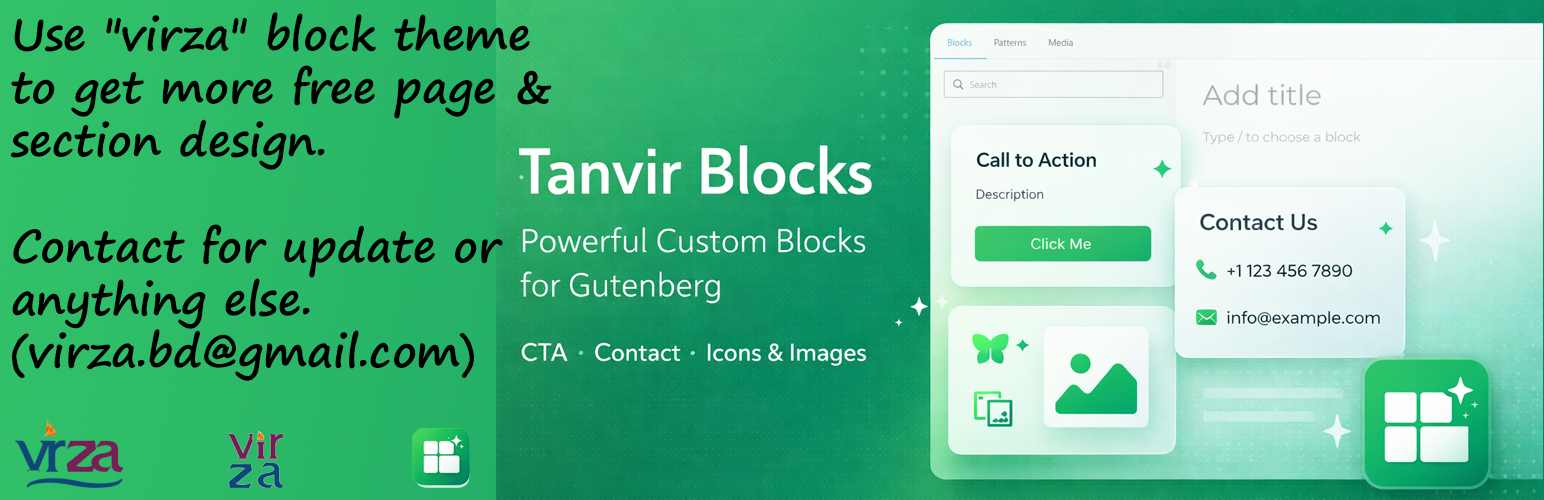
Tanvir Block 是一款為 WordPress 編輯器增添專用 Gutenberg 區塊、區塊擴展及網站增強功能的外掛,提供乾淨的 React 控制台管理介面,讓使用者可以輕鬆創建和管理內容。
【主要功能】
• 提供 13 種免費 Gutenberg 區塊
• 支援 8 種 Pro 區塊功能
• 自訂響應式設計控制
• 增強原生區塊功能
• 支援 SVG 和 JSON 上傳
• 簡易的 AJAX 設定儲存
外掛標籤
開發者團隊
原文外掛簡介
Tanvir Block adds a set of purpose-built Gutenberg blocks, block extensions, and site-enhancement features to the WordPress editor, all managed from a clean React dashboard in the WordPress admin.
Items marked (Pro) require the Tanvir Block Pro companion plugin.
Free Blocks (13)
My CTA — Call-to-action block with headline, description, and button.
My Icon / Image — SVG icon or image with title, description, layout controls, flip, rotate, and link.
My Image Box — Image card with title, description, and responsive font size and spacing.
My Mega Menu — Full-featured mega menu block using WordPress template parts inside the Navigation block.
My TOC — Server-rendered in-page table of contents generated from page headings.
My Heading — Responsive heading block mirroring core Heading with Tanvir responsive controls.
My Separator — Responsive separator block, extending core Separator with responsive sizing.
My Group — Responsive group container block, extending core Group with responsive controls.
My Accordion — Responsive accordion block with collapsible accordion-item inner blocks.
My Buttons — Responsive buttons wrapper block with button-item inner blocks.
My Logo Slider — Responsive logo carousel with dual-row infinite scroll and media library image selection.
My Counter — Animated number counter with prefix/suffix and responsive styling controls.
My FlipBox — Two-sided flip card with front and back content, revealed on hover or click.
Pro Blocks (8) — require Tanvir Block Pro
My Contact — Newsletter / contact form block with optional double opt-in and background image.
My Columns — Responsive columns layout block, extending core Columns with responsive controls.
My Countdown — Live countdown timer to a target date with responsive styling controls.
My FlipBook — Realistic page-flip book with multiple pages powered by react-pageflip.
My Tabs — Tabbed content container with Tab Item inner blocks.
My Lottie Player — Animated Lottie / JSON file player with loop, speed, and responsive dimension controls.
My Slider — Responsive content slider powered by Swiper.js, using inner blocks for slides.
Post Shortcode List — Renders a selected post shortcode (projects, related posts, gallery) with responsive controls.
Extend Blocks (3)
Button Icons — Adds icon support to the native WordPress Button block.
Gallery Lightbox — Adds lightbox functionality to the native WordPress Gallery block.
Navigation Icons — Adds icon support to the native WordPress Navigation & Submenu block.
Extend Support
SVG & JSON Upload — Enables SVG and JSON file types in the WordPress media library.
Hide Admin Bar (Pro) — Hides the admin bar on the front end for selected user roles.
Sticky Header (Pro) — Scroll-aware sticky header with configurable background styles and mobile breakpoint.
Page Transitions (Pro) — Animated page-to-page transitions using the View Transitions API (13+ animation presets).
Dashboard
Enable or disable any block or support feature individually from the Blocks tab.
Disabled blocks are never registered on the server — zero performance overhead.
Six tabs: Getting Started, Blocks, Settings, Sticky Header, Page Transitions, Upload & Admin Bar.
All settings saved via AJAX with no page reload required.