
內容簡介
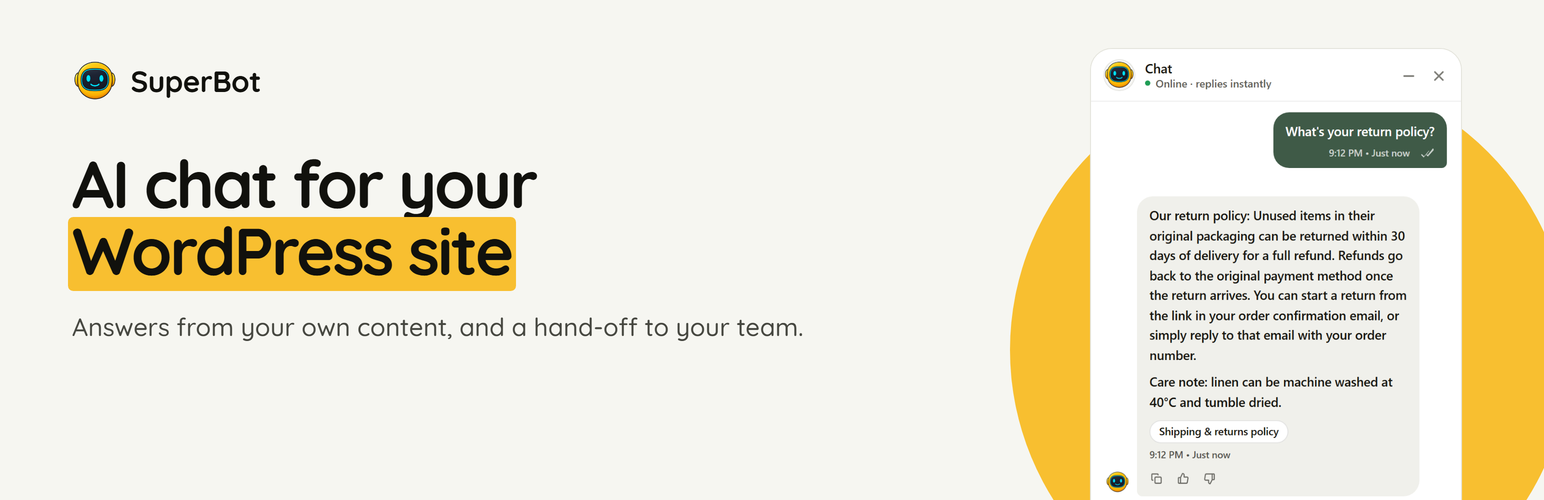
SuperBot AI Chatbot & Live Chat 外掛可為 WordPress 網站添加 SuperBot 支援聊天小工具,讓用戶能夠輕鬆與客戶互動,並提供即時支援。此外掛支援 WooCommerce,能夠安全地提供產品和訂單相關的支援資訊。
【主要功能】
• 一鍵設置小工具,輕鬆粘貼 Site ID
• 支援 WooCommerce 的安全產品與訂單查詢
• 目錄分頁、類別、價格及庫存狀態顯示
• 訂單查詢需提供訂單號及帳單電子郵件
• 無需 WooCommerce 也能使用,支援文章與頁面查詢
外掛標籤
開發者團隊
② 後台搜尋「SuperBot AI Chatbot & Live Chat」→ 直接安裝(推薦)
原文外掛簡介
SuperBot AI adds the SuperBot support chat widget to a WordPress site. The widget is configured from your SuperBot workspace at superbotapp.ai, where your full inbox, knowledge, automations, CRM, team, analytics, integrations, and billing tools live.
For WooCommerce, the plugin also exposes secure, read-only feeds that SuperBot can use for product and order-aware support. The catalog supports pagination and optional variation details; order lookup requires both the order number and the exact billing email.
Features
One-field widget setup: paste your SuperBot Site ID and the chat widget appears on your public site.
Enable/disable switch and per-page hiding by slug or ID.
Secure store metadata, catalog, and order-status feeds with a site-specific token.
Catalog paging, categories, prices, stock state, images, URLs, SKUs, and optional variants.
Order lookup by the order number your customer actually has, including stores that use sequential order numbers.
WooCommerce High-Performance Order Storage (HPOS) compatibility.
Feed token rotation from WordPress admin if a URL is ever shared accidentally.
Works without WooCommerce too: the catalog feed then exposes posts and pages, while order lookup stays disabled.
What the plugin does not do
It stores no customer conversations in your database, creates no tables, and does not track your visitors. It stores three options: your settings, one read-only feed token and the version that last reported its connection. Uninstalling removes all three.
External services
This plugin connects to SuperBot at superbotapp.ai to provide the chat widget.
What it does: after you enter a Site ID and enable the widget, public pages load the SuperBot widget script. Messages typed by visitors are sent to and processed by SuperBot.
What data is sent and when: no data is sent until you add a Site ID. After that, public pages load the widget when it is enabled, and the plugin sends a short connection notice to superbotapp.ai/api/plugin/status when you save or change the Site ID, once after each plugin update, and when you deactivate or delete the plugin. The notice contains only the event, your Site ID, your site address, and the plugin, WordPress and WooCommerce versions, so your SuperBot dashboard knows which sites are connected. Store feeds are only read when you explicitly copy their private URLs into your SuperBot configuration.
Service provider: SuperBot – terms of service, privacy policy.














