
內容簡介
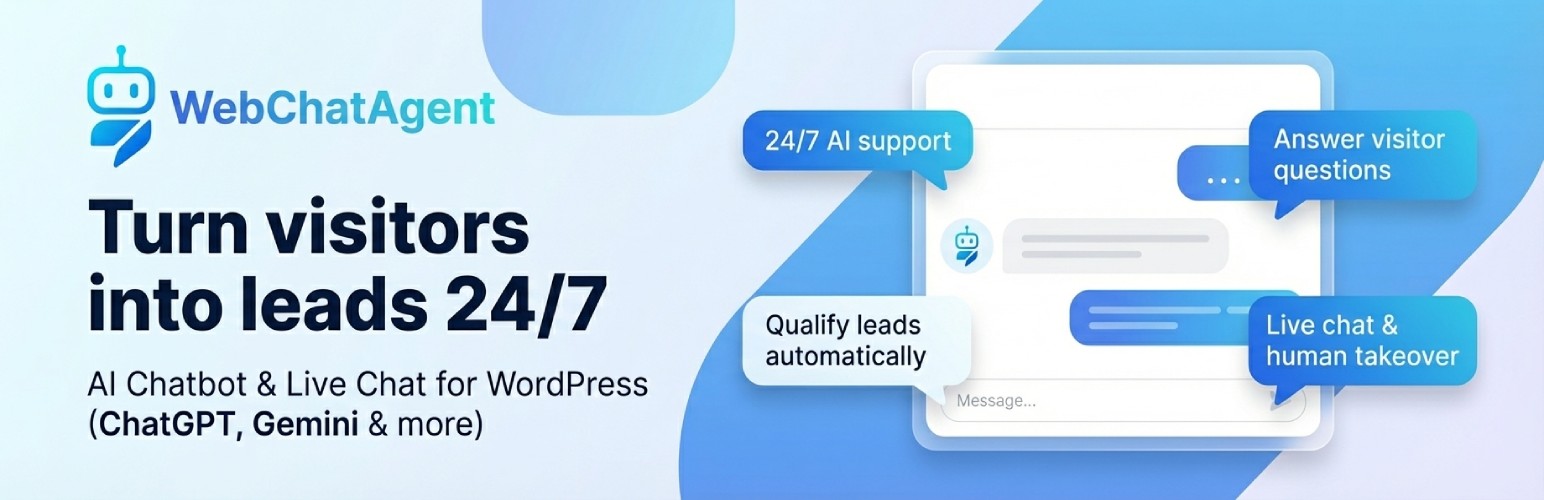
AI Chatbot & Live Chat – WebChatAgent 是一款免費的 WordPress 外掛,能將您的網站內容轉化為 24/7 的 AI 支援助手。此外掛可回答網站問題、捕捉潛在客戶、預約安排,並允許團隊在即時聊天中接管對話。
【主要功能】
• 免費安裝與運行
• 內容訓練 AI 回答
• 自動化常見問題
• 捕捉潛在客戶與預約
• 支援無代碼浮動小工具
• 隱私控制與 GDPR 支援
外掛標籤
開發者團隊
② 後台搜尋「AI Chatbot & Live Chat – WebChatAgent」→ 直接安裝(推薦)
原文外掛簡介
A free WordPress chatbot plugin that turns your own content into a 24/7 AI support assistant. WebChatAgent answers questions from your website and documents, captures leads, books appointments and lets your team take over conversations in live chat.
Install the plugin, click Connect with WebChatAgent, log in or create a free account, and the chat is live. The chatbot reads your website by itself, so there is nothing to copy, no code and no model API key.
More than a generic chat bubble: WebChatAgent combines grounded AI answers, human takeover and conversion tools in one WordPress-ready workflow.
Free to install and run – The plugin and the free plan cost nothing; paid plans add higher limits and advanced integrations
Answers from your content – Train the AI on website pages, PDFs, Word files, spreadsheets, Notion or Confluence
AI chatbot + human live chat – Automate routine questions and take over any conversation when a person is needed
Lead capture and bookings – Collect contact details, qualify enquiries and book appointments inside the chat
Built for WordPress – Use the floating widget, shortcode or native Gutenberg block
Privacy-focused controls – Anonymized IP storage, configurable retention settings, a DPA and documented provider choices help support GDPR requirements
A free WebChatAgent account is required. The AI, conversations and widget settings are managed in the WebChatAgent dashboard; this WordPress plugin connects your site, switches the chat on or off and provides the embed options.
Set up in three steps
Activate the plugin. WordPress opens the WebChatAgent screen.
Click Connect with WebChatAgent and log in or create a free account. A new chatbot is created for your site and starts reading your pages.
You land back in WordPress and the chat is live. Adjust answers and design in the WebChatAgent dashboard whenever you like.
Built specifically for WordPress
No-code floating widget – Add the chatbot across your site without editing theme files
Native Gutenberg block – Place an inline chat directly inside a page or post
Shortcode support – Use [webchatagent_inline] in the Classic Editor, page builders and text widgets
Per-embed Chatbot ID – Override the default bot for individual pages or campaigns
Connection check – The WordPress screen shows whether the chat is live and what to fix if it is not
Efficient loading – Inline widget assets load only on pages that contain the block or shortcode
AI support, sales and automation
Context-aware answers (RAG) based on your pages and uploaded documents
OpenAI ChatGPT, Google Gemini, xAI Grok and Mistral AI model support
Live chat and human takeover with one shared conversation inbox
Action Bar and Form Builder for links, WhatsApp, Calendly and custom lead forms
Proactive triggers based on time, scroll depth, exit intent, inactivity and other visitor behaviour
WooCommerce and API connectors for order status, product information and business data
Multilingual conversations, voice input, file upload and message streaming
Analytics, lead management, tickets, feedback and knowledge testing in the WebChatAgent dashboard
Feature availability and usage limits depend on the selected WebChatAgent plan. See https://webchatagent.com/pricing for current details.
For agencies and resellers
Managing chatbots for clients? WebChatAgent also offers a separate white-label platform with your own branding, domain, client management and reseller pricing. Learn more at https://webchatagent.com/enterprise-white-label.
Privacy Policy
WebChatAgent is an external service used to provide the chatbot, AI responses and live chat.
When the floating widget is enabled, the visitor’s browser requests widget files from https://webchatagent.com. This connection can transmit standard request information such as the IP address and user agent. The IP address is stored in anonymized form for abuse prevention and geographic customization.
Chat messages, session information and any details a visitor submits are sent to WebChatAgent when the visitor uses the chat. Retention periods and automatic cleanup can be configured in the WebChatAgent dashboard.
If a custom Google Font is selected, the widget may request font files through https://fonts.googleapis.com. Configure a system or locally hosted font if you do not want the widget to request Google Fonts.
Site owners should describe the service in their privacy notice and configure consent behaviour according to their requirements.
For privacy questions, contact [email protected].
External services
The plugin connects to the following external services:
https://webchatagent.com/connect/wordpress – Opened in the browser when an administrator clicks Connect with WebChatAgent. It receives this site’s home URL, the admin URL to return to, the site title and language, and a one-time code that WordPress checks when the browser comes back with the chatbot ID
https://webchatagent.com/api/chatbots/{id}/public – Checks on the plugin screen whether the connected chatbot is reachable and approved for this site
https://webchatagent.com/widget/web-chat-agent.js – Renders the floating widget when it is enabled
https://webchatagent.com/widget/chat-widget-inline.js – Renders shortcode and Gutenberg block embeds on pages where they are used
https://fonts.googleapis.com – May load a selected custom Google Font
Terms of Service: https://webchatagent.com/terms
Privacy Policy: https://webchatagent.com/privacy-policy














