內容簡介
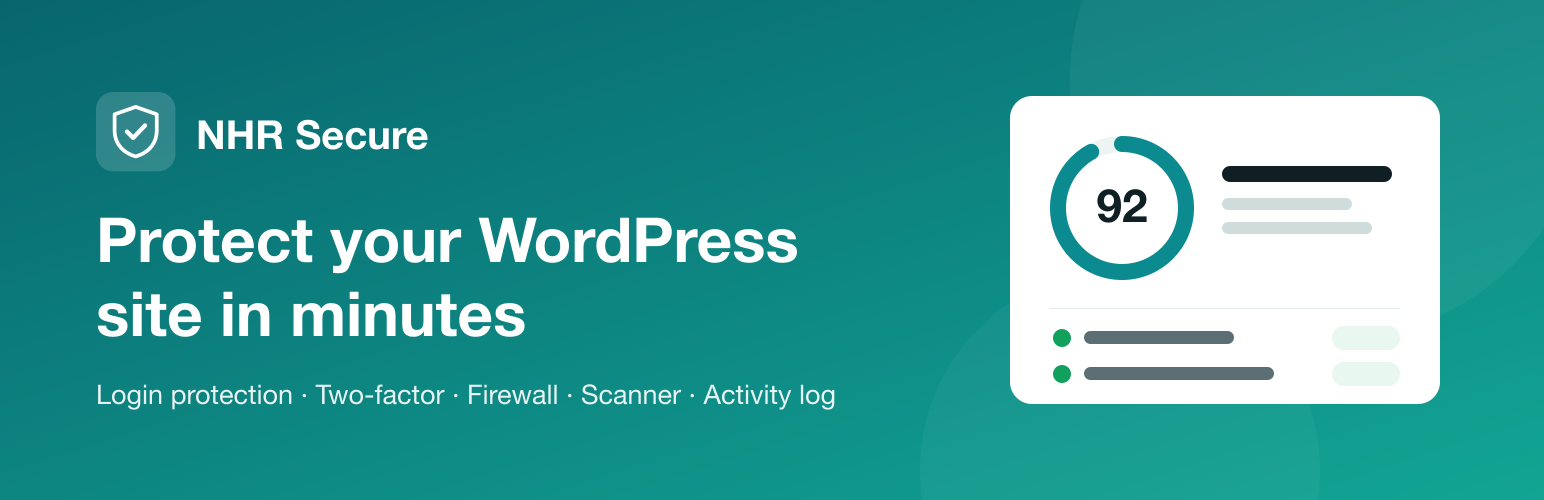
NHR Secure 是一款完整的 WordPress 安全外掛,提供登入保護、網站防火牆、雙重身份驗證及活動記錄等功能,旨在保護網站免受攻擊,確保用戶帳戶安全,並記錄所有活動。
【主要功能】
• 提供安全評分,檢查網站漏洞
• 限制登入嘗試,防止暴力破解
• 支援雙重身份驗證,增強安全性
• 可自訂登入頁面,提升隱私
• 列出待修正項目,簡化安全設置
• 可生成可列印的安全報告
外掛標籤
開發者團隊
② 後台搜尋「NHR Secure – Security, Firewall, 2FA, Login Protection & Activity Log」→ 直接安裝(推薦)
原文外掛簡介
NHR Secure is a complete security plugin for WordPress: it protects the sign-in form and the accounts behind it, filters hostile requests, hardens the site, scans for known vulnerabilities and changed files, and keeps a record of what happened. It is small, needs no account or cloud service, and has no upsells.
Everything lives in one screen under Tools → Secure, with a light and a dark theme. Changes save as you make them.
Nothing that could lock you out is on by default, and there is always a way back in: one line in wp-config.php or one WP-CLI command (see the FAQ).
Key Features
Dashboard
A security score out of 100, built from checks of your site as it is today: known vulnerabilities, pending updates, plugins that look abandoned, administrators without two-factor, an admin username, open registration, HTTPS, debug output, secret keys, PHP version, file permissions, exposed files and more.
A “To fix” list ordered by seriousness, where each item takes you to the right setting.
Recommended setup in one step. The safe settings that are still off are listed with a tick box each; switch them on together, and undo it if something stops working.
Printable report of the score, what to fix, what passed and the recent warnings, for your records or a client.
The same result appears in Tools → Site Health.
Login
Limit login attempts. An address is locked out after repeated failures, with lockouts that get longer for repeat offenders. IPv6 visitors are counted per network, and a burst of parallel guesses is counted in full. See who is locked out and unlock them with one click.
Move the sign-in page. Choose your own login address; wp-login.php and wp-admin then answer “Not found” to anyone who is not signed in. The new address is tested and emailed to you before it takes effect.
Two-factor authentication. Authenticator app (Google Authenticator, Authy, 1Password and others), passkeys, or emailed codes, with recovery codes. Users set it up on their profile and must prove it works before it switches on. Wrong codes are counted per account, so a code cannot be guessed by starting over, and the account’s owner is emailed when someone has their password. Require it for the roles you choose, with a grace period.
Trusted browsers. Optionally let users skip the second step on a browser for 7, 30 or 90 days.
Two-factor outside wp-admin. The [nhrrob_secure_2fa] shortcode and WooCommerce’s “Account details” page let customers and members enrol.
Generic sign-in errors, so the form does not confirm that a username exists.
Bot check with Cloudflare Turnstile, Google reCAPTCHA (v2 or v3) or hCaptcha on the sign-in, register and lost-password forms and, if you want, on the comment form (optional, with your own keys).
Bot trap. A hidden field on the registration and comment forms that people never see and form-filling bots fill in. No outside service.
Sign-in notifications. A user who can edit the site gets an email when their account signs in on a browser it has not used before.
Users & Sessions
Every user with their role, two-factor status, last sign-in and active sessions.
Sign out one user or everyone else, reset a user’s two-factor, and automatically sign out idle users who can work in the dashboard (customers and subscribers are left alone).
Password expiry for administrators and editors, and “require a new password” for one user, a role or everyone.
Session limit. At most the number of sessions you choose per user; the oldest one is ended, so a lost device cannot keep its owner out.
Temporary access. Give an account an end date, for support staff or a contractor. After it the account cannot sign in and its sessions end; nothing is deleted.
Firewall
Address rules for IPv4 and IPv6, single addresses or ranges. Allowed addresses skip every rule and are never locked out. Paste a whole list at once, or copy your rules as a list.
Request filter for probing requests: path traversal, hunts for config and backup files, and SQL or script fragments in the address. It starts in log-only mode so you can see what it would refuse, and any match can be allowed with one click. It checks the address of visitors who are not signed in; checking submitted forms is optional and limited to rules that normal writing cannot trigger.
Probe lockout. An address that keeps asking for files that do not exist (.php, .env, backups) is locked out of the public site; the sign-in form stays reachable. Broken links, missing images and requests triggered from other websites do not count.
Rate limiting for the sign-in page, XML-RPC, the REST API, search and the comment form, per address and minute, for visitors who are not signed in. It needs a persistent object cache (Redis or Memcached), because counting every request in the database would add the load it is meant to remove.
Country rule for the sign-in page or the whole site (when your site is behind Cloudflare) and user-agent rules.
Hardening
Turn off XML-RPC, the theme and plugin file editor, application passwords and RSS/Atom feeds; hide usernames from visitors, the WordPress and PHP versions and the discovery links in the page head; send security headers; limit the REST API to signed-in users with a list of routes left public.
Require strong passwords for administrators and editors, and optionally refuse passwords found in known breaches.
Every switch says what could stop working, so you can decide.
File protection that is verified. The plugin requests debug.log, readme files and the uploads folder from your own site and shows what came back. On Apache and LiteSpeed it can add the rules for you; on nginx it shows the lines to add.
File permissions. The key files and folders with their permissions; anything every account on the server may write to is flagged and fixed with one click.
Replace the secret keys in wp-config.php after a suspected break-in, which signs everyone out. The new file is checked before it replaces the old one, and the old one is put back if the site does not answer.
Scanner
Known vulnerabilities in WordPress, plugins and themes, checked daily, with one alert per new finding.
WordPress files compared with the official release: changed, missing, and files that do not belong. .htaccess, .user.ini and wp-config.php are checked for injected rules and code, and must-use plugins and drop-ins are listed.
Plugin and theme files compared with their WordPress.org releases; a changed file can be put back from the official copy.
Code changes outside updates. A fingerprint of every plugin and theme, including the ones WordPress.org cannot verify; a change without a new version is reported.
Database content checked for invisible iframes and obfuscated JavaScript in posts and settings.
Suspicious code review of every PHP file in wp-content. Findings can be viewed and quarantined (renamed so they cannot run) and restored. Nothing is deleted.
Scheduled scans, daily or weekly, in the background, with an email when something new turns up.
Activity
Sign-ins of users who can edit the site, lockouts, user and role changes, plugin and theme changes, changes to critical site settings, and what the firewall refused. Optionally also content changes: posts and pages, media, menus, widgets, comment moderation and WooCommerce order status and settings. Routine entries make room first, so a busy shop or an attack cannot push the important ones out.
Search, filter by type and importance, export to CSV. Bursts are folded into one entry.
Email alerts for a new administrator, a new vulnerability, a new scan finding or a burst of lockouts, and an optional weekly summary. The same alerts can be posted to Slack or any webhook address.
Small and tidy
No database tables. Everything is stored in a handful of capped options.
No visitor is looked up with an outside service.
Settings can be exported and imported. WP-CLI commands are included (wp nhrrob-secure status --format=json for scripts).
AI agent and MCP ready, read-only: on WordPress 6.9 and later, AI agents and MCP clients (through the WordPress MCP Adapter) can read the security score, the checks and the known vulnerabilities. Administrators only. No ability changes a setting.
What it is not
NHR Secure has no cloud threat feed and is not a malware cleaner. The request filter runs inside WordPress, and the scanner finds things for a person to review. If your site has been hacked, ask a professional clean-up service.
External Services
The plugin works without any outside service. The connections below are made only for the feature named.
WPVulnerability (www.wpvulnerability.net) — the vulnerability check.
Sent: the slug of each installed plugin and theme, and your WordPress version. Nothing about your site, users or visitors. When: once a day, and when you press “Check now”.
Service: https://www.wpvulnerability.com/ · Privacy: https://www.wpvulnerability.com/privacy/
WordPress.org (api.wordpress.org, downloads.wordpress.org, core.svn.wordpress.org, plugins.svn.wordpress.org) — the file comparisons.
Sent: your WordPress version and language, and the slug and version of each plugin and theme, to fetch the official checksums or the theme’s release; the path of a file when you choose to replace it with the official copy. When: when you press “Compare now” or “Replace”, and during a scheduled scan if you have one.
Privacy: https://wordpress.org/about/privacy/
Bot check: Cloudflare Turnstile, Google reCAPTCHA (v2 or v3) or hCaptcha — off unless you switch it on, choose one provider and enter your own keys.
While it is on, the sign-in, register and lost-password screens (and pages with a comment form, if you switch that on) load that provider’s script in the visitor’s browser, and the plugin sends the visitor’s token and IP address to the provider to verify it.
Cloudflare Turnstile (challenges.cloudflare.com): Terms https://www.cloudflare.com/website-terms/ · Privacy https://www.cloudflare.com/privacypolicy/
Google reCAPTCHA (www.google.com/recaptcha): Terms https://policies.google.com/terms · Privacy https://policies.google.com/privacy
hCaptcha (js.hcaptcha.com, api.hcaptcha.com): Terms https://www.hcaptcha.com/terms · Privacy https://www.hcaptcha.com/privacy
Have I Been Pwned – Pwned Passwords (api.pwnedpasswords.com) — “Refuse passwords found in known breaches”. Off unless you switch it on.
Sent: the first five characters of the SHA-1 hash of a password, when an administrator or editor sets one. The password itself never leaves your site.
Terms: https://haveibeenpwned.com/TermsOfUse · Privacy: https://haveibeenpwned.com/Privacy
Your own webhook address — “Also post alerts to”. Off unless you enter an address.
Sent: the text of each alert email (site name, what happened, a link to the plugin’s screen) to the address you entered, for example a Slack incoming webhook. Which service that is, and its terms, are your choice. Slack: Terms https://slack.com/terms-of-service · Privacy https://slack.com/privacy-policy
File protection, the test of a moved login address and the check after replacing the secret keys make requests from your site to itself.
Source Code
The admin app is built with @wordpress/scripts. The readable source is included in the plugin under admin/src/, and the compiled files are in admin/build/. The two-factor setup screen uses the MIT-licensed lean-qr library (https://github.com/davidje13/lean-qr) to draw the QR code in the browser.