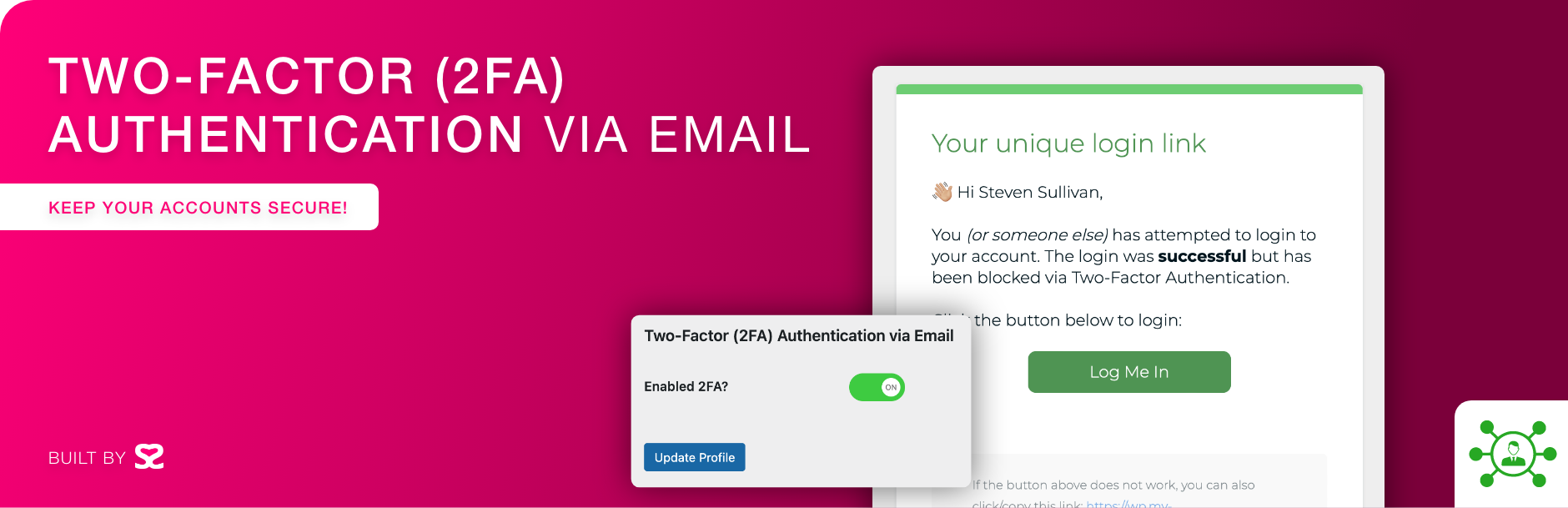
內容簡介
Two Factor (2FA) Authentication via Email 外掛是一個簡單且輕量的工具,能透過電子郵件啟用雙重身份驗證,增強 WordPress 網站的安全性,特別適合管理員和編輯使用。
【主要功能】
• 支援個別用戶啟用雙重身份驗證
• 可針對所有管理員或編輯一次性設定
• 透過電子郵件發送驗證碼
• 簡單易用的設定流程
• 需搭配 SMTP 外掛以確保郵件正常發送
外掛標籤
開發者團隊
② 後台搜尋「Two Factor (2FA) Authentication via Email」→ 直接安裝(推薦)
原文外掛簡介
A simple, lightweight, yet effective plugin to enable two factor (2FA) authentication via email. You can enable this on an individual user basis, for all administrators, editors, or all accounts with one line of code in your wp-config.php file.
WordPress is the world’s most popular content management system (CMS), with over 40% of all websites running on it. As such, it has become a prime target for hackers looking to exploit vulnerabilities to gain unauthorized access to websites. One of the best ways to enhance the security of a WordPress site is to enable two-factor authentication (2FA) for administrators.
Simply enable the plugin then edit a user account to enable 2FA for that individual user.
Please make sure your WordPress website sends and receives emails correctly. The best way is to use a SMTP plugin.
Check out our other plugins:
🦄 Unicorn Panel – the new web hosting control panel built for multi-server fleets; FREE!
🎉 Media Library File Size
✨ Export Single Post Page
🙍♂️ View User Metadata
🔠 Enable Turnstile (Cloudflare) for Gravity Forms
⭐️⭐️⭐️⭐️⭐️ Gravity Forms to FreeScout