內容簡介
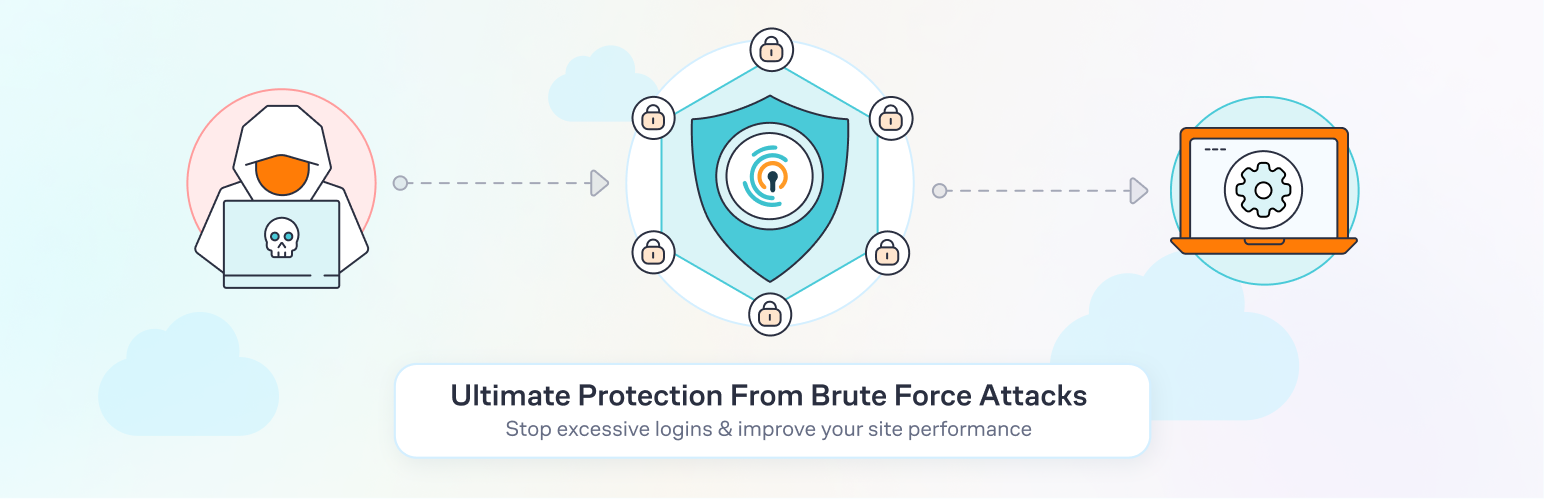
Limit Login Attempts Security 是一款專為 WordPress 設計的登入安全外掛,能有效防止暴力破解攻擊、機器人攻擊及未經授權的登入嘗試,透過限制登入嘗試次數及啟用雙重驗證等功能,增強網站的安全性。
【主要功能】
• 限制 IP 地址和用戶名的登入嘗試次數
• 自動鎖定可疑登入活動
• 內建雙重驗證 (2FA) 增加安全性
• 阻擋惡意登入請求
• 支援 WooCommerce 登入頁面保護
• 提供登入監控與通知功能
外掛標籤
開發者團隊
② 後台搜尋「Limit Login Attempts Security – Login Security, 2FA, Firewall, Brute Force Prevention」→ 直接安裝(推薦)
📦 歷史版本下載
原文外掛簡介
Protect your WordPress website against brute force attacks, bot attacks, and unauthorized login attempts with one of the most trusted login security plugins for WordPress.
Limit Login Attempts Security strengthens your WordPress login security by limiting failed login attempts, blocking malicious IPs, securing wp-login.php, protecting XML-RPC, and adding powerful firewall and 2FA protection without slowing down your website.
Trusted by 2 million WordPress websites, Limit Login Attempts Security is designed specifically to protect the most targeted part of your website: the login page.
Why Use Limit Login Attempts Security?
By default, WordPress allows unlimited login attempts. This creates a major security vulnerability where bots and attackers can repeatedly guess usernames and passwords until they gain access. This is especially important in the age of AI, where attackers now have access to faster and more sophisticated tools than ever before.
Limit Login Attempts Security helps stop:
Brute force attacks
Bot login attacks
Credential stuffing attacks
XML-RPC attacks
Unauthorized login attempts
WooCommerce login abuse
Malicious IP access attempts
The plugin automatically blocks excessive login attempts and locks out suspicious IP addresses and usernames before attackers can gain access.
Features Included in the Free Version
Login Security & Brute Force Protection
Limit login attempts by IP address and username
Automatically lock out suspicious login activity
Adjustable lockout duration and retry limits
Protect wp-login.php from automated attacks
Prevent brute force login attacks
2FA / Multi-Factor Authentication (MFA)
Built-in two-factor authentication (2FA)
Add an additional layer of login protection
Improve WordPress account security
Secure administrator and user logins
Firewall & Bot Protection
Block malicious login requests
Detect suspicious login behavior
Reduce bot-based login attacks
Lightweight firewall-focused login protection
WooCommerce & Plugin Compatibility
Protects:
WooCommerce login pages
XML-RPC login requests
Custom login pages
WordPress multisite installations
Compatible With:
Wordfence
Sucuri
Ultimate Member
MemberPress
WPS Hide Login
Cloudflare and reverse proxy setups
Login Monitoring & Notifications
Failed login attempt logs
Lockout email notifications
Denied attempt tracking
Login retry visibility for users
Access Controls
IP safelist and denylist support
Username safelist and denylist support
IPv6 range support
Custom IP origin configuration
Premium Features (Start Your Free 14 Day Trial)
Upgrade to Limit Login Attempts Security Premium to extend protection with cloud-based login security and advanced attack prevention.
Advanced Cloud Protection
Real-time malicious IP intelligence
Global denylist protection
Synchronized lockouts across websites
Auto IP denylist generation
Cloud-based login attack mitigation
Enhanced Performance Protection
Offload excessive failed login requests from your server
Reduce server strain during attacks
Improve stability under heavy attack conditions
Advanced Security Features
Country-based login blocking
Enhanced throttling and lockout escalation
Registration page protection
Successful login tracking
Enhanced lockout analytics and geolocation data
Multi-Site & Team Features
Shared safelist and denylist syncing
Shared lockout protection between domains
Cloud backups of IP security data
CSV exports of login and IP activity
Premium Support
Access to security-focused support specialists
Faster troubleshooting and assistance
Lightweight Security Built for WordPress
Unlike many large security suites, Limit Login Attempts Security focuses specifically on login security and brute force protection.
This means:
Faster performance
Less server overhead
Easier configuration
Strong protection without unnecessary bloat
Protect More Than Just wp-login.php
Limit Login Attempts Security secures:
wp-login.php
XML-RPC
WooCommerce logins
Custom login forms
Registration pages
Multisite logins
Trusted by Millions of WordPress Websites
Limit Login Attempts Security is one of the most widely used WordPress login security plugins and has helped protect millions of websites from brute force attacks and malicious login activity.
Whether you run:
A personal blog
WooCommerce store
Membership website
Agency
Business website
Enterprise WordPress network
Limit Login Attempts Security helps secure your login experience with modern WordPress login protection.
Upgrading from the Original Limit Login Attempts Plugin?
Switching is easy:
Remove the old Limit Login Attempts plugin
Install Limit Login Attempts Security
Your settings will remain intact
Translation Support
Currently translated into multiple languages including:
Spanish
French
German
Dutch
Turkish
Swedish
Russian
Romanian
Chinese (Traditional)
Brazilian Portuguese
And more
Secure Your WordPress Login Today
Install Limit Login Attempts Security and protect your WordPress website with:
Login security
Two-Factor Authentication (2FA)
Brute force protection
Firewall security
Bot protection
XML-RPC protection
WooCommerce login protection
Without slowing down your website.