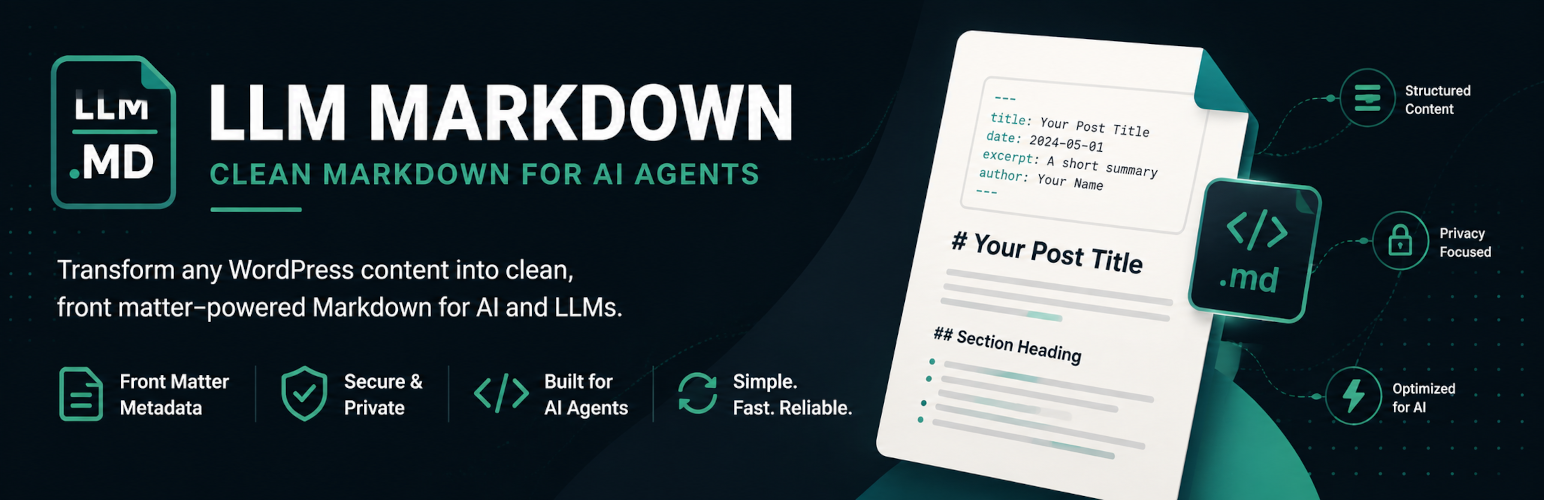
內容簡介
LLM Markdown 外掛可將支援的 WordPress 公開內容轉換為乾淨的 Markdown 格式,並以可預測的 .md URL 提供。使用者只需在文章或頁面 URL 後加上 .md,即可獲取相應的 Markdown 表示。
【主要功能】
• 將 WordPress 內容轉換為 Markdown 格式
• 支援 YAML 前置資料,包含文章標題等資訊
• 可選擇公開文章類型以暴露 Markdown
• 提供內容選擇與存取控制功能
• 自動快取生成的 Markdown 文檔
• 支援自定義 CSS 選擇器排除特定元素
外掛標籤
開發者團隊
② 後台搜尋「LLM Markdown – Markdown Endpoints for AI Agents」→ 直接安裝(推薦)
原文外掛簡介
LLM Markdown makes your public WordPress content available as clean, structured Markdown at predictable .md URLs. See it on a live site:
Static front page: https://compiledrogue.com/index.md
Public custom post type: https://compiledrogue.com/case-studies/sentinelone.md
For regular supported posts, pages, and custom post types, the .md URL follows the permalink. Static front pages also have an /index.md alias.
LLM Markdown converts the actual server-rendered page after WordPress, blocks, shortcodes, and the active theme have processed it. You can choose the content container and exclude unwanted page elements. The original post remains unchanged. Markdown is generated on demand and cached temporarily; no API keys, external service, or static file management are required.
Preview and control from the editor
The block editor sidebar checks Markdown availability and shows the last public response, word count, approximate token count, and document size. Both the block and Classic Editors provide an in-editor View Markdown panel, Copy Markdown action, and link to the public Markdown URL. Editors can disable Markdown for an individual post without changing its normal HTML page. Editor tools can be turned off in the plugin settings.
Structured Markdown output
Each document begins with YAML front matter containing the title, post ID, content type, slug, publication and modification dates, canonical URL, Markdown URL, excerpt, and terms from public taxonomies when available.
The converter handles headings, paragraphs, emphasis, links, ordered and unordered lists, blockquotes, inline and fenced code, horizontal rules, deletion text, figures and captions, and simple tables. Images can be included as an option, with support for common lazy-loading source attributes.
Content selection and access control
Choose which public post types expose Markdown. Simple CSS selectors determine the main content container and which elements are excluded before conversion. A test on the DOM & Selectors tab shows which selector matched and previews the resulting Markdown. Password-protected, unpublished, and individually disabled content is rejected. The optional Honor Noindex setting respects WordPress search visibility and supported noindex settings from Yoast SEO, Rank Math, and All in One SEO. Developers can apply an additional access-control filter for membership or privacy rules.
Discovery, delivery, and caching
Eligible HTML pages advertise their Markdown counterpart with both a element and an HTTP Link header. Documents generated for anonymous requests are cached for performance and invalidated after relevant settings, theme, navigation, or per-post availability changes. A manual cache control is available under Tools.
An advanced, disabled-by-default content-negotiation option can also return Markdown from the normal canonical URL when a client explicitly requests Accept: text/markdown. This mode sends Vary: Accept, but it should be enabled only after confirming every cache and CDN in front of the site honors that header correctly.
LLM Markdown also works with the Classic Editor and supports public custom post types without requiring one.