內容簡介
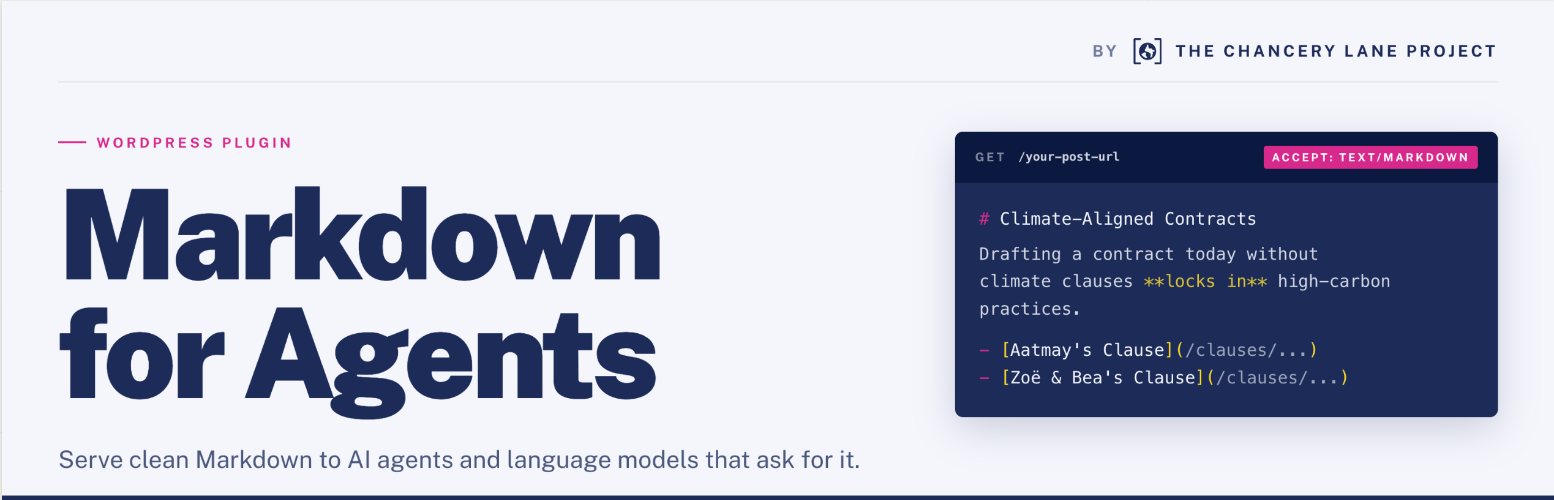
Markdown for Agents and Statistics 外掛將 WordPress 內容轉換為 Markdown 格式,並透過 HTTP 內容協商提供給 AI 代理和語言模型工具。此外掛旨在提高內容的可讀性,降低 AI 使用的資源消耗,並簡化伺服器的處理需求。
【主要功能】
• 內容協商支援,提供 Markdown 格式
• 自動生成 Markdown,並儲存為靜態檔案
• 支援分類法存檔頁面作為 Markdown 列表
• 背景批次生成,持續運行不會超時
• 支援 ACF 字段,並可自定義前言內容
• 訪問統計,記錄 AI 代理請求
外掛標籤
開發者團隊
② 後台搜尋「Markdown for Agents and Statistics」→ 直接安裝(推薦)
原文外掛簡介
Markdown for Agents and Statistics converts your WordPress content to Markdown and serves it
to AI agents and language model tools that request it via HTTP content negotiation
(Accept: text/markdown).
The Chancery Lane Project is a charity that helps organisations reduce emissions using the power of legal documents and processes. We’ve published this plugin as we believe that making content more legible for AI Agents makes a meaningful difference to their energy usage – not only by reducing the amount of tokens required (by up to 90% over HTML) to consume the content, but also minimising the server resources required to render, process and display pages at source.
How it works:
Posts and taxonomy archive pages are converted to Markdown and saved as static
files on disk inside wp-content/uploads/.
When a visitor (or AI agent) requests a page with Accept: text/markdown in
the HTTP headers, WordPress serves the pre-generated .md file directly —
no page render required.
A tag is added to each page’s
so agents can discover Markdown versions automatically.
Features:
Content negotiation (Accept: text/markdown, ?output_format=md, or known AI User-Agents)
Taxonomy archive support — category, tag, and custom taxonomy term pages served as Markdown post listings
Automatic Markdown generation on post save; taxonomy archives auto-update when any post in the term changes
Background bulk generation — runs as a WP-Cron job with live progress, so it survives closing the tab and never times out a page request
Per-post-type field configuration — choose which meta/ACF fields go in frontmatter or body
ACF support with dot notation for nested group fields (e.g. group.subfield)
Content fields option — use ACF fields as the body content instead of post_content
Manifest generation with content hashes and change tracking per post type
Incremental export — only re-export changed documents (--incremental)
Delta file (changes.json) for RAG system sync
Access statistics — logs AI agent requests with a dedicated stats admin page
Access grouping by class of agent
Optional frontmatter fields — hierarchy (parent/ancestors/children IDs), author display name, root-relative featured image paths
Topics section — appends a ## Topics section with linked taxonomy terms to the Markdown body
Export preview — preview generated Markdown inline in the post editor without writing to disk
OKF directory indexes — index.md listings at the export root and in every post-type and taxonomy directory (Open Knowledge Format), kept current automatically
OKF-compliant frontmatter and links — timestamp and flat cross-taxonomy tags frontmatter keys, and internal links rewritten to point at the Markdown file versions, always on
Downloadable OKF bundle — optional .zip archive of the export tree with relative internal links, manifest.json, and an ARD discovery catalog panel, kept fresh via bulk-generation rebuilds and a debounced WP-Cron schedule
ARD catalog generation — ai-catalog.json document for manual deployment to /.well-known/, discoverable by AI agent directories, shown automatically whenever the bundle toggle is on
WP-CLI commands: generate, generate-taxonomies, generate-indexes, prune-stats, status, delete, bundle
Fully unit-tested