內容簡介
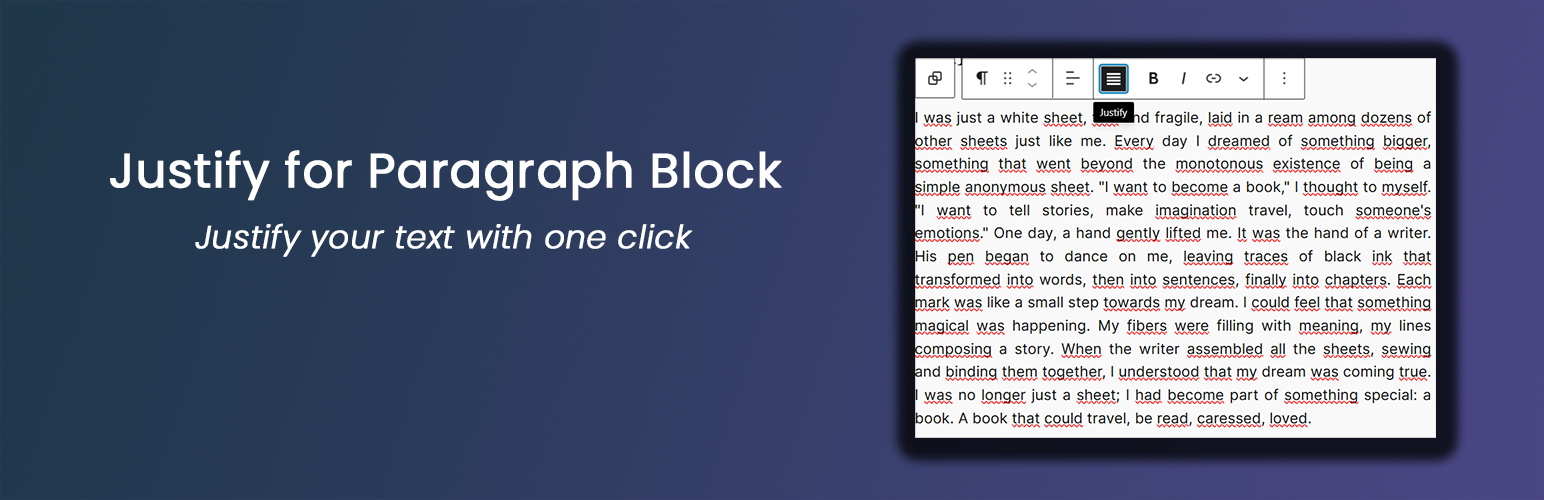
Justify for Paragraph Block 是一款輕量級的 WordPress 外掛,旨在增強區塊編輯器,為段落區塊新增對齊功能。使用者可以輕鬆地調整段落文字的對齊方式,提升排版效果。
【主要功能】
• 一鍵段落對齊功能
• 自動連字選項
• 自訂字間距預設值
• 首行縮排設定
• 大寫字母開頭設計
• 最後一行延展選項
外掛標籤
開發者團隊
原文外掛簡介
This lightweight plugin enhances the WordPress Block Editor by adding a justify text alignment option to paragraph blocks. Key features include:
Simple one-click text justification via the paragraph block toolbar
Per-block typographic options available in the block sidebar when a paragraph is justified:
Automatic hyphenation (hyphens: auto)
Word spacing presets (slightly larger / slightly smaller) and custom value
First-line indent (editorial / book style)
Drop cap (magazine style)
Justify mode (inter-word / inter-character)
Stretch last line (text-align-last: justify) — forces the last line to be full-width instead of short
Note: for line height control, use the native WordPress Paragraph block setting under Typography → Line height.
* Optional global typography settings as defaults (Settings → Justify Paragraph)
* Lightweight and performance-friendly
Per-Block Options
From version 1.2.0, when a paragraph block is justified, a “Justify Options” panel appears in the block sidebar (InspectorControls) with the following per-block settings:
Automatic hyphenation — Break long words at line endings to reduce large gaps in justified text
Word spacing — Presets: Default, Slightly larger, Slightly smaller, Custom value (with em/px/rem unit)
First-line indent — Indent the first line of each justified paragraph (editorial style)
Drop cap — Enlarge the first letter of the paragraph (magazine style)
Justify mode — Browser default, Inter-word, Inter-character
Stretch last line — Force the last line of the justified paragraph to be full-width instead of short
For line height, use the native WordPress Paragraph block setting (Typography → Line height).
These options are applied per-block, so each justified paragraph can have different typographic settings.
Global Typography Settings
The plugin also includes optional global typography settings that act as defaults for all justified paragraphs. These settings are available under:
Settings → Justify Paragraph → Typography Settings
Available options include:
Justification mode
Standard (only text-align: justify)
Advanced (enables additional typographic enhancements as defaults)
Automatic hyphenation (hyphens: auto)
Allows compatible browsers to break long words at line endings to reduce large gaps in justified text
Adjust space between words
Presets: No change, Slightly larger, Slightly smaller
Custom value: numeric value plus unit (em, px, rem) for fine-grained control
Per-block settings override the global defaults when set.
Recommendations
Ensure you’re using WordPress 5.0 or later
PHP 7.0 or higher is recommended