內容簡介
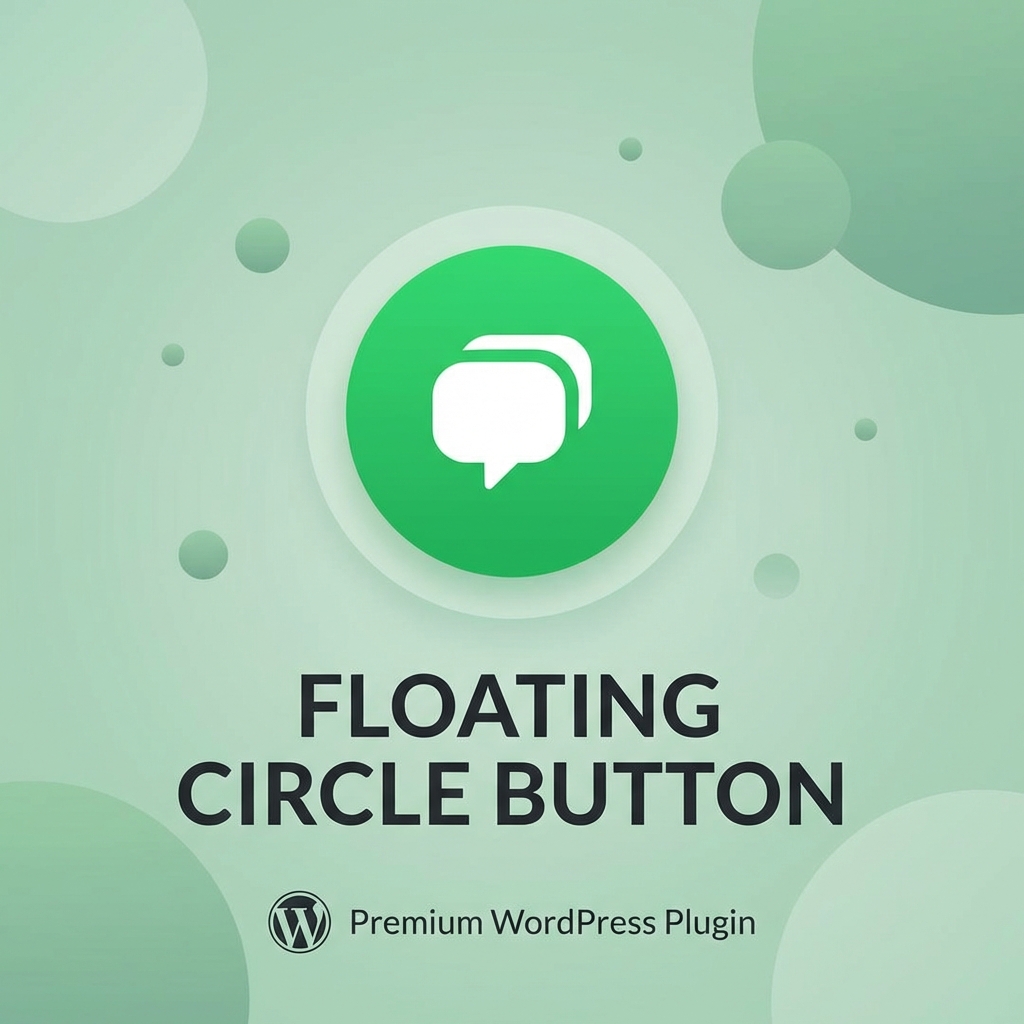
Floating Circle Button 外掛提升網站的聯絡體驗,提供一個綜合社交中心,讓訪客能直接透過 WhatsApp、電子郵件、電話或 Telegram 聯絡您。
【主要功能】
• 多渠道中心:在一個優雅的浮動選單中添加多種聯絡方式
• WhatsApp 個性化:使用動態標籤預填訊息
• 營業時間顯示:根據營業時間顯示或隱藏按鈕
• 智能提示:以不打擾的對話泡泡吸引注意
• GDPR 合規分析:追蹤點擊而不儲存個人資料
• 高度自訂:變更位置、顏色、圖示及進入動畫
外掛標籤
開發者團隊
原文外掛簡介
Elevate your website’s contact experience with the Floating Circle Button. This is a comprehensive social hub that connects your visitors directly to WhatsApp, Email, Phone, or Telegram.
Key Features:
* Multi-Channel Hub: Add multiple contact methods in one elegant floating menu.
* WhatsApp Personalization: Pre-fill messages with dynamic tags like {{url}} and {{title}}.
* Office Hours: Show or hide the button based on your business hours.
* Smart Nudge: Grab attention with a non-intrusive speech bubble.
* GDPR Compliant Analytics: Track clicks without storing any personal data.
* Highly Customizable: Change positions, colors, icons, and entrance animations.
* Fast & Lightweight: Zero external dependencies (Vanilla JS/CSS).