內容簡介
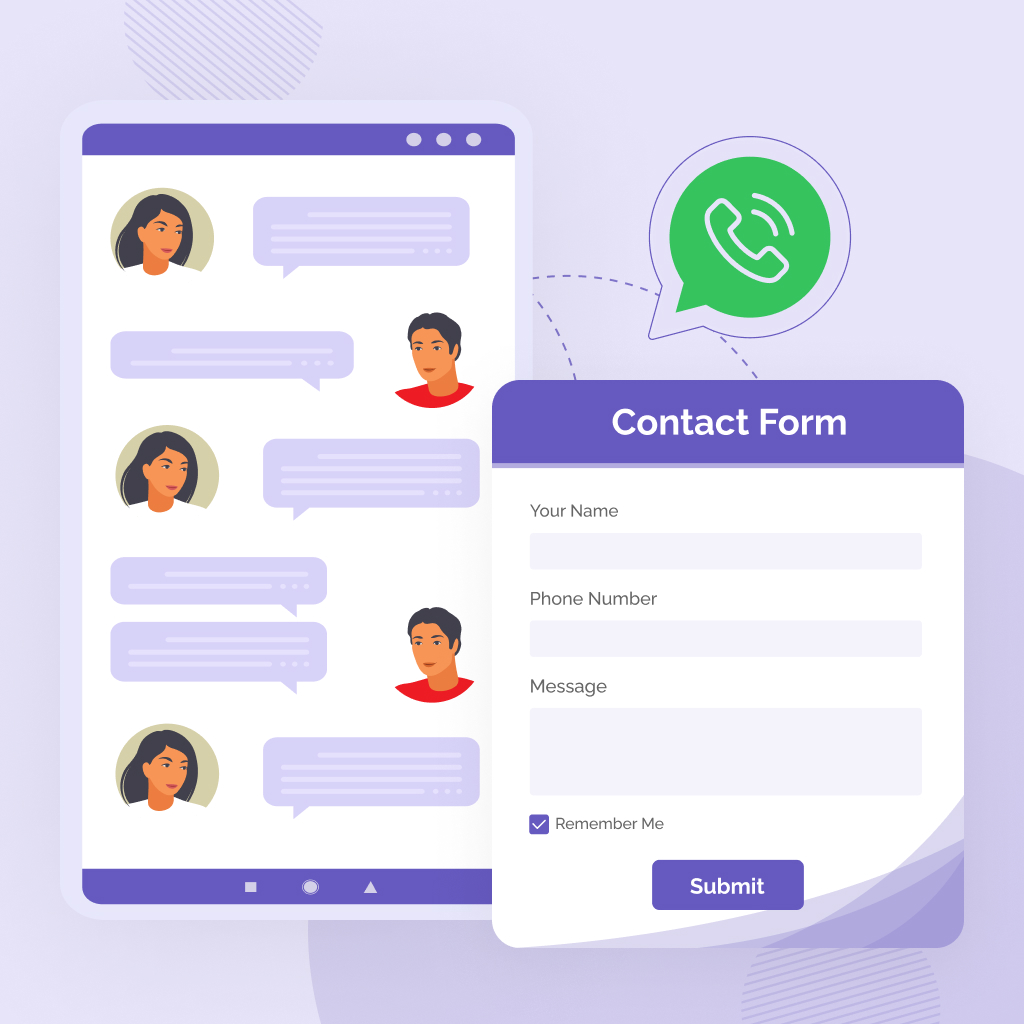
Wapulse Chat 是一款簡單輕量的 WordPress 外掛,讓網站擁有者能夠輕鬆添加可自訂的 WhatsApp 聊天按鈕,方便訪客直接從網站開始對話。此外掛專為希望提升客戶互動的商業網站設計。
【主要功能】
• 添加浮動的 WhatsApp 聊天按鈕
• 自訂 WhatsApp 號碼與預設訊息
• 調整按鈕顏色與形狀
• 控制按鈕顯示位置
• 支援短碼在任意位置顯示按鈕
• WooCommerce 產品詢問按鈕
外掛標籤
開發者團隊
原文外掛簡介
Wapulse Chat is a simple and lightweight WordPress plugin that lets you add a customizable click-to-chat button for WhatsApp conversations on your website.
The plugin is designed for website owners, service providers, agencies, stores, consultants, and businesses that want to make it easier for visitors to start a WhatsApp conversation directly from the website.
With Wapulse Chat, you can add a floating chat button, set your WhatsApp number, customize the default message, choose the button position, adjust the button color, and use a shortcode to place the chat button anywhere on your website.
This first version focuses on clean basic functionality, performance, and ease of use. It does not require any WhatsApp API setup, third-party account, or complicated configuration.
Wapulse Chat is intentionally built as a privacy-conscious, single-purpose click-to-chat utility. It does not collect visitor data, does not load external scripts, and gives site owners simple control over frontend visibility for mobile and desktop visitors.
Key Features
Add a floating click-to-chat button to your website.
Set your WhatsApp number from the admin settings page.
Add a custom default message.
Customize the button text.
Choose button position: bottom right, bottom left, bottom center, top right, top left, or top center.
Change the button color.
Choose rounded or square button shape.
Choose text plus icon or icon-only display.
Select small, medium, or large button size.
Show or hide the button label.
Enable or disable the floating button.
Display a WhatsApp SVG icon with the button.
Use shortcode support to place the button manually.
Lightweight frontend styling.
No API setup required.
Control floating button visibility: show everywhere, hide on selected pages/posts, show only selected pages/posts, or show on home page only.
Set a custom WhatsApp message for individual pages and posts.
Show a professional tooltip above the floating WhatsApp button.
Enable or disable the floating button tooltip.
Customize tooltip text and tooltip image/logo.
WooCommerce product inquiry button.
Auto product name in WhatsApp message.
Auto product URL in WhatsApp message.
Optional product price.
Optional product SKU.
Admin toggle to enable/disable WooCommerce inquiry.
Shortcode
You can display the WhatsApp chat button anywhere using:
[wapulse_chat]
You can also customize the text and message:
[wapulse_chat text="Get Quote on WhatsApp" message="Hello, I need more details."]
Version 1.0.6 also supports optional style attributes:
[wapulse_chat size="large" shape="square"]
[wapulse_chat display="icon-only" label="hide"]
Available shortcode style attributes:
shape: rounded or square
display: text-icon or icon-only
size: small, medium, or large
label: show or hide
color: any valid hex color, for example #25D366
How It Works
Wapulse Chat creates a WhatsApp click-to-chat link using your saved phone number and default message. When a visitor clicks the button, WhatsApp opens with your pre-filled message.
Important Note
This plugin is not an official WhatsApp product and is not affiliated with WhatsApp LLC or Meta Platforms, Inc. WhatsApp is a trademark of its respective owner.