外掛標籤
開發者團隊
② 後台搜尋「SMX-Floating Contact Buttons」→ 直接安裝(推薦)
原文外掛簡介
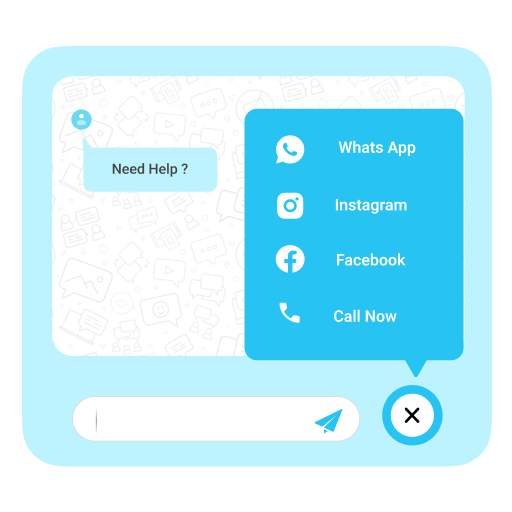
SMX-Floating Contact Buttons adds professional floating contact buttons to your WordPress site. Enable WhatsApp, Phone, and Email buttons independently and configure every aspect from the dashboard.
Features:
Three contact channels: WhatsApp, Phone, and Email
Enable or disable each button independently
Customizable background color and icon/text color per button
Configurable position (left or right)
Separate mobile settings: button size, offsets, spacing, and layout direction (vertical or horizontal)
Page visibility control: all pages, home only, include or exclude specific pages by ID
Hide on mobile or desktop devices
Four entry animations: bounce, pulse, slide, and none
Expandable labels on hover (desktop)
Google Tag Manager / GA4 dataLayer integration on click events
Configurable button size, spacing, border radius, and z-index
Automatic cleanup on uninstall
Translation-ready with full i18n support
How it works:
Go to Settings > Floating Buttons after activation
Enable the channels you need (WhatsApp, Phone, Email)
Enter your contact details
Customize colors, position, size, and visibility
Save — buttons appear immediately on your site
No external services are contacted. No data is collected. The plugin works entirely within your WordPress installation.