內容簡介
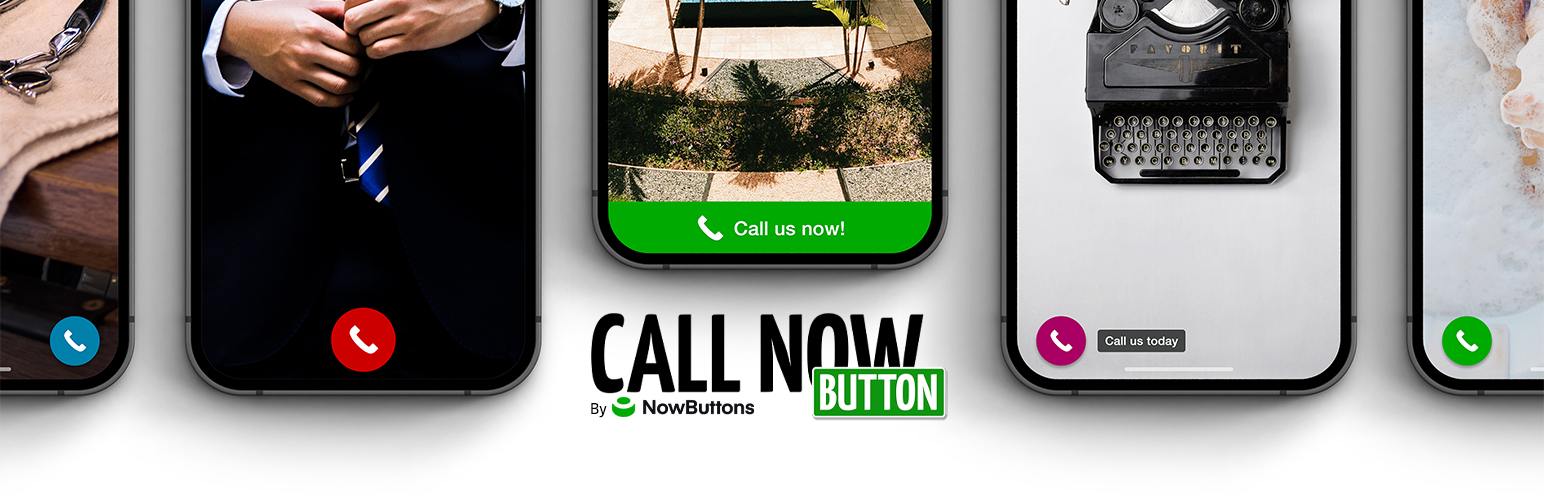
Call Now Button 是一款免費的 WordPress 外掛,能在網站上放置一個浮動的撥打電話按鈕。無論是在手機或桌面上,訪客都能輕鬆撥打電話,無需尋找聯絡頁面或手動複製號碼。
【主要功能】
• 浮動撥打電話按鈕,簡單易用
• 自訂按鈕顏色與大小
• 設定顯示位置與設備類型
• Google Analytics 點擊追蹤
• 支援特定文章與頁面顯示
外掛標籤
開發者團隊
② 後台搜尋「Call Now Button – The Free Click to Call Button for WordPress」→ 直接安裝(推薦)
📦 歷史版本下載
原文外掛簡介
Call Now Button puts a floating call button on your website. On a phone, one tap starts the call. On a desktop, it’s a standard click-to-call link that opens in the visitor’s calling app. Either way, nobody has to hunt for your contact page or copy a number by hand.
It has been doing exactly that since 2013, on more than 200,000 websites.
Set it up in under a minute
Install, enable the button, type your phone number, save. There is no account to create, no code to paste, and nothing more to configure before it works.
From there you can make it yours:
Label it: Leave the label empty for a clean, circular phone button or add text. The text can sit in a bar across the top or bottom of the screen or in a bubble beside the round button.
Color it: Pick your own button and icon colors.
Place it: Choose from 8 preset screen positions or spread the button across the full width of the top or bottom of the screen.
Size it: Use one slider to set the button size and another to place the button behind other page elements when something else, such as a cookie notice, needs to sit on top.
Show it where it belongs: Enter post and page IDs to show the button only on those pages or to exclude those pages.
Show it to the right devices: Choose mobile only, desktop only, or both.
Measure it: Send clicks to Google Analytics or fire a Google Ads conversion tag so that a call counts as a conversion. Using Google Tag Manager instead? There’s a guide for that.
All of the above is free and works without an account.
What you get, by plan
Free: plugin only, no account
One call button
Labels, colors, all 8 positions, button size, layering
Google Analytics click tracking and Google Ads conversion tracking
Include or exclude specific posts and pages
Mobile, desktop, or both
Free with a NowButtons account
Everything above, plus:
Up to 5 buttons, with one visible per page (showing multiple buttons on the same page requires PRO)
More actions: SMS/Text, Email, Maps, Links, Scroll to point
Chat and social actions: WhatsApp, Messenger, Telegram, Signal, Zalo, Viber, Line, WeChat
More advanced display rules for deciding where buttons appear
Live preview while you edit
PRO: paid, with a 14-day free trial
Everything above, plus:
Up to 100 buttons, and more than one button on the same page
Multi-action buttons: Buttonbar (up to 5 actions), Multibutton, Button Dots, Button Flower
WhatsApp chat window and Messenger chat widget
Live chat (beta)
Slide-in content windows, iframe embedding and form embedding
Intercom chat integration
A weekly scheduler that controls when each button appears
Geo targeting: include or exclude countries
Icon picker, custom images on buttons, button animations
Appear after scrolling
The account and PRO features are set up inside your WordPress dashboard. No need to leave the plugin to use them.
Our cloud service: NowButtons.com
The account and PRO features above are powered by our cloud service NowButtons. The plugin does not contact our servers at all until you choose to connect it. The button your visitors see is rendered entirely by your own site. It makes no external requests, fetches nothing from us and performs no tracking beyond the Google Analytics or Google Ads tags you configure yourself.
When you do connect, the plugin sends an email address and your domain to our servers to create your account, and your button configuration is then stored on and served from our servers. Requests identify your WordPress and PHP version and your site URL.
Terms & Conditions: https://nowbuttons.com/legal/terms/
Privacy statement: https://nowbuttons.com/legal/privacy/
Separately, the plugin can send anonymous error reports and usage statistics to help us fix bugs. This is off by default and only starts if you switch on “Errors and usage” under Settings. It is never enabled on your visitors’ pages.
More about our cloud service at NowButtons.com.