內容簡介
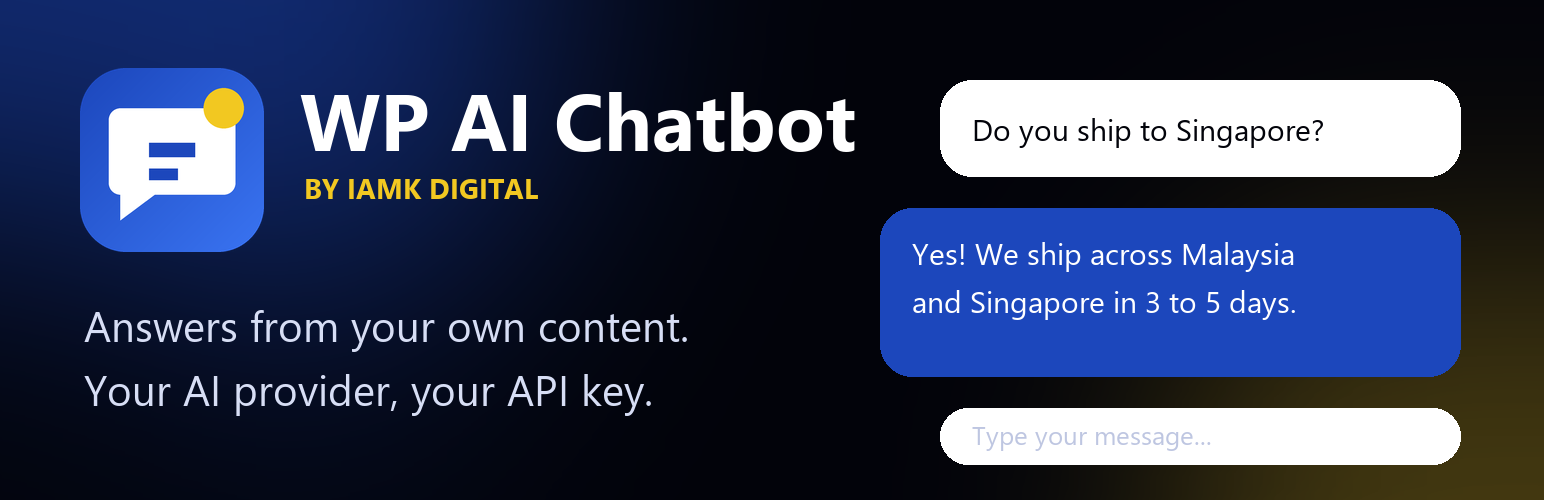
IAMK Digital Site Chat Assistant 是一款針對 WordPress 的 AI 聊天機器人外掛,能夠在網站上提供自訂的浮動聊天窗口,隨時回答訪客關於業務、產品和服務的問題,提升客戶支持和銷售轉換率。
【主要功能】
• 自選 AI 提供者,如 Google Gemini、OpenAI 等
• 自動知識庫,隨時更新網站內容
• 手動知識添加,支持多種檔案格式
• 自訂聊天窗口樣式,包括顏色和頭像
• 訪客聊天記錄,保護隱私與安全
外掛標籤
開發者團隊
② 後台搜尋「IAMK Digital Site Chat Assistant」→ 直接安裝(推薦)
原文外掛簡介
IAMK Digital Site Chat Assistant is an AI chatbot for WordPress. It adds a customisable floating chat window that answers visitor questions about your business, products and services, 24/7, using the AI provider you choose. It learns from your own posts, pages and WooCommerce products, so replies come from your content, and you can keep it focused on your site only. Handy for customer support, pre-sales questions and FAQ.
You bring your own API key. The plugin has no account, subscription or usage limit of its own: you pay your AI provider directly (some providers have a free tier).
Features
Choose your AI provider: Google Gemini, OpenAI, Anthropic Claude, DeepSeek, OpenRouter, Groq, Mistral, xAI, Ollama (self-hosted), or any OpenAI-compatible endpoint. Keys are stored separately per provider.
Automatic knowledge base: indexes your published posts, pages and WooCommerce products, updates itself when content changes, and sends only the most relevant passages to the AI for each question.
Manual knowledge: add a URL or text, plus up to five reference files (.txt, .md, .csv, .json, .xml, .html), 2 MB each.
Chat replies in a responsive widget with your colours, name, greeting and avatar.
Chat Logs with anonymised visitor IPs, under Settings > AI Chatbot.
Abuse protection: per-visitor and site-wide rate limits, message length and history limits.
Privacy tools: optional logging, suggested privacy-policy text, and removal of all data on uninstall.
Security
Conversations are logged on the server only.
TLS certificate verification is always on, and API keys are sent in request headers, never in URLs.
You can keep the API key out of the database by defining IAMKD_API_KEY in wp-config.php.
Knowledge-base URL fetching refuses private and internal addresses.
Pro version
A separate Pro add-on with extra features (lead capture, more themes, WhatsApp handoff, analytics and more) is planned. Everything described above works fully without it.
External services
This plugin sends data to the AI provider that you select and configure in Settings > AI Chatbot. Nothing is sent until you add an API key (or, for self-hosted providers, a server address) and a visitor sends a message. For every chat message the plugin sends: the visitor’s message, the most recent messages of the same conversation, your system prompt, and the knowledge-base passages relevant to the question. Visitor IP addresses are never sent to the AI provider.
Only the provider you select is contacted:
Google Gemini (generativelanguage.googleapis.com) – Terms / Privacy
OpenAI (api.openai.com) – Terms / Privacy
Anthropic Claude (api.anthropic.com) – Terms / Privacy
DeepSeek (api.deepseek.com) – Terms / Privacy
OpenRouter (openrouter.ai) – Terms / Privacy
Groq (api.groq.com) – Terms / Privacy
Mistral AI (api.mistral.ai) – Terms / Privacy
xAI (api.x.ai) – Terms / Privacy
Ollama / Custom endpoint – a server you run or choose yourself; its address is whatever you enter as the API Base URL.
If you enter a URL in the Knowledge Base field, the plugin downloads that page from your server (and caches it for six hours) to use as reference text.