
內容簡介
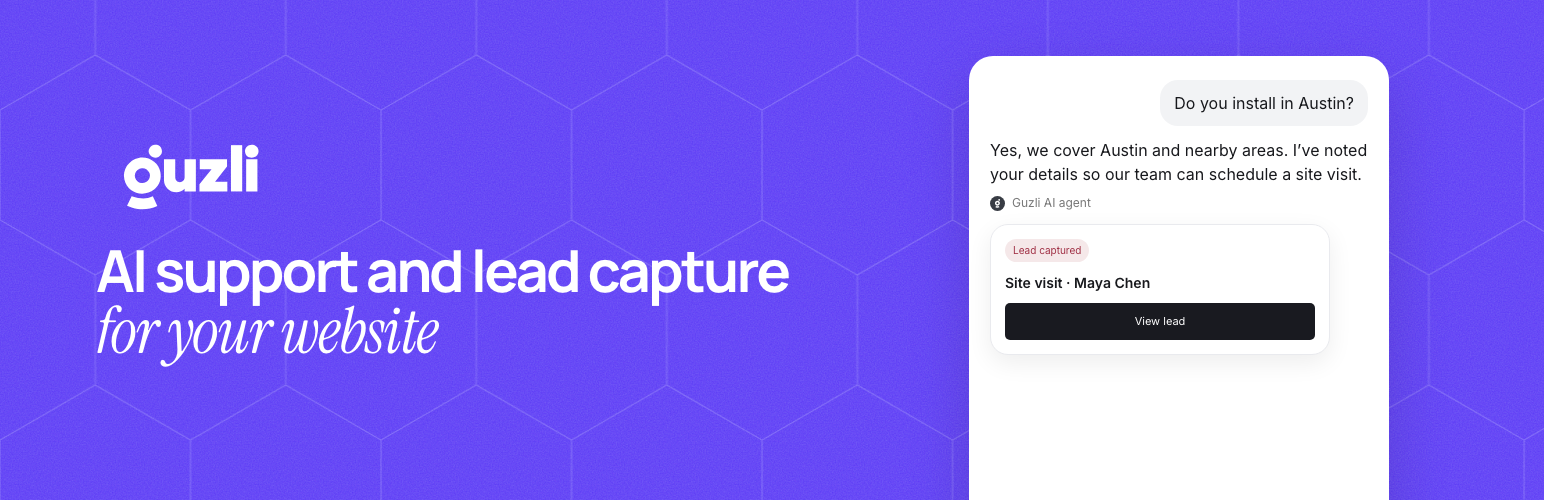
Guzli 是一款專為客戶支援與潛在客戶捕捉設計的 AI 聊天機器人外掛。透過簡單的安裝,Guzli 能夠隨時隨地為訪客提供即時解答,提升網站的互動性與客戶滿意度。
【主要功能】
• AI 客戶支援:即時回答常見問題,減少重複工單
• 潛在客戶捕捉:收集高意向訪客的聯絡資訊
• 快速設置:簡單安裝並連接 Guzli
• 多通道支援:可在網站及其他平台上使用
• 自訂小工具:調整顏色、標誌及主題
• 會話分析:檢視對話及潛在客戶捕捉結果
外掛標籤
開發者團隊
② 後台搜尋「Guzli – AI Chatbot for Customer Support & Lead Capture」→ 直接安裝(推薦)
原文外掛簡介
Guzli is an AI Chatbot for Customer Support & Lead Capture. Install the Guzli chat widget on your WordPress site in minutes (no theme edits) and give visitors instant answers around the clock.
Why use Guzli on WordPress?
AI customer support: answer FAQs instantly and reduce repetitive tickets.
Lead capture: collect qualified leads from high-intent visitors.
Fast setup: install the plugin, choose Connect Guzli, and approve access to an agent.
Works with any theme: loads the widget sitewide and initializes automatically.
Top features
Train on your content: add websites, files, and text snippets so your chatbot answers using your real support material.
Instant, accurate answers: respond in seconds using your knowledge base instead of generic replies.
Customer support automation: reduce repetitive tickets by handling common questions automatically.
Lead capture: collect contact details during chat and review captured leads in your dashboard.
Human handoff when needed: route conversations to a human when a request needs follow-up.
Multi-channel support: deploy on your website and connect additional channels like Slack from the Guzli dashboard.
Help center publishing (optional): host a public help center and keep articles in sync for consistent answers.
Analytics and reporting: review conversations, lead capture outcomes, and coverage gaps so you can improve deflection over time.
Widget customization: adjust colors, logo, avatar, theme (light/dark/system), launcher position, and copy.
Conversation starters + welcome message: guide visitors with suggested questions and a branded introduction.
AI Search Bar mode: swap the chat bubble for a docked AI search bar experience.
Prompt bubbles: show rotating hints that nudge visitors to ask questions.
Business hours controls: optionally hide the widget outside of your coverage window.
Identity verification: the plugin signs an identity token for logged-in WordPress users so your Guzli agent can recognize them.
Common use cases
Customer support automation (deflect repetitive questions)
Pre-sales Q&A and lead qualification
Product discovery and onboarding
Contact capture on high-intent pages (pricing, demo, checkout)
AI chatbot for WooCommerce stores and service businesses (works with any WordPress theme)
How it works
Create a Guzli account and an agent in the Guzli dashboard.
On an HTTPS WordPress site, go to Settings > Guzli and choose Connect Guzli.
Approve the agent in Guzli. The plugin receives the widget credentials automatically.
The plugin loads the Guzli widget script sitewide and mounts it automatically.
External services
This plugin relies on external services to load the chatbot widget and deliver AI responses.
0) Guzli Connect
– Used only when an administrator connects or disconnects the site from Settings > Guzli.
– Data sent: your site URL and a one-time code that confirms you own the site.
– Terms of Service: https://guzli.com/terms/
– Privacy Policy: https://guzli.com/privacy/
1) Guzli widget script CDN (https://cdn.guzli.com/widget/latest/guzli.iife.js)
– Used to load the chat widget on your site.
– Data sent: standard HTTP request data when the script is requested (e.g., IP address, user agent) so the file can be delivered.
– Terms of Service: https://guzli.com/terms/
– Privacy Policy: https://guzli.com/privacy/
2) Guzli API (https://gateway.guzli.com)
– Used to connect the widget to your Guzli account and deliver chat responses/lead capture.
– Data sent: API key and Agent ID when the widget initializes; chat messages and related metadata (such as page URL, page history, browser information, and IP address) when visitors interact. This context helps improve chatbot responses.
– Telemetry can be disabled in the WordPress settings (Disable telemetry) or by setting disableTelemetry: true in the widget initialization options when embedding the script.
– Terms of Service: https://guzli.com/terms/
– Privacy Policy: https://guzli.com/privacy/
Helpful links
Guzli Website: https://guzli.com/
Create an account: https://app.guzli.com/
Terms of Service: https://guzli.com/terms/
Privacy Policy: https://guzli.com/privacy/
Security and privacy
If you need to identify logged-in users, use Guzli identity verification (a signed token generated by your backend). Review the Privacy Policy and Terms of Service:
https://guzli.com/privacy/
https://guzli.com/terms/














