內容簡介
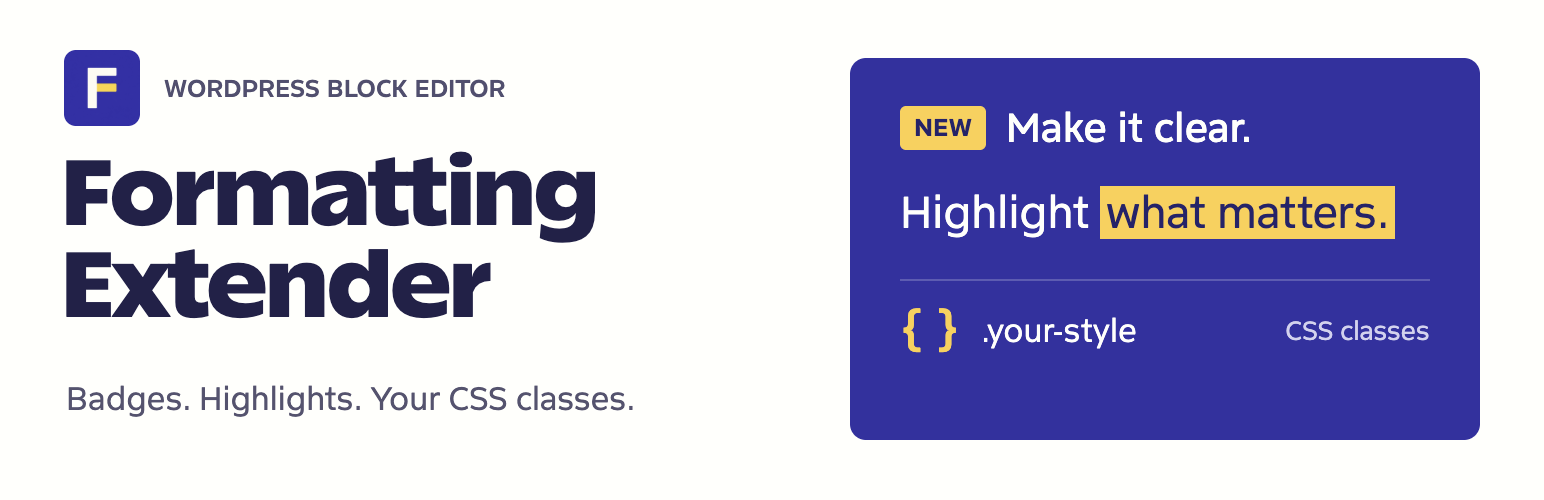
Formatting Extender 外掛將您的網站 CSS 類別引入 WordPress 區塊編輯器,讓您能夠輕鬆地為選定的文字或整個區塊應用樣式,並添加內聯標籤或高亮,而無需切換到程式碼編輯器。
【主要功能】
• 為選定文字或區塊應用樣式
• 瀏覽主題提供的 CSS 類別建議
• 添加內聯標籤如 New、Updated
• 強調段落中的重要細節
• 使用自訂顏色或主題調色板
• 保留現有格式如連結和粗體文字
外掛標籤
開發者團隊
原文外掛簡介
Formatting Extender brings your site’s CSS classes into the WordPress Block Editor. Apply a class to a few words or a whole block, reuse classes suggested by your theme, and add inline badges or highlights without switching to the code editor.
What you can do
Style selected text or a block: choose the scope, inspect existing classes, edit them, or clear them. Repeated class names are removed automatically.
Find your theme’s classes: developers can supply categorized suggestions through the formatting_extender_css_classes filter. Use the arrow keys to browse suggestions and Enter to choose one.
Add inline badges: give short labels such as New, Updated, or Important their own background without creating another block.
Highlight useful details: emphasize a phrase while keeping it in the surrounding paragraph, heading, list item, or button text.
Choose colors: use your theme’s palette or custom text and background colors. Badge presets include Neutral, Info, Success, and Warning, with a preview, contrast feedback, and a reset control.
Keep existing formatting: custom class edits preserve links, bold text, and other formats. Existing badge, highlight, and custom-class content needs no migration.
There is no settings page, account requirement, or separate dashboard. The editing JavaScript loads only in the Block Editor. A small shared stylesheet displays the built-in badge and highlight styles on the frontend and inside the editor canvas.
Formatting Extender assigns class names; your theme or another plugin supplies their CSS. Built-in badges and highlights work immediately. Developers can adjust their defaults through documented CSS variables.
Development happens in the open on GitHub, where bug reports and pull requests are welcome.
Links
Formatting Extender Home – features, screenshots, and usage examples.
Changelog – release notes and downloadable packages.
Feature Requests and Bug Reports – report a problem or suggest an improvement.
WordPress.org Support – get help with the plugin.
Community – ask questions and share your WordPress work.
More WordPress Plugins – other plugins by Gaurav Tiwari.
External Services
Formatting Extender does not contact external services or collect telemetry. Formatting and class suggestions run locally in the editor, and the plugin’s styles are served from your WordPress installation.