外掛標籤
開發者團隊
原文外掛簡介
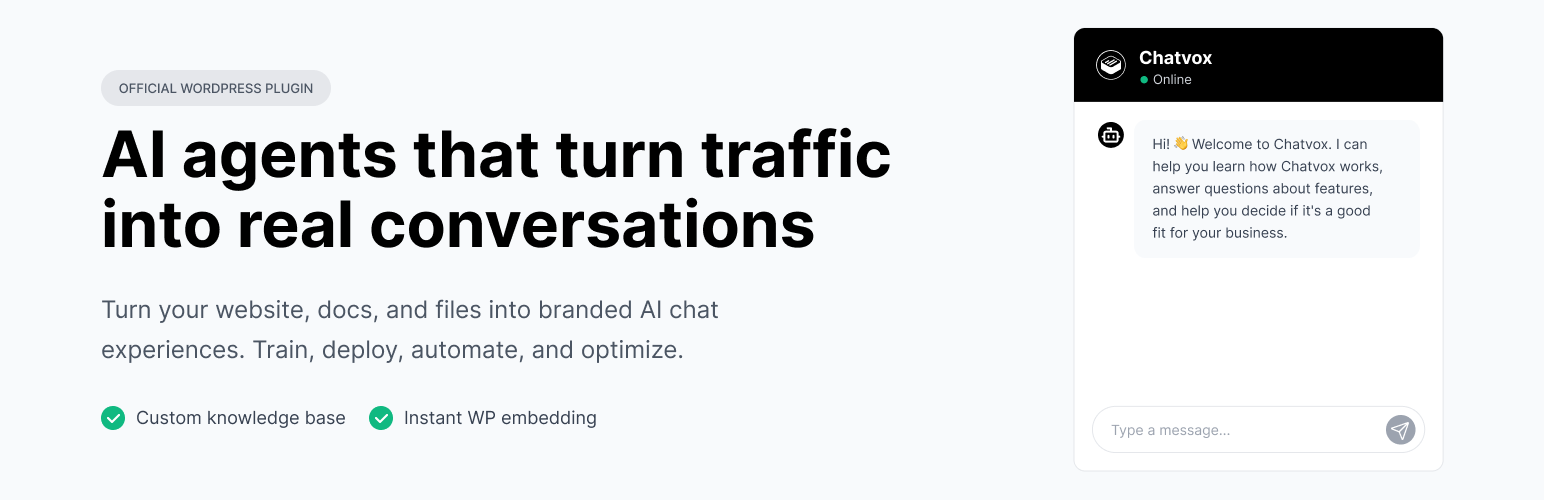
Chatvox helps teams turn website traffic into conversations with branded AI chat agents. The Chatvox WordPress plugin makes it easy to add your Chatvox web widget to a WordPress site without editing theme files.
Create and manage your AI agent at chatvox.co, then paste your Agent ID into WordPress to display the Chatvox widget on your site.
With Chatvox, teams can train AI agents on website pages, documentation, uploaded files, sitemaps, raw text, and Q&A content, then deploy those agents as branded chat experiences. Chatvox also supports public chat links, web widget customization, conversation monitoring, lead capture, domain allowlists, Slack and Salesforce workflows, and custom API actions from the Chatvox platform.
This plugin focuses on WordPress installation only. Agent training, AI models, automations, conversations, leads, and integrations are managed in your Chatvox account.
Plugin highlights:
Add a Chatvox AI chatbot to WordPress from Settings > Chatvox.
Install the Chatvox web widget without editing your theme files.
Store one lightweight Agent ID option in WordPress.
Show the widget only when an Agent ID is configured.
Keep widget content, branding, automations, and training managed in Chatvox.
External Services
This plugin relies on the third-party/external Chatvox service to load the customer support chat widget on the frontend of your website.
Service Name: Chatvox (https://chatvox.co)
Script Location: https://my.chatvox.co/embed.js
Purpose: Renders the interactive chat widget allowing visitors to communicate with your AI agent.
Data Transmission: When the chat widget loads or is interacted with on the frontend, standard visitor browser metadata (such as IP address and user-agent), chat message content, and any information a visitor submits through configured chat workflows may be sent to Chatvox’s servers to process and deliver responses.
Terms of Service: https://chatvox.co/terms-of-service
Privacy Policy: https://chatvox.co/privacy-policy