內容簡介
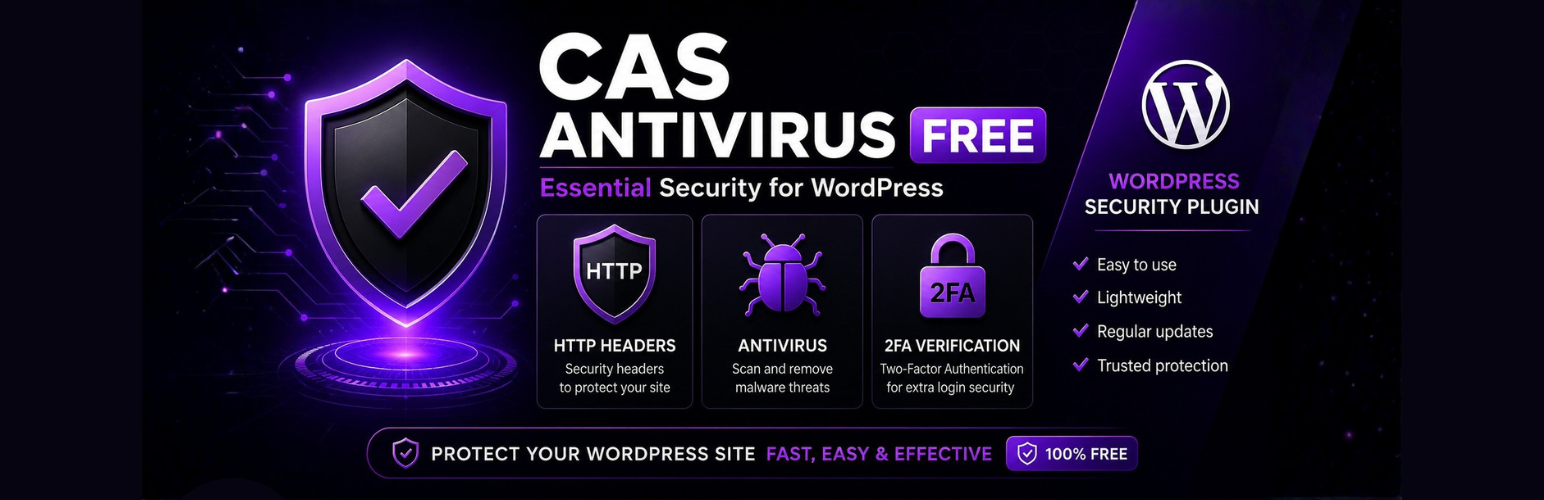
CAS Antivirus 是一款輕量級且強大的安全外掛,旨在透過直觀、現代且易於使用的介面來保護 WordPress 網站。無論是個人部落格、商業網站還是線上商店,CAS Antivirus 都能有效防禦常見的安全威脅,並保持網站性能。
【主要功能】
• 輕量級設計,優化性能
• 強大的惡意程式掃描器
• 自動 WordPress 核心恢復
• 提供六項 HTTP 安全標頭
• 兩步驟驗證 (TOTP)
• 現代化管理介面
外掛標籤
開發者團隊
原文外掛簡介
Lightweight Security. Powerful Protection.
CAS Antivirus is a lightweight yet powerful security plugin designed to protect WordPress websites through an intuitive, modern and easy-to-use interface.
Whether you manage a personal blog, a business website or an online store, CAS Antivirus helps defend your WordPress installation against common security threats without compromising performance. It is suitable for both beginners and advanced users looking for reliable protection with minimal configuration.
Unlike many free security plugins, CAS Antivirus includes a powerful malware scanner with WordPress core integrity verification and automatic core restoration. Modified core files can be detected and restored safely using the official WordPress core.
The plugin also provides six essential HTTP Security Headers to improve browser-level security together with Two-Factor Authentication (TOTP) to protect administrator accounts from unauthorized access. All QR codes are generated locally, ensuring authentication data never depends on third-party services.
Why Choose CAS Antivirus?
Lightweight and optimized for performance.
No third-party services: only official WordPress.org endpoints (see External services).
Local QR code generation for maximum privacy.
Automatic WordPress core restoration.
Easy to configure with a modern interface.
Fully translated into 19 languages.
CAS Antivirus is fully translated into 19 languages: English, Spanish, French, German, Italian, Danish, Portuguese, Polish, Dutch, Swedish, Finnish, Norwegian Bokmål, Russian, Chinese, Japanese, Czech, Romanian, Hungarian and Slovak, providing a native experience for WordPress users worldwide.
Free Features
Malware scanner with WordPress core integrity verification.
Automatic WordPress core restoration.
Six essential HTTP Security Headers.
Two-Factor Authentication (TOTP).
Local QR code generation.
Modern and intuitive administration interface.
Fully translated into 19 languages.
Professional Features
The Pro version includes everything in the Free version, plus:
Advanced real-time firewall.
Additional security hardening shields.
Custom login URL protection.
Custom 404 page.
Login activity monitoring.
Failed login log.
Security event logging.
Additional monitoring tools.
Extra security modules.
The free version provides essential protection for WordPress, while the Pro version delivers a complete security suite with advanced firewall protection, monitoring and access control.
External services
This plugin connects to the official WordPress.org servers in two situations. No other external service is used, and no data is sent to the plugin author.
WordPress.org Core Checksums API (api.wordpress.org)
Used by the Core File Integrity Monitor to obtain the official checksums of your WordPress version and detect modified or missing core files.
Data sent: your WordPress version number and site locale (for example “6.8” and “es_ES”), as part of the request URL. As with any web request, the server also receives your site’s IP address.
When: each time an administrator runs an integrity scan.
Service provided by WordPress.org: Terms of use / Privacy policy.
WordPress.org release downloads (downloads.wordpress.org)
Used by the core restoration tool to download the official zip of your installed WordPress version, so modified or missing core files can be replaced with the original ones.
Data sent: your WordPress version number, as part of the download URL. The server also receives your site’s IP address.
When: only when an administrator explicitly starts the core restoration.
Service provided by WordPress.org: Terms of use / Privacy policy.
QR codes for Two-Factor Authentication are generated locally on your server. No QR or authentication data is sent to any external service.