內容簡介
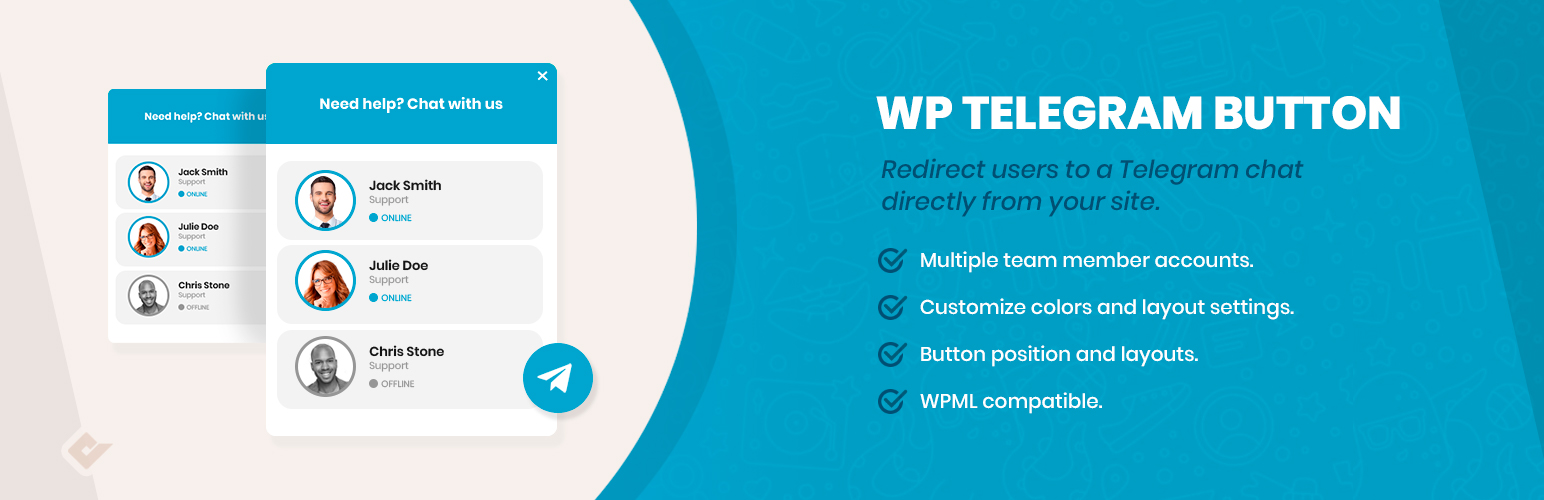
Telegram Button for WordPress 讓您的客戶能夠直接從網站開啟與您的 Telegram 帳號的對話,提升轉換率並增加銷售機會。
【主要功能】
• 直接連結 Telegram 聊天
• 支援多個聯絡方式
• 自訂按鈕顏色與樣式
• 提供兩種按鈕佈局
• 根據文章類型隱藏按鈕
• 自訂按鈕文字與預設訊息
外掛標籤
開發者團隊
📦 歷史版本下載
原文外掛簡介
Premium | Demo | Community
Telegram Button for WordPress allows your customers to open a conversation from your website directly to your Telegram account.
Why Telegram?
Due to recent changes in WhatsApp privacy policies, Telegram has become one of the most popular instant messaging applications in the world.
This means that many users are migrating to this platform and Telegram is becoming their main contact method. Therefore, offering easy access from our website is a good way to convert those visitors into customers.
Generating leads is the key to every business success, and the Telegram chat button can help you to increase your overall sales and reach this goal.
Telegram Button
With the Telegram chat button, your visitors will be allowed to send a message directly to your account. To start configuring it, you have to go to the button tab inside the Telegram chat section that you can find in your admin dashboard.
Inside the button tab, you wil be able to switch between two different layouts, and to define if you want to include rounded edges, also the position where you want to show the Telegram button, the text to be displayed inside, the account and the default user message.
Telegram Button Features
Telegram button
Telegram multiple contact
Telegram button and box colors
Two button layouts
Hide the button based on post types and taxonomies
Add rounded or square borders
Vertical and horizontal position
Custom button text
Custom user message
Developed by
QuadLayers