內容簡介
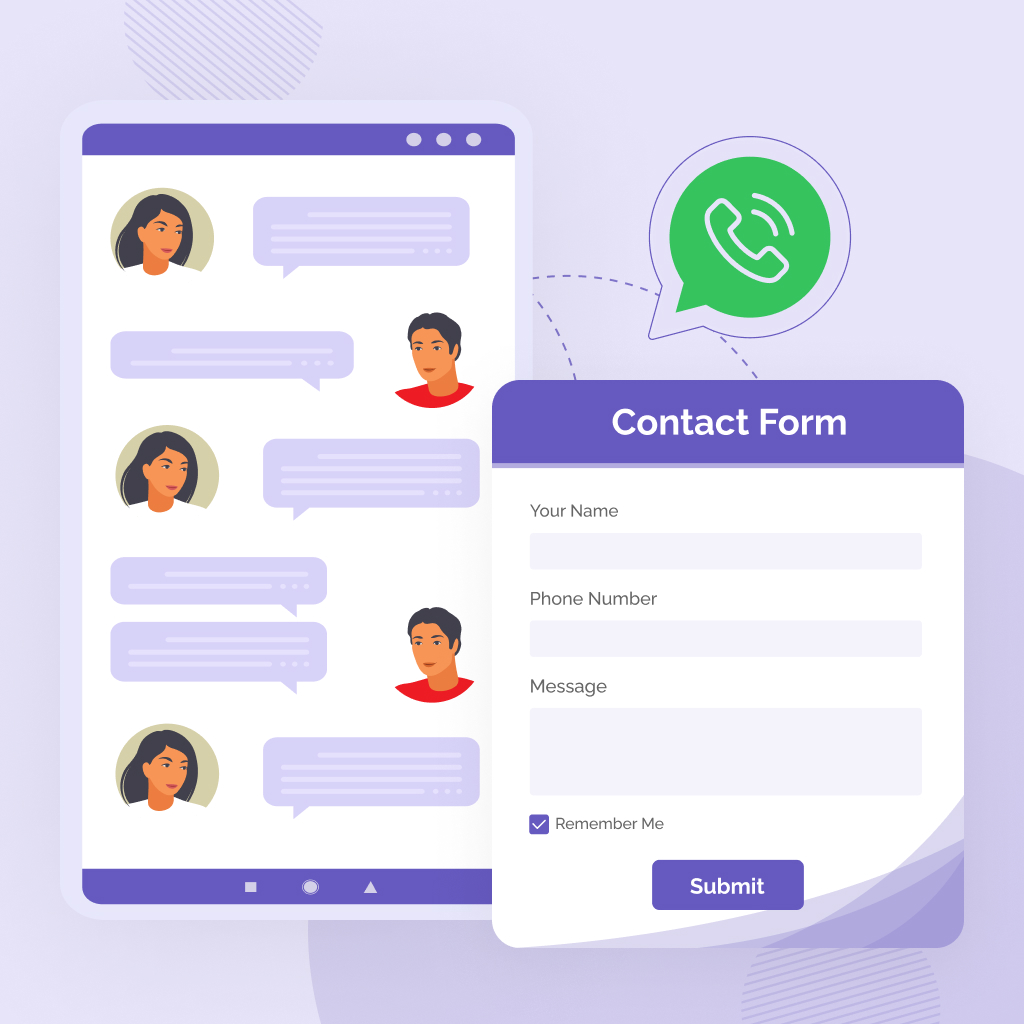
WP Chat App 是一款 WhatsApp 聊天外掛,可在 WordPress 網站上新增浮動按鈕、固定按鈕及聊天小工具,讓訪客一鍵透過 WhatsApp 聯繫客服、業務或技術支援,提升顧客互動與信任感。
【主要功能】
• 可自訂浮動 WhatsApp 聊天小工具
• 支援新增多位客服人員帳號
• WooCommerce 商品頁加入 WhatsApp 訂購按鈕
• 透過短代碼在文章或頁面嵌入按鈕
• 完整相容各大快取外掛
• 支援 Google Analytics 及 Facebook Pixel 事件追蹤(PRO)
外掛標籤
開發者團隊
📦 歷史版本下載
原文外掛簡介
WhatsApp Chat for WordPress and WooCommerce brings your customer conversations to the platform your audience already uses every day.
Add a floating button, widget, or web beacon to your site and give shoppers a direct line to your team.
Perfect for support, order discount, presales, usage questions, or anything in between.
Quick Demo | Go Pro 💎
Pair it with YayReviews for WooCommerce to follow up with buyers on WhatsApp and collect more authentic reviews, turning every completed order into a growth opportunity.
Multiple agents, zero complicated setup, and full compatibility with all cache plugins.
Documentation
This is the best way to connect and interact with your audience. Via the WP WhatsApp button, you can offer support directly, accept orders on WhatsApp, build trust, and increase customer loyalty.
⚡️ FEATURES
WhatsApp Floating Widget
Show WhatsApp chat widget on selected pages or all pages’ corners.
Agent name
Agent title
Custom color & greetings
Set pre-filled messages with dynamic shortcodes
Custom availability & working hours (PRO)
Avatar (PRO)
WooCommerce WhatsApp Button
Add Order on WhatsApp button on WooCommerce product pages.
Choose a specific agent/expert for products
Display WooCommerce WhatsApp button after ‘Add to cart’
Display before ‘Add to cart’, after long description or short description (PRO)
In-post/page WhatsApp Button with shortcode
Unlimited display
Choose a specific agent/expert to fit page/post content
Optimize audience engagement
Event Tracking
Google Analytics (PRO)
Google Tag Manager and Google Analytics 4 (PRO)
Facebook Pixel (PRO)
WHY USE WHATSAPP FOR WORDPRESS?
Multiple Agent Accounts
WhatsApp Chat plugin allows you to add multiple accounts of your members into a WhatsApp box to display.
Compatible with WordPress Cache Plugins
This WhatsApp Chat for WordPress plugin can work with many WordPress hosting caching systems and WordPress optimization plugins. Whether you’re using LiteSpeed, W3 Total Cache, WP Rocket, or others, rest assured that they will shake hands.
Enhanced Customer Relationship
It’s always better to greet someone by name. Thus, it’s much better when your customers know whom they’re talking to. That’s how you can create mutual trust through chat communication and build customer loyalty by leaving a good impression from the very first conversation.
Easy to Use
Pick colors to fit your website style and brand. Moreover, you can customize each agent’s profile depending on their working hours, daily roster, avatar, name tag, and job title.
Support WPML
Running multilingual websites? Don’t worry! You can use any WordPress translation plugins like WPML, Polylang, etc. to translate available languages on your site easily.
Shortcode Included
With shortcodes from WP WhatsApp Chat plugin, you can display the click-to-WhatsApp widget anywhere on your site. It can be a page, a post, sidebar, widget, or other elements of your website builder.
No Coding Required
Dedicated to designing, we’ve made UI/UX simple as best as we can. All you need to do is activate the plugin, fill in your WhatsApp phone numbers, customize all the available options, and you’re good to go!
🚀 HOW IT WORKS
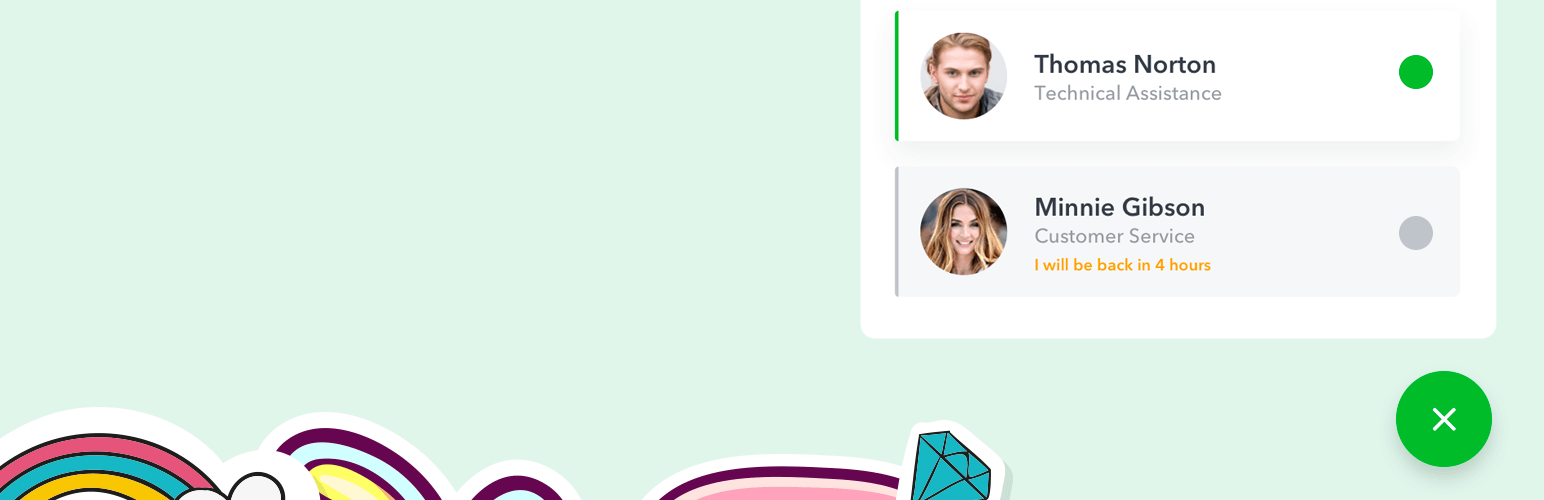
After activating, you can add your WhatsApp account number for the floating widget. This is where your visitors can reach you and see multiple WhatsApp accounts of your store assistants/agents ready with his/her own name, title, avatar, and greetings.
The visitor also knows when you/your agents back to work in the exact remaining amount of hours and minutes that they have to wait. This is the unique feature of WP Chat App thanks to its compatibility with all cache plugins:
W3 Total Cache
WP Super Cache
Cache Enabler
WP Rocket
Comet Cache
WP Fastest Cache
Hyper Cache
🎉 COMPATIBILITY
WP Chat App plugin has been developed to be compatible with the most popular WordPress page builders, themes and plugins.
It’s perfect to combine WhatsApp customer support plugin with WooCommerce plugins.
🤟 ADS TIPS AND TRICKS
This plugin works seamlessly with WhatsApp Business App.
You can run a WhatsApp campaign on Facebook Ads. Your audience will see the call-to-action of “Send message on WhatsApp” on display ads.
You can suggest questions for people to tap in the omnichannel Messenger-WhatsApp marketing campaigns.
The WhatsApp Business app includes product catalog, away messages, quick replies and customer/order labels.
You can get back to those audiences anytime you want.
WP Chat App plugin is optimized for WooCommerce product pages.