內容簡介
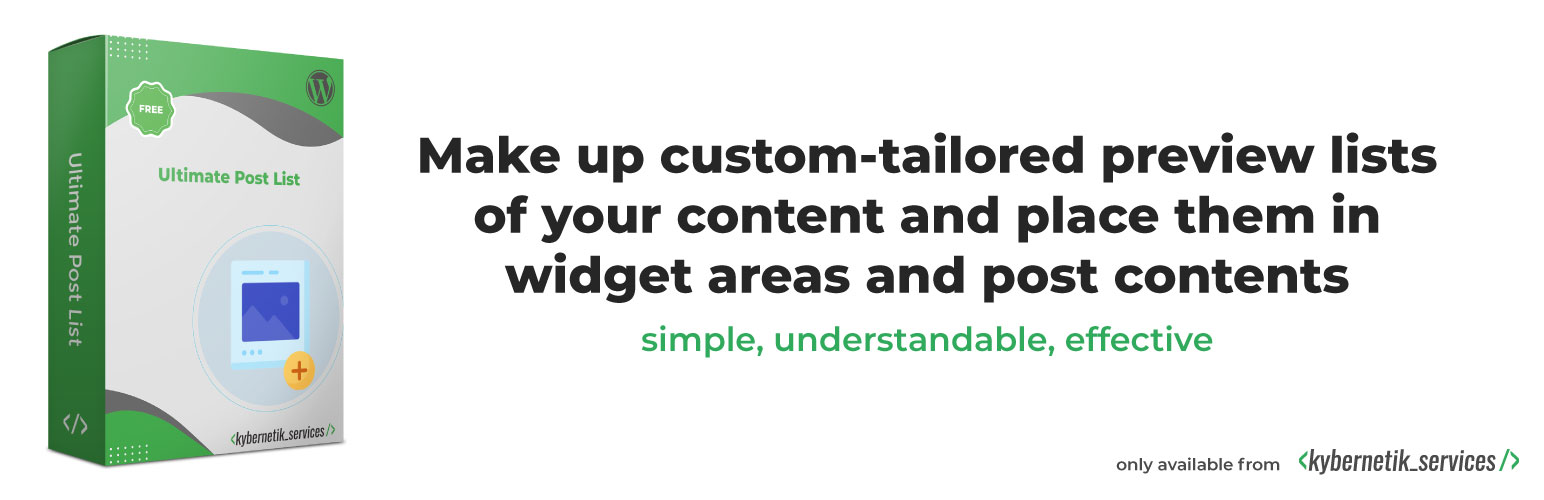
Ultimate Post List 外掛讓使用者輕鬆創建自訂的文章列表,並將其放置於小工具區域或文章內容中,無需程式設計技能。透過簡單的操作,您可以有效促進網站內容的展示。
【主要功能】
• 自訂文章列表,無需編碼
• 支援多種顯示佈局選擇
• 可依文章類型和分類過濾文章
• 支援「載入更多文章」功能
• 多小工具支援,可設定多個列表
• 一鍵複製現有列表
外掛標籤
開發者團隊
原文外掛簡介
Make up custom-tailored preview lists of your website’s contents easily and place them in widget areas and post contents.
Promote your website’s content with many kinds of post lists. No programming skills are necessary. No fiddling with templates. With just a few keyboard entries and clicks you get a customized posts list.
The plugin Ultimate Post List for WordPress gives you an easy-to-use toolbox to make lists of posts. You can insert the lists
as widgets in every widget area per drag’n’drop easily
via configurable shortcodes in every post content
via calls of the function upl_get_html() in PHP code
You can switch between a vertical list layout or a responsive grid layout. A few options help you to get a nice layout without any need to code.
You can filter the posts by their post type “Post” or/and “Page” and by multiple categories. For filtering by custom post types check out Ultimate Post List Pro.
You can switch on a “Load more posts” link or button which loads further posts without leaving the page. Its text is controlled easily for you.
The plugin is multi-widget capable. That is, you can have several widgets of Ultimate Post List on your blog, each with its own settings!
You can clone (duplicate, copy) every list with a single click on the action link.
The plugin does not collect any personal data, so it is ready for EU General Data Protection Regulation (GDPR) compliance.
Demo
You want to test Ultimate Post List before installing on your site? Try it out on your individual and free WordPress playground and click here.
Options you can set
The free version of Ultimate Post List offers you many options to type and click customized post lists easily. These are the options:
List Options
List Display Options
List Visibility
Text if no posts
List Title Options
List title
URL of list title
HTML element of list title
Post List Options
Post List Options In General
Number of posts
Posts offset
Hide current viewed post in list
Show sticky posts on top of the list
Posts Sort Order
Order by
Post date
Post title
Post author
Order direction
Ascending
Descending
Post Filter Options
Post Type Filter
Show posts of selected types: posts or/and pages
Category Filter
Show posts of selected categories only
Show only posts that are in all selected categories
Post List Item Options
Post Data Order
Position of post thumbnail
Position of post title
Position of post date
Position of post author name
Position of post excerpt
Post Display Options
Show post thumbnail (default)
Show post title (default)
Show post date
Show post author name
Show post excerpt
Post Links Options
Set post title clickable (default)
Set post thumbnail clickable (default)
Set post date clickable, pointing to the month archive
Set post author clickable, pointing to the author’s archive
Set post excerpt clickable
Open post links in new windows
Post Title Options
Maximum length of post title
Text after shortened title
Post Date Options
Format of the post date (over 100 options available)
Post Thumbnail Options
Source of the post thumbnail
Featured image
First post content image if previously uploaded to the media library
Featured image if the first post content image is not available
First post content image if the featured image is not available
Avatars of post authors
Use post title as the alternative text for the thumbnail
Use default thumbnail if no image could be ascertained
URL of default thumbnail
Thumbnail size
Width of thumbnail in px
Height of thumbnail in px
Use aspect ratios of original images
Alignment of thumbnail
Align left
Align center
Align right
Top image margin width in px
Bottom image margin width in px
Left image margin width in px
Right image margin width in px
Flow of text at the thumbnail (wrap right/left or side by side)
Post Excerpt Options
Maximum length of post excerpt
Text after shortened excerpt
Ignore post excerpt field as excerpt source
Ignore post content as excerpt source
“More” Element Options
“More” Element Appearance
Show a clickable “More” element for loading further list items at the bottom of the list
“More” element type
Show element as a link
Show element as a button
Label of “More” element
Show icon while new posts are loaded
Icon style
Small icons
Small gray circle with rotating dot
Small turning wheel
Big icons
Big gray circle with rotating dot
Big turning wheel
Text that appears when no further posts have been found
List Layout Options
List Layout Type: vertical list or responsive grid
Grid item width in px
Minimal height of grid item in px
List Item Margin Options
Top item margin in px
Bottom item margin in px
Left item margin in px
Right item margin in px
Additional options in the Pro version
The Pro version has all the options of the free version and many additional options for layouts, numbered lists, colors, custom post types and much more. Go to Ultimate Post List Pro.
Pro users get premium support whilst free support is offered in the WordPress forums in our spare time.
Support
Support for this plugin will be provided in the form of Product Support. This means that we intend to fix any confirmed bugs, listen to ideas for this plugin and improve the user experience when enhancements are identified and can reasonably be accommodated.
Pro users get premium support whilst free support is offered in the WordPress forums in our spare time. If you are having trouble with this plugin in your particular installation of WordPress, we will not be able to help you troubleshoot the problem.