內容簡介
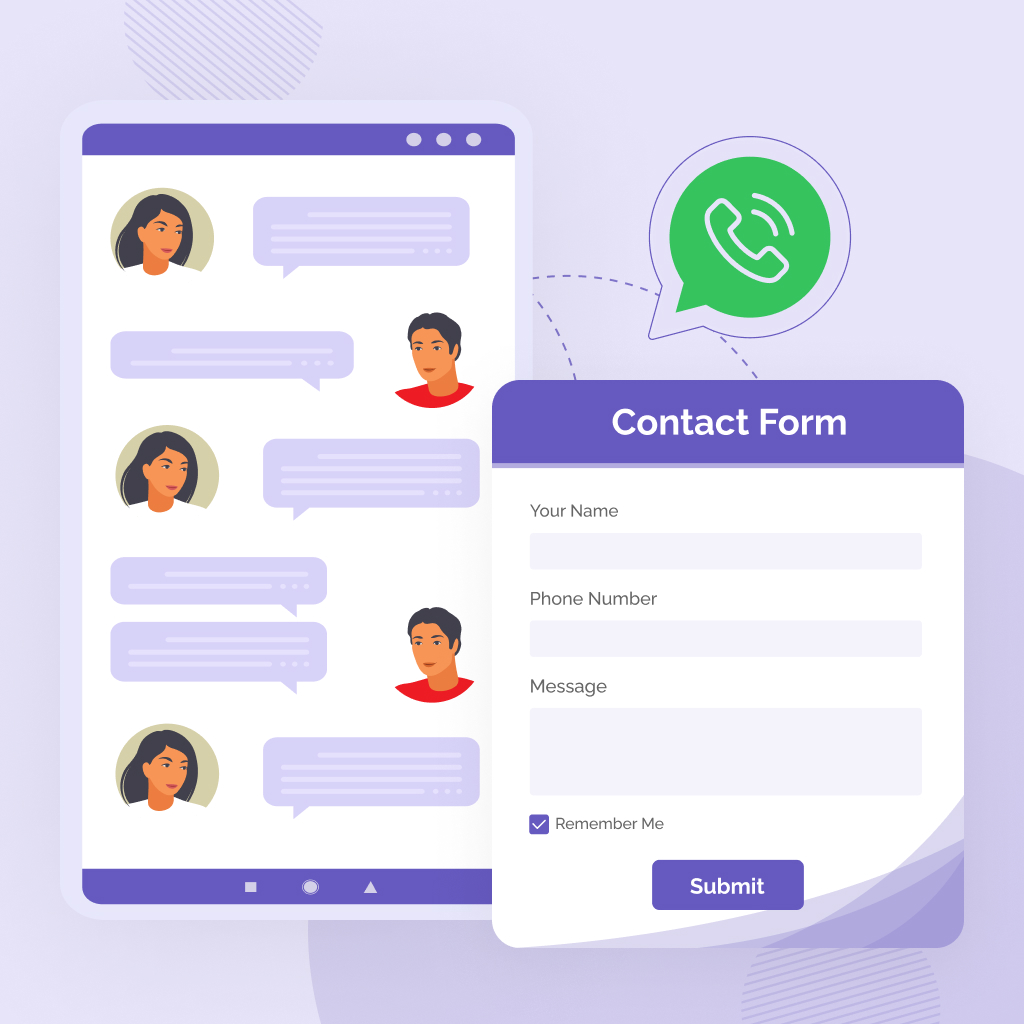
ThemeVix Direct Chat Button 是一款專為 WooCommerce 商店與 WordPress 網站設計的外掛,能夠輕鬆添加 WhatsApp 聊天按鈕,讓顧客能夠一鍵聯繫商家。此外掛支援產品查詢、訂單問題及客戶支援,提升顧客互動體驗。
【主要功能】
• 在產品、購物車及結帳頁面顯示 WhatsApp 聊天按鈕
• 自動填充 WhatsApp 訊息,包含產品名稱與價格
• 支援 Google Analytics 4 事件追蹤
• 提供多種按鈕樣式與大小選擇
• 可自訂按鈕顏色及動畫效果
• 支援在任何 WordPress 網站上使用
外掛標籤
開發者團隊
② 後台搜尋「ThemeVix Direct Chat Button — WooCommerce WhatsApp Chat」→ 直接安裝(推薦)
原文外掛簡介
ThemeVix Direct Chat Button helps WooCommerce stores and WordPress sites add a professional WhatsApp chat button so customers can contact you in one click. Messages can include product name, price, URL, cart details, and more — perfect for WhatsApp product enquiry, order questions, and customer support.
This plugin is not affiliated with, endorsed by, or sponsored by WhatsApp LLC or Meta Platforms, Inc. WhatsApp is a trademark of WhatsApp LLC.
Why store owners use it
WhatsApp click to chat on product, cart, checkout, and shop pages
Pre-filled WhatsApp messages with dynamic placeholders
WooCommerce WhatsApp integration for product, cart, checkout, and archive loops
Click analytics dashboard with KPIs, charts, and CSV export
Google Analytics 4 (GA4) event tracking for button clicks
Gutenberg block, Elementor widget, and [tv_direct_chat] shortcode
GDPR consent and optional privacy notice
Works on any WordPress site — even without WooCommerce (shortcode, block, floating button)
WooCommerce WhatsApp button
When WooCommerce is active, show a WooCommerce chat button on:
Single product pages (multiple positions: before/after add to cart, after summary, after meta)
Cart page (classic and block cart)
Checkout page (classic and block checkout)
Shop and product archive loops (optional)
Hide the button on selected products or categories. Override phone number or message per product in the WooCommerce product editor.
WhatsApp messaging features
Two WhatsApp numbers with primary, alternate, or random routing
Separate messages for product, cart, checkout, and shop/archive pages
Up to 3 quick-reply template buttons on product pages
Optional welcome message and business hours label
Message placeholders for product and cart data (see below)
Button design
Styles: rounded, pill, square, outline
Sizes: small, medium, large
Custom button and text colors
Animations: bounce, pulse, shake, heartbeat
Hover effects: darken, lighten, glow
Custom CSS field
RTL layout support
Show or hide on mobile and desktop
Floating WhatsApp button
Add a simple site-wide WhatsApp floating button (bottom-left or bottom-right) with an optional tooltip label. When the Pro add-on’s advanced floating widget is active, the free floating button is replaced automatically.
Analytics & GA4
Click analytics (built in):
Admin dashboard under TV Direct Chat → Analytics
Overview with KPIs: total clicks, daily average, all-time clicks, this month
Period filters: 7, 30, 90, or 365 days
Breakdowns by page type, device, button type, and top products
Daily click trend chart
CSV export
Optional anonymous click tracking (page type, device, button type, product ID — no IP addresses)
Google Analytics 4:
Configure under Settings → Google Analytics
Send custom WhatsApp click events to your GA4 property
Measurement ID, custom event name, product/page parameters
Debug mode for browser console testing
When the optional Pro add-on is active, its analytics and GA4 settings take over and the free analytics menu is hidden.
Tools & setup
Click-to-chat link generator with copy button
Basic QR code preview in admin (for testing your chat link)
JSON settings import/export
3-step setup wizard after activation (phone, display options, finish)
Blocks, shortcodes & Elementor
Gutenberg block: search for Chat Button in the block inserter (directchat/chat-button)
Elementor widget: WhatsApp Chat Button
Shortcode: [tv_direct_chat] (alias: [directchat_button])
Shortcode attributes: phone, text, message, style, color, text_color, size, icon, newtab, class
Privacy & GDPR
Optional GDPR consent checkbox before chat links open
Optional privacy notice under the button with policy URL
Click analytics stores anonymous event data only (no IP addresses)
Suggested privacy policy text included for WordPress Privacy Policy guide
Optional Pro add-on
A separate premium add-on (sold on ThemeVix.com, not WordPress.org) adds multi-agent routing, advanced floating widget, lead capture, display rules, scheduling, WooCommerce automation, AI chatbot, and more. The free plugin works fully on its own.
Message placeholders
Available in message fields and templates:
{product_name} — Product name
{product_price} — Product price (formatted)
{product_url} — Product permalink
{shop_name} — Site name
{product_sku} — Product SKU
{variation} — Selected variation attributes (variable products; updated via storefront JavaScript)
{quantity} — Selected quantity (variable products; updated via storefront JavaScript)
{cart_total} — Cart total (cart/checkout messages)
{cart_count} — Number of items in cart
Shortcode examples
Basic:
[tv_direct_chat]
With custom attributes:
[tv_direct_chat phone="+1234567890" text="Chat on WhatsApp" message="Hi, I need help!"]
External Services The phone number comes from your plugin settings. The message may include product name, price, URL, shop name, SKU, cart total, and related store data from your own site. Data is sent only when the visitor clicks the button. Service: WhatsApp Google Analytics 4 — optional Service: Google Analytics QR Server — optional, admin only Service: QR Server API Privacy Policy Suggestions Plugin settings in the WordPress options table
This plugin connects to external services only when a feature that requires them is used.
WhatsApp (wa.me) — required for chat links
When a visitor clicks a WhatsApp button, their browser opens a URL like:
https://wa.me/
Terms: WhatsApp Terms of Service
Privacy: WhatsApp Privacy Policy
When GA4 tracking is enabled in Settings → Google Analytics, the plugin loads Google Tag (googletagmanager.com/gtag/js) and sends custom click events to your GA4 property using the Measurement ID you provide. Events may include page type, page URL, and product data depending on your settings.
Terms: Google Terms of Service
Privacy: Google Privacy Policy
The Tools tab displays a QR code preview of your chat link using api.qrserver.com. This request is made only in the WordPress admin when viewing the QR preview, not on the public storefront.
Privacy: Refer to the QR Server / goQR website for their privacy terms.
This plugin can store:
Anonymous click analytics in a custom database table (directchat_clicks) when tracking is enabled — page type, device type, button type, and optional product ID. No IP addresses.
GA4 event data is processed by Google when GA4 integration is enabled延伸相關外掛