內容簡介
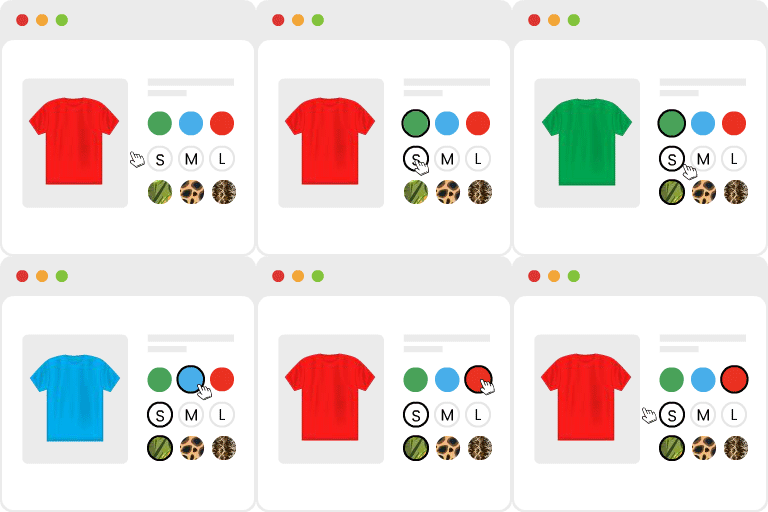
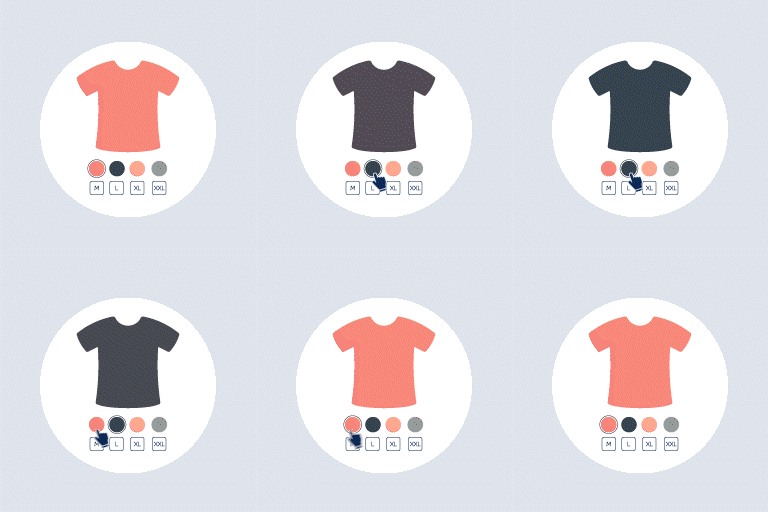
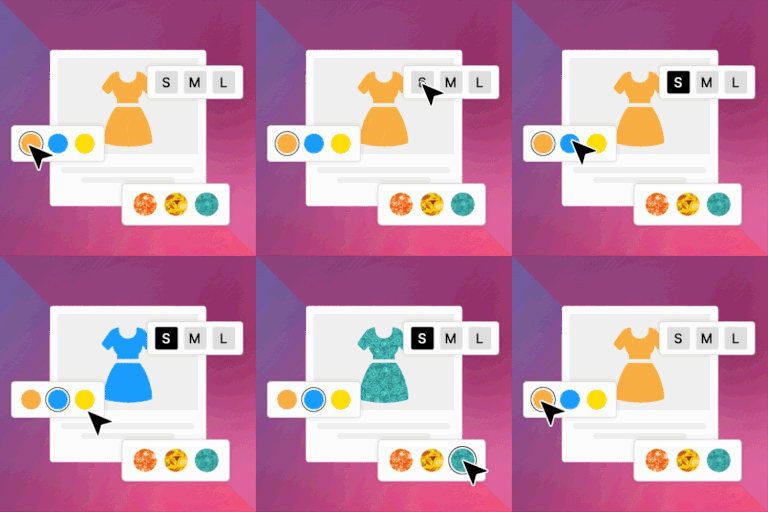
Variation Swatches for WooCommerce 是一款輕量級的 WordPress 外掛,旨在將 WooCommerce 的產品屬性下拉選單升級為互動式的視覺樣本。顧客可以透過顏色圓圈、核取方塊或單選按鈕來選擇顏色或尺寸,提升購物體驗。
【主要功能】
• 多種樣本顯示類型
• 全球與產品級別控制
• 可調整的屬性形狀
• 無縫相容性
外掛標籤
開發者團隊
② 後台搜尋「Variation Swatches for WooCommerce」→ 直接安裝(推薦)
原文外掛簡介
Variation Swatches for WooCommerce is a lightweight WordPress plugin designed to upgrade standard WooCommerce product attribute dropdown menus into interactive visual swatches. Instead of selecting options like color or size from plain dropdown menus, customers can choose options using color circles, checkbox, or radio buttons. The plugin enhances the WooCommerce shopping experience.
👉 Plugin Demo | Documentation | Get Pro 👈
Core Features & Highlights
✨ Multiple Swatch Display Types: Convert default dropdowns into radio buttons, color circles, checkbox swatches, or standard HTML dropdowns.
✨ Global & Product-Level Controls: Configure settings globally via WordPress Admin → Tools → Variation Swatches or customize them per product under the product editor tab when global override is turned off.
✨ Flexible Attribute Shapes: Customize attribute swatches in rounded or square shapes to fit your store theme.
✨ Seamless Compatibility: Built lightweight to integrate natively with WordPress and WooCommerce without conflicting with major themes or plugins.
How to Work Settings with Swatches.
✨ Attribute Shape: Radio — The Radio provides a sleek, clear display for individual attributes.
👉 Live Demo | Documentation
✨ Attribute Shape: Select ( Default ) — Set and display default attribute values with ease using sleek drop-down selectors.
👉 Live Demo | Documentation
✨ Attribute Shape: Checkbox (Pro) — The Checkbox provides a sleek, clear display for individual attributes.
👉 Live Demo | Documentation
✨ Attribute Shape: Checkbox and Radio (Pro) — Display attributes seamlessly across your UI with clear Checkbox and Radio controls.
👉 Live Demo | Documentation
Compatibility
Variation swathces for Woocommerce plugin is integrated into WooCommerce and WordPress, but only where necessary. It’s unlikely to conflict with other plugins.
Need Any Help?
👉 For any bug, support or suggestion please submit your ticket here.