外掛標籤
開發者團隊
② 後台搜尋「TalkDock — Floating Chat Button」→ 直接安裝(推薦)
原文外掛簡介
TalkDock adds a floating WhatsApp button to your site in under two minutes. Visitors tap it and WhatsApp opens straight to your number — no forms, no redirects, no friction.
One settings panel covers everything. No accounts, no code, nothing to configure outside WordPress.
What TalkDock does
Floating chat button — appears on every page; visitors tap it and WhatsApp opens directly to your number.
Full color control — solid colors or gradients via a built-in picker; matches any brand palette.
Flexible positioning — left or right, with fine-grained offset control.
Pre-filled welcome message — visitors arrive with a conversation starter already typed.
Animations & visibility rules — choose bounce, pulse, shake, or none; show to all visitors, logged-in users, or guests only; hide on mobile with one toggle.
Shortcode support — embed [talkdock_button] anywhere in posts or pages.
Live preview & clean uninstall — see changes before saving; plugin removes its own data on uninstall.
Upgrade to TalkDock Pro
The free plugin covers everything you need to get a WhatsApp button live. TalkDock Pro is the add-on for teams that want more control, more visibility, and more conversions.
Free
Floating chat button — all pages, all devices
Full color & gradient control with live preview
Flexible position and animation presets
Pre-filled welcome message
Visitor targeting by login state and device
Shortcode [talkdock_button] for inline embeds
Accessibility label and clean uninstall
Pro — everything above, plus:
Page-level targeting — show or hide the button by page ID, URL pattern, post type, or WooCommerce product
Multiple agents & departments — add unlimited agents with names, avatars, titles, and individual WhatsApp links; visitors pick the right person
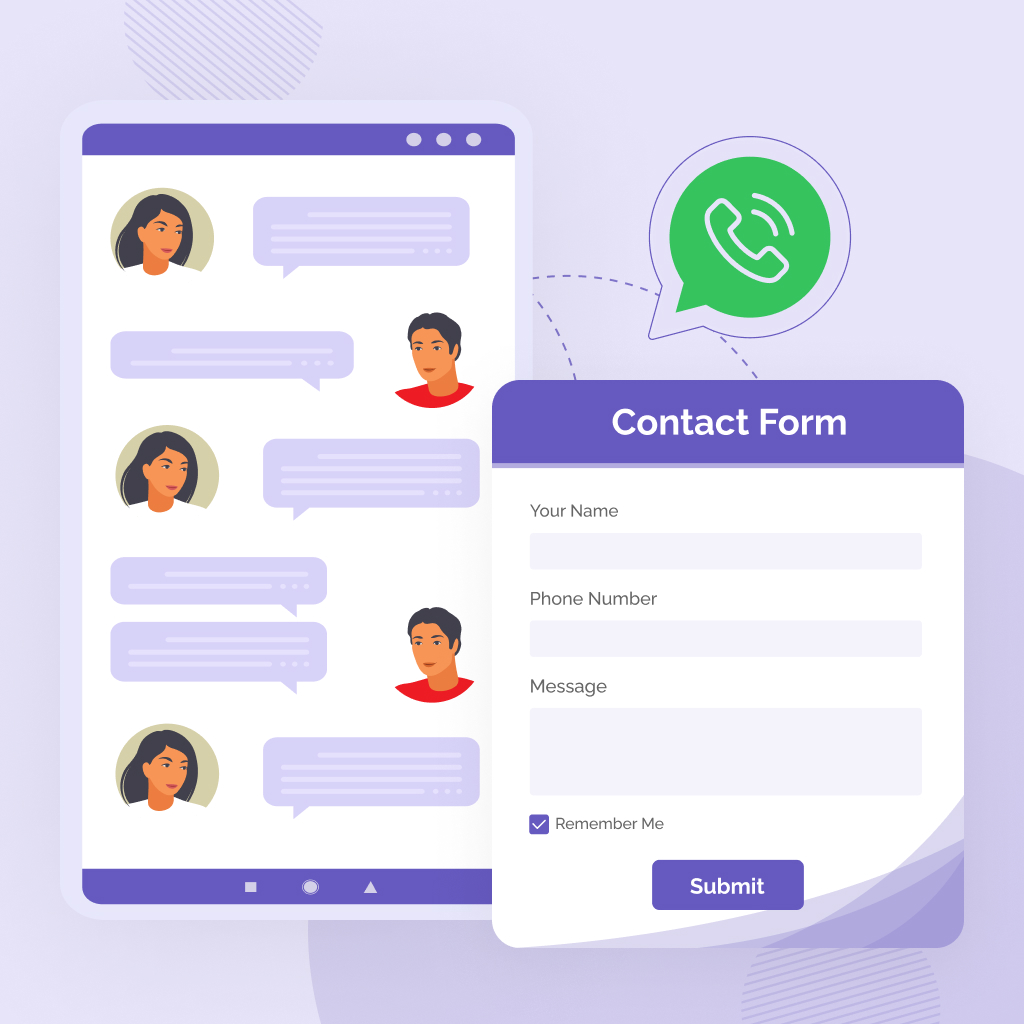
Business hours & offline routing — set open/close windows per day; outside hours the widget auto-switches to a lead capture form
Offline leads inbox — missed enquiries saved server-side, reviewable in-dashboard, exportable as CSV
Click analytics & conversion tracking — day-by-day click chart per agent, 7/30/90-day windows, Google Analytics and Meta Pixel event firing, CSV export
Greeting bubbles & extra button styles — pop-up greeting animations, agent typing indicators, and additional button presets
Inline Gutenberg block — drop a fully-styled “Chat with us” CTA anywhere in the block editor
👉 Get TalkDock Pro
About WhatsApp
TalkDock is not affiliated with WhatsApp or Meta. The button opens a standard wa.me link — identical to any hand-coded WhatsApp link. The plugin never contacts WhatsApp’s servers on your behalf.
Privacy & External Services
TalkDock transmits nothing in normal operation — no tracking, no telemetry, no background requests. The floating button is a plain wa.me anchor tag; clicking it opens WhatsApp in the visitor’s browser and nothing else. The only outbound connection is the optional Report a Bug form, fired solely when an administrator clicks Send.
Data sent only when a bug report is submitted:
Report subject and message
Optional reply-to email address (only if you type one)
Up to three screenshot attachments (validated server-side; never stored in your media library)
Optional diagnostic info — opt-out, shown to you before sending: plugin, WordPress, PHP, and MySQL versions; active theme; locale; multisite flag; PHP memory limit
Never auto-collected: site URL, admin email, license keys, user list, active plugin list, or any visitor data
A local copy is saved in tlkd_feedback_log (last 50 entries; removed on uninstall)
External service used:
Service: Markas Studio Bug Report Receiver
Purpose: Deliver administrator-submitted bug reports for support investigation. Data is sent only after clicking Send — never automatically.
Terms of Use · Privacy Policy
WhatsApp wa.me links are standard browser anchor tags. The plugin makes no server-side requests to WhatsApp or Meta.