內容簡介
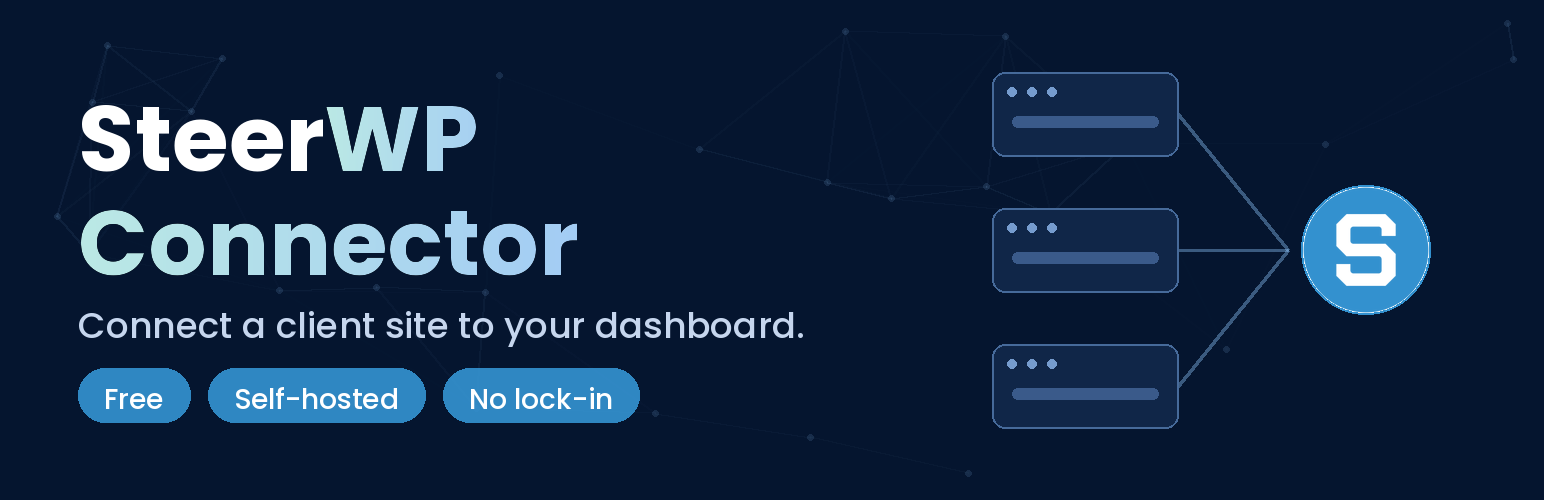
SteerWP Connector 是一款免費的客戶端外掛,專為代理商管理的 WordPress 網站設計。它能夠與代理商的 SteerWP 控制台配對,提供網站狀態監控、表單提交管理及文件共享等功能,提升網站管理效率。
【主要功能】
• 監控網站狀態與健康數據
• 接收並管理表單提交
• 顯示代理商共享的文件
• 切換維護模式
• 創建可下載的備份
外掛標籤
開發者團隊
原文外掛簡介
SteerWP Connector is the free client-site plugin in the SteerWP suite. Install it on each WordPress site an agency manages and pair it with the agency’s SteerWP Console. It does two things:
For the agency (on the Console): once paired, the Console can read this site’s status – WordPress, plugin and theme inventory and available updates, uptime and health data, pending comments, security and performance snapshots – receive form submissions (Contact Form 7, Gravity Forms, WPForms), moderate comments, create draft content, switch maintenance mode, and create backups for download. Every request is authenticated by the pairing secret in both directions. This plugin performs no administrative actions: it does not install, update or remove plugins or themes, update WordPress core, manage users, restore backups, or allow remote login. Agencies that want those management operations can use SteerWP Connector Pro, distributed separately from steerwp.com.
For the client (on this site): a small “Your agency” area in WordPress admin, branded with the agency’s name and colour, showing the connection status and any documents the agency has shared for this site — reports, proposals, audits, training material or other files — in one Documents screen. Nothing is shown unless the agency shares it. This area is hidden by default; the agency turns it on from its Console (Settings → Branding → Client-site area). When shown, only users with the view_agency_dashboard capability see it (administrators by default).
Capabilities exposed
The plugin responds to the following capability calls from the paired Console:
system_info, plugins_inventory, themes_inventory, core_status
security_snapshot, performance_metrics
forms_discover, forms_capture (event-driven: pushes CF7, Gravity Forms and WPForms submissions to the Console)
page_html, apply_branding, help_panel, run_optimization, actions
backup-creation and maintenance-mode capabilities used by the agency’s add-ons
Privacy
SteerWP Connector only communicates with the one SteerWP Console site it has been paired with. No data is sent to the plugin author or any other third party. Disconnecting (Settings → SteerWP Connection) stops all communication immediately.
External Services
This plugin exists to connect a WordPress site to a SteerWP Console – the management dashboard operated by the site’s own agency on the agency’s own WordPress installation. It does not communicate with any service operated by the plugin author, and it sends nothing anywhere until the site owner (or their agency) completes pairing.
What the service is: the paired SteerWP Console – a WordPress site chosen at pairing time, identified by the URL entered on the connection screen. It is operated by the agency that manages this site, not by SteerWP.
What is sent, and when:
At pairing: the site URL and a one-time connection code, exchanged for the pairing secret.
On request from the Console (authenticated with the pairing secret): site status – WordPress/plugin/theme versions and updates, health, uptime, security and performance snapshots, pending comments, page HTML for previews, backup archives when the agency runs a backup.
Event-driven, as they happen: form submissions from supported form plugins (the submitted form data, so the agency can follow up on leads), and service-account changes made on the connection screen.
Every 12 hours (and when the connection screen is opened): a request for the agency’s branding and display settings.
Where it goes: only to the paired Console’s REST API ({console-url}/wp-json/steerwp/v1/...), over the site’s normal HTTP transport. Disconnecting on the connection screen, or deactivating the plugin, stops all of it immediately.
Policies: the SteerWP software is provided by SteerWP – terms of service and privacy policy. Because the Console receiving the data is operated by your own agency, their handling of that data is governed by your agreement with them; consult your agency’s privacy policy for how they store and use it.