內容簡介
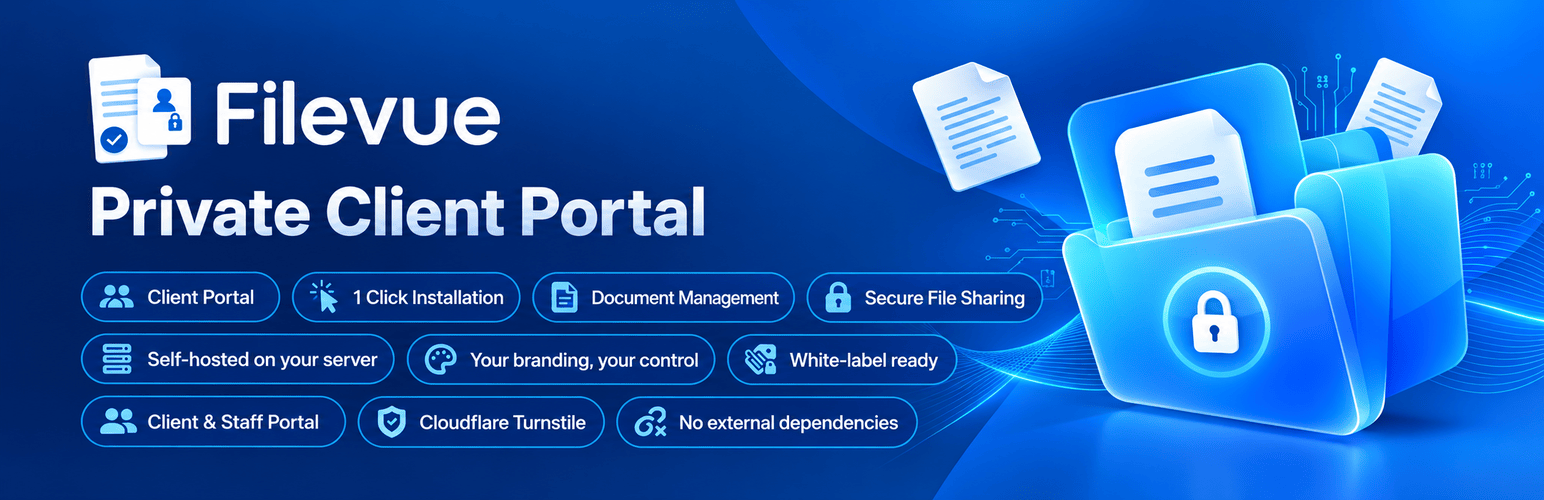
Filevue 將您的 WordPress 網站轉變為一個私密且安全的客戶入口網站,無需任何技術設置。啟用後,Filevue 自動創建並配置專屬的入口頁面,讓小型企業、自由工作者和非技術團隊能夠輕鬆提供客戶專屬的登錄功能。
【主要功能】
• 零配置自動設置
• 專屬客戶入口
• 有序的檔案管理
• 跨客戶專案共享
• 文件確認追蹤
• 客戶自助服務
外掛標籤
開發者團隊
📦 歷史版本下載
原文外掛簡介
Filevue transforms your WordPress website into a private, secure client portal with zero technical setup required. The moment you activate the plugin, Filevue automatically creates and configures your dedicated portal page (/portal/) — ready to use immediately without coding, shortcode tweaking, or complex setup.
Designed specifically for small businesses, freelancers, agencies, and non-technical teams, Filevue lets you provide each client with their own private login to view, download, and acknowledge documents, upload files, and update account details — while keeping them completely separate from your WordPress admin dashboard.
All client-facing screens adopt your site’s branding automatically, keeping your client experience clean, professional, and white-labeled.
Watch the full overview — discover how Filevue sets up a professional, private client portal on your WordPress site in minutes.
🌐 Official Website: https://filevue.app
📚 Documentation: https://filevue.app/docs/
▶️ YouTube Channel: https://www.youtube.com/@Filevue
🛟 Support Portal: https://www.filevue.app/support/
💬 Community Forum: https://wordpress.org/support/plugin/filevue/
Why Choose Filevue?
Zero-Configuration Automatic Setup: Installs and configures itself instantly upon activation — no coding, page building, or technical knowledge required.
Dedicated Client Portals: Each client gets a private space accessible only with their credentials.
Organized File Management: Organize documents by client and project using custom folders, colors, and SVG icons.
Cross-Client Project Sharing: Share projects between clients in strict read-only mode without duplicating files.
Document Acknowledgment: Track when clients or team members review and acknowledge essential documents.
Client Self-Service: Allow clients to upload files, manage their contact information, and change passwords directly from the portal.
Scoped Team & Staff Roles: Delegate access to Portal Managers, Portal Contributors, or staff assigned to specific projects.
Seamless Media & Data Previews: Preview PDFs, images, and MP4 videos directly in the browser, plus attach editable data sheets with Excel export.
Instant Notifications: Keep clients and administrators informed with branded email notifications and instant Telegram alerts.
100% Self-Hosted & Private: All uploaded files are stored directly on your WordPress hosting server — never on third-party cloud apps, SaaS servers, or external storage.
Built with Security in Mind: Sensitive credentials and configurations are stored securely, upload directories are protected against direct browsing, and all actions use strict WordPress verification.
Free vs. Pro Features
For a complete feature comparison between Filevue Free and Filevue Pro, visit:
https://filevue.app/#pricing
Quickstart Usage
Automatic Out-of-the-Box Setup:
The moment you activate Filevue, it automatically creates and publishes a fully functional client portal page at /portal/. You do not need to write code or configure shortcodes — simply create your first client in the WordPress admin and share their credentials.
Optional Custom Placement:
If you prefer to embed the portal on a custom page or template instead, add the shortcode:
[client_files]
(Legacy shortcodes [filevue_client_files] and [scp_client_files] remain supported for backwards compatibility).
Key Capabilities
Client & Project Management
* Create client accounts with auto-generated IDs and secure passwords.
* Organize work across multiple projects per client with drag-and-drop sorting.
* Instantly preview the portal as any client with one click from the admin.
* Share projects across clients with enforced read-only permissions.
File Management & Previews
* Drag-and-drop file uploads from the admin dashboard or client portal.
* Support for PDFs, Word, Excel, PowerPoint, images (PNG, JPG, GIF), ZIP, and MP4 video.
* In-browser preview for documents, images, and streaming video playback.
* Create custom folders with colored accents and tailored icons.
* Attach editable spreadsheet data sheets to folders with Excel export.
Collaboration & Team Access
* Portal Contributor: Manage clients and upload documents without configuration or delete permissions.
* Portal Manager: Full management over clients, files, and team settings.
* Staff Portal: Dedicated login tab for staff to view and acknowledge documents only for their assigned projects.
Automated Communications
* Send branded credential emails on account creation.
* Automatic alerts sent to clients when new files are added to their portal.
* Built-in SMTP configuration with one-click presets for popular mail providers.
* Real-time Telegram alerts for portal activity (Pro).
Security by Design
Filevue is engineered with multiple security layers:
* All uploaded files remain 100% on your own WordPress hosting server (wp-content/uploads/client-files/) — no third-party cloud apps, external APIs, or SaaS servers touch your files.
* Client passwords and sensitive credentials are encrypted and stored in a secure format.
* Client upload directories are protected against unauthorized direct web access.
* Every download, upload, and acknowledgment action is verified using WordPress nonces and strict path validation.
* Client sessions are isolated, preventing cross-client file enumeration or unauthorized access.
Multilingual Support
Filevue includes translations for:
English, Arabic, Chinese (Simplified), Dutch, French, German, Hindi, Romanian, Russian, and Spanish.