
內容簡介
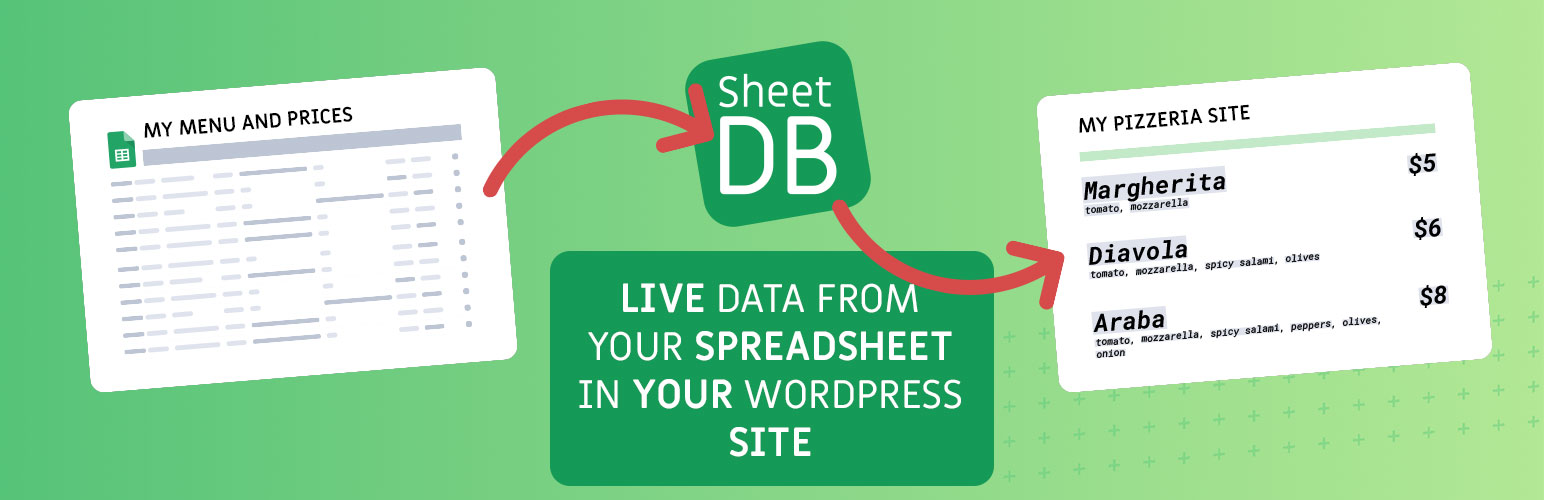
SheetDB 外掛讓使用者能輕鬆將 Google 試算表中的內容添加到 WordPress 網站。透過簡單的短碼,使用者可以將試算表的數據呈現於網站上,並可自定義顯示的行數和排序方式。
【主要功能】
• 輕鬆整合 Google 試算表數據
• 支援自定義短碼參數
• 安全的 HTML 渲染選項
外掛標籤
開發者團隊
② 後台搜尋「SheetDB – get your Google Spreadsheet data」→ 直接安裝(推薦)
原文外掛簡介
The SheetDB wordpress plugin allows you to easily add content from Google Spreadsheet to your wordpress site. To add content, simply add shortcode that looks like this – [sheetdb url="https://sheetdb.io/api/v1/YOUR_API_ID"][/sheetdb]. Content from within will be rendered as many times as there are rows in the spreadsheet (excluding the first row, which are column names – definition). Each time a new row is rendered, you can refer to any value using the braces notation: {{column_name}}
Example spreadsheet: Example spreadsheet document
Example code:
[sheetdb url="https://sheetdb.io/api/v1/58f61be4dda40" element="ul" limit=3 search="id=*" sort-by="id" sort-order="desc" lazy-loading="true"]
{{id}} – {{name}}
[/sheetdb]
You can use following optional attributes:
* limit – The number of rows that should be returned
* offset – Row from which it should start (how many rows to skip)
* sheet – If you want to use a different sheet than the first one (default), enter the name of the tab you want to use here.
* search – You can search for specific data in your sheet. If you want to use more than one condition join them using & symbol. Example: search="name=Tom&age=15"
* sort-by – The column you want to sort by
* sort-order – sort in asc or desc order
* lazy-loading – If you set this attribute to true, the api call will be executed only when the user reaches the point of the table. If your table is lower on the page this can help reduce request consumption.
HTML rendering and safety:
* Using {{name}} renders plain text only. Any HTML is escaped and will not be executed or rendered.
* Using {{html:name}} allows most safe HTML tags to render (e.g. a, p, ul, li, strong, em, img with safe attributes). Potentially dangerous tags and attributes (e.g.