外掛標籤
開發者團隊
② 後台搜尋「Kibi Forms – Contact Form Builder & Lead Inbox」→ 直接安裝(推薦)
原文外掛簡介
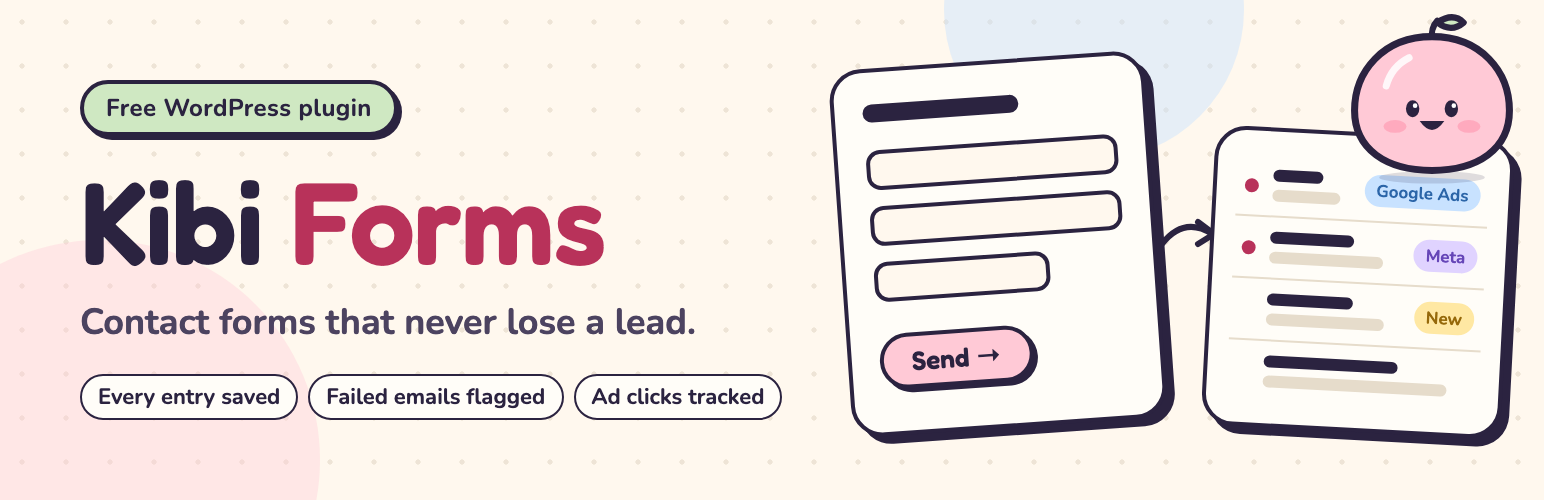
Kibi Forms is a free WordPress contact form builder with a lead inbox. Build contact, quote request, callback and job application forms, then manage their entries in your WordPress dashboard.
Each entry is saved before notification emails are sent. If your site cannot send an email, the entry stays in the Inbox and the email log shows the failure with a resend button.
Use conditional logic, multi-step forms, file uploads, CSV export and campaign tracking without a Kibi account.
Explore Kibi Forms for WordPress.
All plugin features are free. No account is needed to build forms or manage entries.
Build contact and lead forms
Form recipes: answer three questions — what your business does, what people contact you for, what you need to know before you reply — and get a ready form for your business (13 business types, 32 question packs), worded for your country.
22 classic templates if you’d rather start from one.
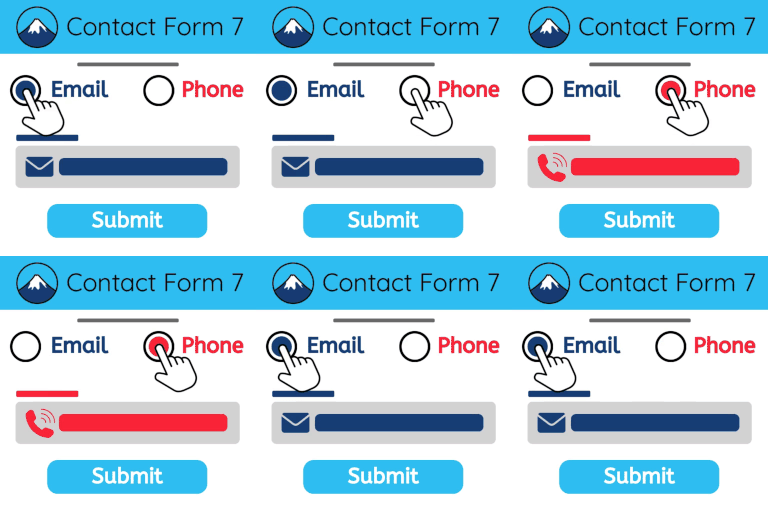
Bring your forms over: import a Contact Form 7 or WPForms form, or copy the questions of any form on a public web page. You see the copy and anything that didn’t come across before it’s created.
Builder: 18 question types plus text blocks and dividers, drag and drop or keyboard (Alt + ↑ / ↓), one page or several steps, half-width questions, a live preview that is the real form.
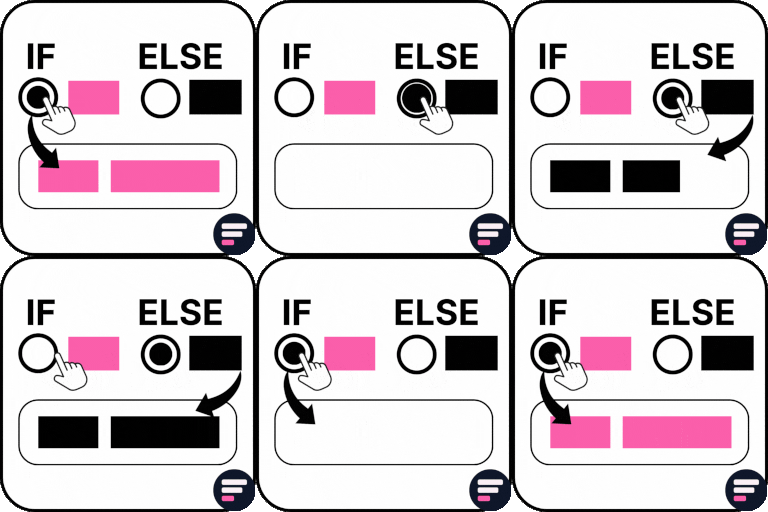
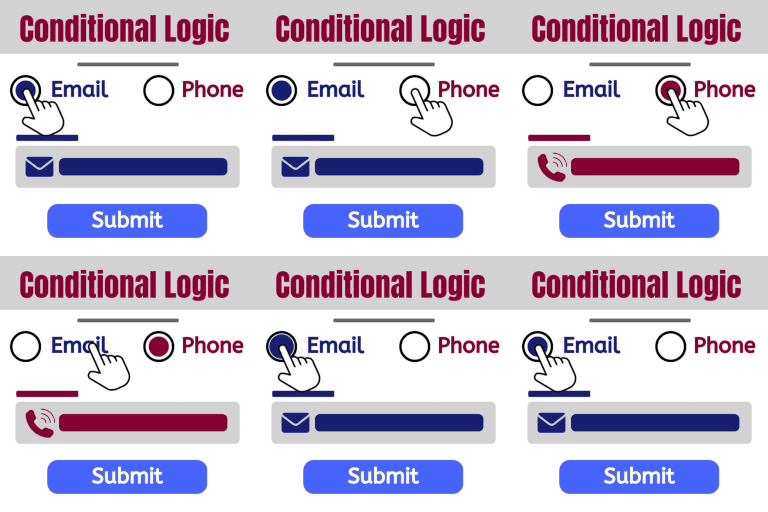
Conditional logic for questions, steps, notification emails and thank-you messages — in plain words (“Only if “Service” is Kitchen”).
24 designs, or your theme’s own look; your colour, field style and sizes.
Thank-you options: a message, a page or a link, different ones for different answers.
File uploads, stored privately (never at public addresses).
Schedule a form, limit its entries, or show it to logged-in people only.
A block and a shortcode.
Manage saved form entries
An inbox for entries: New, Read, Archived and Spam, stars, notes, search and filters, print, CSV export of anything you can filter.
Edit an entry to fix a typo or add what they told you on the phone. The original answers are kept.
Unfinished entries: on forms with several steps, see what people entered before they stopped.
Email notifications to several people, conditional emails, Reply goes to the person who filled the form, an optional “we got it” email to them — and Send me a test on every email.
An email log that shows every email that didn’t send, in plain words, with one-click resend.
“Did it arrive?” — a test that checks your site can actually send email.
Where each entry came from: the page, and the ad campaign (UTM tags, Google and Meta click IDs) — without cookies.
Insights: views, starts and entries per form, where people stop, and where entries came from.
A weekly summary email (you choose who gets it).
Integrations: webhooks (Zapier, Make, n8n, with optional signing), Slack, Microsoft Teams, Discord, Google Chat, Mailchimp, Brevo and MailerLite. Choose what each form sends and when, send a test, and see every send in a log. Failed sends are retried for up to a week.
Spam protection, privacy and performance
Invisible spam protection (a hidden trap field, a timing check and a per-visitor limit), an optional question only people can answer, a block list, and optional Cloudflare Turnstile, hCaptcha or Google reCAPTCHA. Spam is kept for you to check, never silently dropped.
Accessible forms that work even without JavaScript, and load only on pages that use them (about 7 KB of script and 4 KB of styles).
Privacy tools: personal-data export and erase, retention settings, and you choose what happens on uninstall.
Translation-ready.
Optional: connect Kibi
Kibi is a CRM for small teams. If you connect it, new entries also go to Kibi, where the right person gets a WhatsApp or text alert, every lead gets an owner and a follow-up reminder, and Google and Meta learn which leads became customers. Kibi is a paid service with a 14-day free trial. Kibi Forms works fully without it.
Already use Contact Form 7, WPForms or Fluent Forms? Once Kibi is connected, you can send their new submissions to Kibi too — they keep working exactly as before.
Kibi Forms sometimes shows one small tip about Kibi on its own screens (for example when an email didn’t send). Each can be dismissed, and Settings → Kibi turns them all off.
External services
Kibi Forms works fully on your own site. It connects to the services below only in the situations described. Optional services require their stated setup or your explicit action. For each one, this says what is sent, when, and why. HTTP services also receive ordinary connection information, such as the site server’s IP address and request headers (WordPress’s default user agent can include the site address and WordPress version).
Kibi (kibihq.com): an optional inbox for your entries. Used only if you click “Connect Kibi” on the plugin’s Kibi page.
When you click Connect: your site’s address and name, its WordPress admin-page address and the address of the plugin’s Kibi page (to bring you back), the WordPress and plugin versions, the site language, a random ID for this installation, your forms’ IDs and names, and a one-time security challenge are sent to api.kibihq.com to start the connection. You then sign in to Kibi in your browser, and your site sends the returned state, one-time code and matching proof to exchange them for its connection key.
After connecting: each new form entry is queued when it is saved, unless sending to Kibi is switched off for that form. Kibi receives the visible answers and their question labels, the form name/ID/version, an entry ID and submission time, the referring site’s hostname, any captured ad tracking tags, and whether the entry is a test. Spam is never sent. Uploaded files stay on your site and are never sent.
Partly filled multi-step forms: only if that form saves answers step by step (the form’s Settings tab → “Save answers step by step”) and is switched on for Kibi. Each saved step’s visible answers, progress and revision ID are queued, so Kibi holds the latest version of that entry.
Older entries: only complete, non-spam, non-test entries from the last 90 days are queued when you explicitly choose the import on the Kibi page. They use the same entry data and an import marker.
Forms from other plugins (Contact Form 7, WPForms, Fluent Forms): nothing is sent unless you switch a form on, on the Kibi page. Then its new successful submissions send the answers, field labels, form title, plugin name and form reference, an entry ID and submission time. Spam, tests, failed submissions, files and password fields are never sent.
Connection status: while connected, opening the Kibi page asks Kibi for the connection’s status. Successful results are cached for 10 minutes; failed requests for one minute. The request sends your site’s connection ID, a timestamp and a signature made using its connection key; the secret key itself is not sent.
When you disconnect: one signed request tells Kibi to stop accepting entries from your site. Entry sends also use the connection ID, timestamp and signature to authenticate; failed sends may be retried from the saved queue.
Visitor IP addresses are never sent.
Terms: https://kibihq.com/legal/service-terms/ · Privacy: https://kibihq.com/legal/privacy/
Akismet: spam checking, used only if the Akismet plugin is installed and set up with its key. Eligible submissions, including saved steps of unfinished entries, are checked through Akismet the way comments are: your site’s address, the text of the visible answers and the email address answer are sent to Akismet’s comment-check service, to decide whether it is spam. File fields, including their private upload tokens, are excluded. The configured Akismet key authenticates the request.
Terms: https://akismet.com/tos/ · Privacy: https://automattic.com/privacy/
CAPTCHA services: spam protection, used only if you add keys for one in Settings → Spam and switch it on for a form.
On that form, visitors’ browsers load the service’s script and use your public site key to complete its challenge. The service receives ordinary browser connection information, including the visitor’s IP address and browser headers; its privacy policy covers that interaction.
When the form is sent, your server sends the challenge response and your secret key to the service’s verification address, to confirm the challenge was passed. Saved steps of unfinished entries are not checked.
Cloudflare Turnstile (challenges.cloudflare.com): Terms: https://www.cloudflare.com/website-terms/ · Privacy: https://www.cloudflare.com/turnstile-privacy-policy/
hCaptcha (hcaptcha.com): Terms: https://www.hcaptcha.com/terms · Privacy: https://www.hcaptcha.com/privacy
Google reCAPTCHA (google.com): Terms: https://policies.google.com/terms · Privacy: https://policies.google.com/privacy
Integrations you add yourself: automatic sends require a configured, enabled connection and an enabled form binding whose conditions match. Only complete entries that are not spam are sent. Private uploaded files are excluded. Failed sends are retried from the saved queue for up to a week; you can also retry them yourself.
Webhooks (including Zapier, Make, n8n): the fields you map are sent to the address you enter, as JSON or form data. Mappings can include entry IDs, submission time, form title, page address and campaign information. Your configured request headers are sent, with a timestamp and signature if you enable signing; the signing secret itself is not sent.
Slack, Microsoft Teams, Discord, Google Chat: a message is sent to the channel webhook address you enter. It contains the visible question labels and answers by default, or the message template you configure. The webhook address contains the service’s access credential.
Mailchimp, Brevo, MailerLite: only when someone ticks your consent box to join your list. The service is first asked whether that email address exists (Mailchimp uses a hash of it in the lookup; Brevo and MailerLite use the address), so existing subscribers aren’t changed unless you choose to update them. The email address, mapped fields, configured list/group and any Mailchimp tags are then sent to subscribe or update the contact. Requests send your configured API key to that provider for authentication.
“Send a test” on an integration: your explicit click queues one test delivery using sample answers (“[Test] …”) and the current administrator’s email for email questions. For mailing lists, it uses your own administrator email address and runs the same lookup/subscription requests, only after you confirm that. A failed test may be retried like other queued sends.
Slack: Terms: https://slack.com/terms-of-service · Privacy: https://slack.com/trust/privacy/privacy-policy
Microsoft Teams: Terms: https://www.microsoft.com/servicesagreement · Privacy: https://privacy.microsoft.com/privacystatement
Discord: Terms: https://discord.com/terms · Privacy: https://discord.com/privacy
Google Chat: Terms: https://policies.google.com/terms · Privacy: https://policies.google.com/privacy
Mailchimp: Terms: https://mailchimp.com/legal/terms/ · Privacy: https://www.intuit.com/privacy/statement/
Brevo: Terms: https://www.brevo.com/legal/termsofuse/ · Privacy: https://www.brevo.com/legal/privacypolicy/
MailerLite: Terms: https://www.mailerlite.com/legal/terms-of-service · Privacy: https://www.mailerlite.com/legal/privacy-policy
Copying a form from a web page: only when you paste an address under Forms → Bring a form over and click “Copy it”. Your site requests that public page, following up to five redirects after checking each address is public, to read its form. The request sends the page address and ordinary request headers, including the user agent “Kibi Forms”; no cookies, passwords or form answers are sent, and the page is not stored. The fetch is limited to five seconds and 1 MB.
Checks on your own site: when you run the upload-storage check in Settings, the plugin may create a random test file, request its address on your own site (never another site), and then delete it. No visitor file or answers are sent. Storage already verified to be outside the public web root needs no HTTP probe.
Email through WordPress: notification emails send the configured message and answers, uploaded filenames (never file attachments), campaign information and an Inbox link to the recipients you choose; the visitor’s email can be included as Reply-To. A confirmation can send to the visitor’s email. “Send me a test” sends to the current administrator; the weekly summary sends form statistics to its configured recipients. All use WordPress’s wp_mail and your site’s mail service or SMTP plugin. No separate email service is contacted by Kibi Forms.
Kibi Forms sends no usage reports to its developer. The local Insights records remain on your site.