內容簡介
Product Option Kit 是一款專為 WooCommerce 設計的外掛,讓使用者能夠為產品新增額外選項、附加功能和自訂欄位。透過視覺化的拖放建構器,商家可以輕鬆建立可重複使用的選項集,並即時更新價格,提升顧客的購物體驗。
【主要功能】
• 視覺化選項集建構器
• 150 種現成範本
• 30 種自訂產品欄位類型
• 動態定價功能
• 條件邏輯設定
• 完整的 WooCommerce 整合
外掛標籤
開發者團隊
② 後台搜尋「Product Option Kit – Product Options & Addons for WooCommerce」→ 直接安裝(推薦)
原文外掛簡介
Product Option Kit lets you add extra product options, product addons and custom fields to any WooCommerce product. Build reusable option sets with a visual drag-and-drop builder, assign them to the products that need them, and let customers personalise what they buy while the price updates live.
Swatches, file uploads, date and time pickers, formula-based pricing, conditional logic and linked add-on products are all included. Every choice flows through to the cart, checkout and order, so you and your customers always see exactly what was ordered.
Product Option Kit is 100% free. There is no paid version, no license key, no locked features and no upsell notices. Every feature described on this page is available the moment you activate the plugin.
Who is it for?
WooCommerce variations are great for a handful of fixed choices, but they cannot collect a customer’s name for engraving, a design file for printing, or a delivery date. Product Option Kit fills that gap. It is a good fit for:
Print on demand and custom apparel: let shoppers upload artwork, pick a print position and add a name to a t-shirt, mug or poster.
Personalised gifts: collect engraving text, gift messages and wrapping choices, and charge per character or per word.
Food and restaurant ordering: build a pizza or meal configurator with toppings, sizes and extras that each add to the price.
Made-to-measure products: calculate the price of curtains, signs or fabric from customer-entered dimensions using a formula.
Services and appointments: ask for a preferred date and time, block unavailable days, and gather contact details.
Upsells and cross-sells: offer related products, such as a case with a phone or batteries with a toy, as add-ons that join the cart as their own line items.
Key features
Visual option set builder: drag and drop fields onto a live canvas, then edit every setting in a side panel with an instant preview.
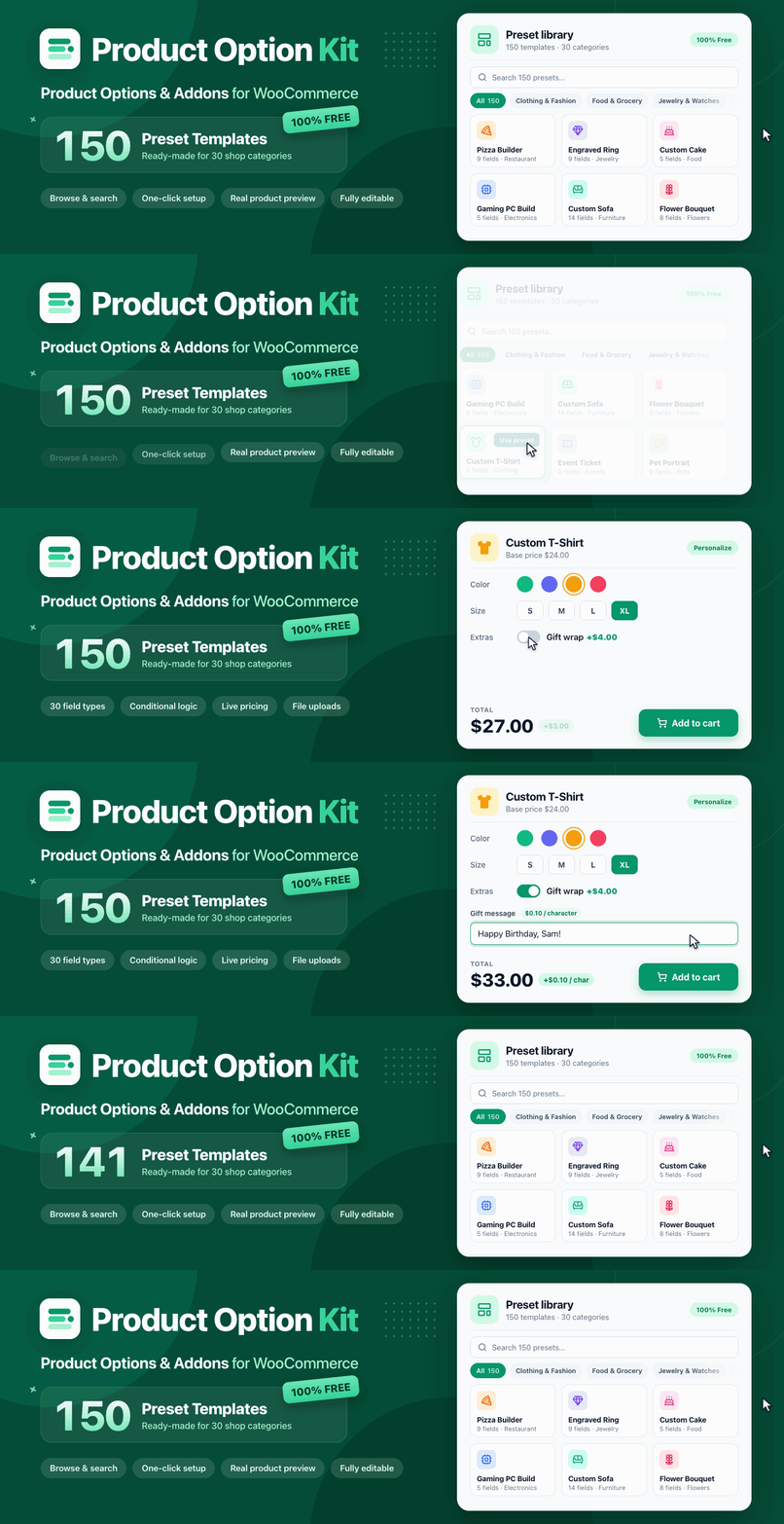
150 ready-made presets: start from a preset for 30 shop categories, preview it on your own product page, and add it in one click.
30 custom product field types: text inputs, choices, swatches, uploads, pickers, formulas and layout elements.
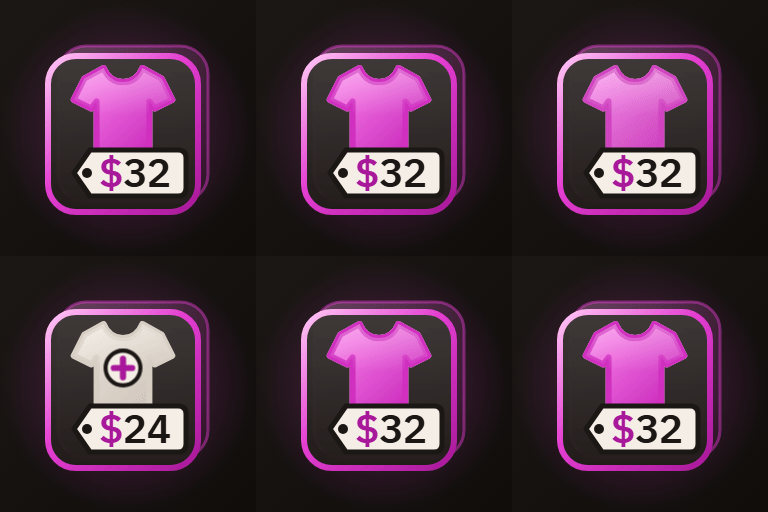
Dynamic pricing: fixed, percentage, per unit, per character, per word and formula-based prices, with a separate regular and sale price for every choice.
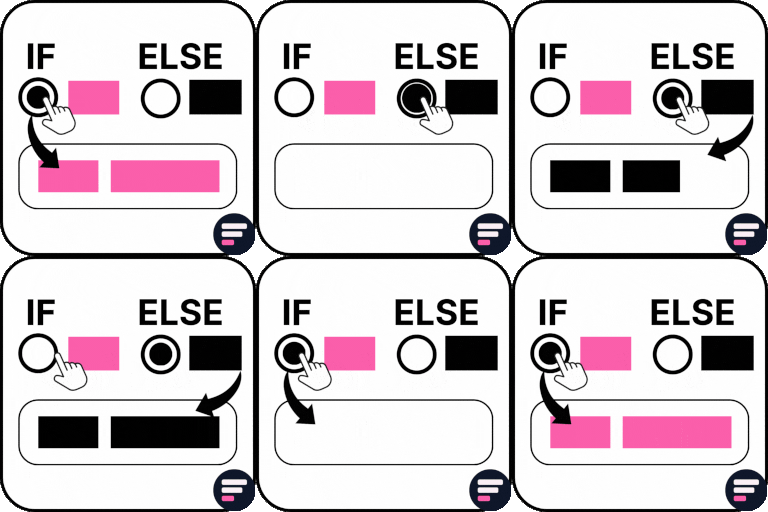
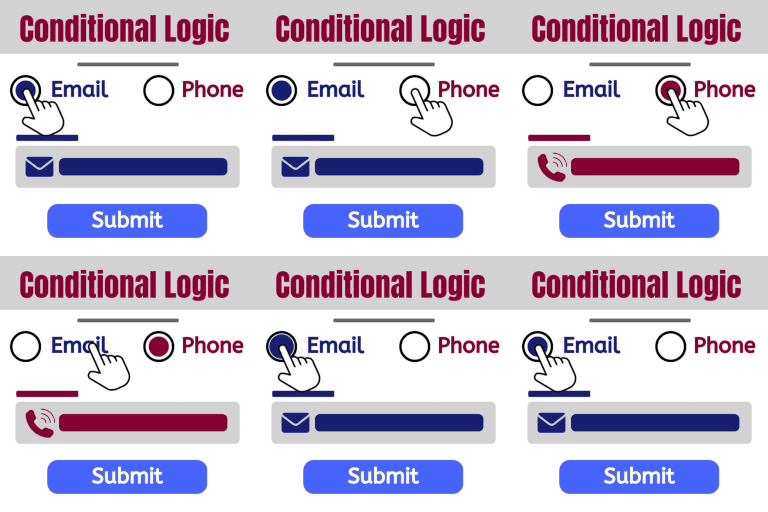
Conditional logic: show or hide any field based on other answers or on the variation the shopper picks (such as Size, Color or Style), matching all or any of your rules.
Flexible assignment: show an option set on all products, specific products, product categories, tags or brands, and exclude individual products.
Full WooCommerce integration: selections are validated, priced, and saved to the cart, checkout and order.
Variable product support: option prices follow the selected variation automatically.
Global styles: match your theme with eight ready-made color presets.
Built-in analytics: see impressions, clicks, add-to-cart rate, completed sales and revenue for each option set.
Multi-currency compatible: works with 14 popular WooCommerce currency switchers.
Modern and compatible: supports High-Performance Order Storage (HPOS) and the WooCommerce Cart and Checkout blocks.
150 ready-made preset templates
Skip the blank canvas. The preset library has 150 ready-made option sets in 30 shop categories, from Clothing & Fashion and Food & Grocery to Jewelry & Watches, Furniture, and Services & Appointments. Together they use all 30 field types, with realistic pricing, conditional logic and formulas.
Quick preview: see the fields, pricing and conditional logic a preset includes before you use it.
Real preview: open the preset on one of your own product pages, with its images, theme and price. Nothing is saved, and other visitors never see it.
One-click setup: start a new option set from a preset, or add a preset’s fields to the option set you are editing.
Fully editable: change any field, choice or price afterwards.
30 custom product field types
Input fields
Text and Textarea: collect names, engraving text, notes and instructions, with minimum and maximum length.
Email, URL and Phone: validated contact fields. The phone field offers a country flag, dial code and a default country.
Number: accept quantities, measurements or any numeric value.
Date, Time and Date & Time: choose from six date formats and 12 or 24-hour time, set the earliest and latest selectable values, and block specific dates, weekdays or days of the month.
File Upload: drag-and-drop uploads with your own allowed file types, maximum file size, minimum and maximum number of files, and custom messages.
Choice fields
Checkboxes, Radio Buttons, Dropdown, Toggle and Button Group: classic choice fields, each with its own price.
Color Swatch and Image Swatch: visual choices. Image swatches can switch the main product image when selected.
Range Slider: let customers pick a value within a range.
Color Picker: accept any custom color.
Font Picker: let customers choose a font, including your own uploaded web fonts.
Linked Products: add other products, or specific variations, as optional add-ons with their own quantity.
Choice fields support per-option quantities, minimum and maximum selections, and multiple selections.
Advanced fields
Formula: calculate a price from other field values with arithmetic and functions such as min, max, round, ceil, floor, abs, pow and if.
Advanced Formula: build more complex pricing rules across several fields.
Layout fields
Heading, HTML, Divider and Spacer: structure the form and add helpful content.
Section: group fields into a section or a collapsible accordion that starts open or closed.
Popup: add a button that opens a popup, such as a size guide, built with text, images, links and tables.
Shortcode: place the output of any shortcode inside your product options.
Dynamic pricing for product addons
Every choice can change the final product price, and customers see the updated total before they add to cart.
Fixed: add a set amount.
Percentage: add a percentage of the product price, following the selected variation.
Per unit: multiply by the chosen quantity.
Per character and per character (no spaces): ideal for engraving and embroidery.
Per word: ideal for printed messages.
Formula: calculate the price from any combination of field values.
Each choice has both a regular and a sale price. Prices respect your WooCommerce tax settings, and the price is always recalculated on the server, so the amount charged cannot be changed from the browser.
You decide what shoppers see on the product page: show or hide an “options price” line and a “total price” line, each with its own label.
Conditional logic
Keep product pages short and relevant. Show a field only when it matters, for example a “Gift message” box that appears after the shopper ticks “This is a gift”. Rules support is, is not, contains, does not contain, starts with, is empty, is not empty, is checked, greater than, less than and between, and you can require all rules or any rule to match.
Rules can also read a variable product’s attributes. For example, show a “Placements” checkbox group only for the Full-Zip style and a single “Placement” choice for every other style. Both global attributes (Products → Attributes) and custom attributes typed on a product are supported.
Assign options to the right products
Create an option set once and reuse it across your catalog. Show it on:
all products in your store
specific products
one or more product categories
product tags
product brands
Exclude individual products from any assignment. On the product edit screen, a Product Options tab lists the option sets that apply to that product.
Seamless WooCommerce cart, checkout and orders
Required fields are validated before a product can be added to the cart.
Selected options appear in the cart, mini cart, checkout and order details.
Linked products are added to the cart as their own line items.
Choose whether options are shown or hidden on the cart and checkout pages.
Optionally replace “Add to cart” on shop and category pages with a “Select options” button, so customers configure the product before buying.
File uploads with automatic cleanup
Customer uploads are stored in their own folder and moved along as each order progresses. You choose how long files are kept at each stage (temporary uploads, after the order is placed, and after the order is completed), and a scheduled task removes expired files automatically, so your server does not fill up with abandoned uploads.
Built-in analytics
Find out which option sets help you sell. The analytics dashboard shows impressions, clicks, click-through rate, add-to-cart rate, completed sales, checkout rate, revenue and overall conversion rate, with a daily trend chart. All data is stored in your own database.
Multi-currency compatible
Option prices are converted correctly when your store uses a currency switcher. Product Option Kit is compatible with 14 popular solutions, including WooPayments multi-currency, WPML WooCommerce Multilingual & Multicurrency, CURCY, YayCurrency, FOX Currency Switcher (WOOCS), Aelia Currency Switcher, YITH Multi Currency Switcher and Price Based on Country.
Fast, private and secure
Storefront scripts and styles load only on products that have option sets.
No tracking of you or your customers. The only outside connection is the optional Quick Setup, and it sends nothing unless you finish it (see External services below).
Every setting is saved with WordPress nonces and capability checks.
Uploaded files are validated by type and size, and SVG files are blocked by default.
Fully translation-ready.
External services
After activation, an optional Quick Setup helps you choose your store preferences. When you finish it, Product Option Kit shares basic details about your site with PluginShift, the developer of Product Option Kit, so we can understand the environments the plugin runs in and keep it compatible. Quick Setup explains this on its first screen before you start.
Service: the PluginShift Quick Setup API at https://api.pluginshift.com/api/v1/quick-setup, operated by PluginShift (https://pluginshift.com/).
What is sent: your site’s admin email address, your site URL, and the versions of Product Option Kit, WordPress, PHP and your database; the database type, web server software, active theme and active plugins (names and versions); the site language and timezone; and whether multisite and WP_DEBUG are enabled.
When: once, when you complete Quick Setup. Nothing is sent if you leave Quick Setup before completing it, and the plugin never sends your products, orders, customers or content.