外掛標籤
開發者團隊
② 後台搜尋「HolmesPortfolio Forms – Contact Form & Multi-step Form Builder Built for Accessibility」→ 直接安裝(推薦)
原文外掛簡介
People use your forms to ask a question, get a quote, request an appointment, report a fault or make a complaint. HolmesPortfolio Forms is a form builder built for accessibility. It helps you ask clearly and act on what comes in. Build a short contact form or a multi-step one. Most questions use GOV.UK Design System components. HolmesPortfolio is not part of, or approved by, GOV.UK or the Government Digital Service.
It’s for anyone who takes requests: shops, agencies building sites for clients, schools, clubs, charities, housing providers and public bodies.
Build a form
13 starter forms, each saying who it suits, from Simple enquiry, Make a complaint, Report a fault and Book an appointment to Subject Access Request and, for public bodies, Freedom of Information.
A drag-and-drop builder with undo and redo, a setup wizard, tutorials and a full guide.
Text, number, date, time, file upload, measurement and UK address questions.
An optional postcode lookup through your own provider or the free postcodes.io, which may limit heavy use.
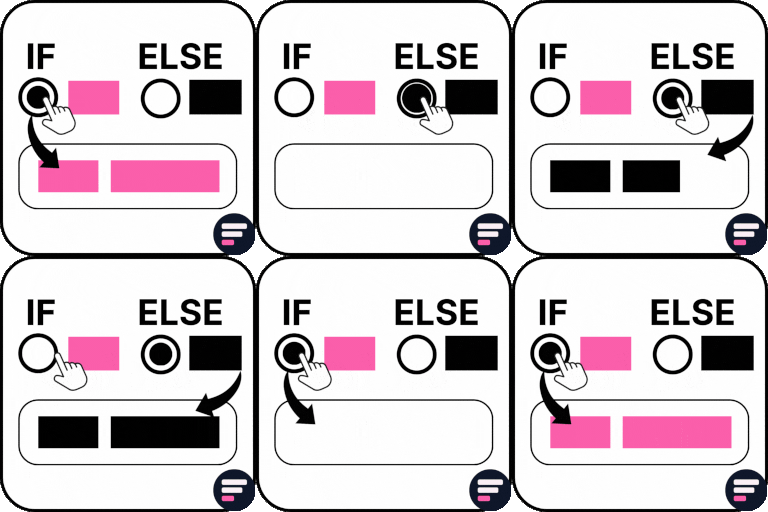
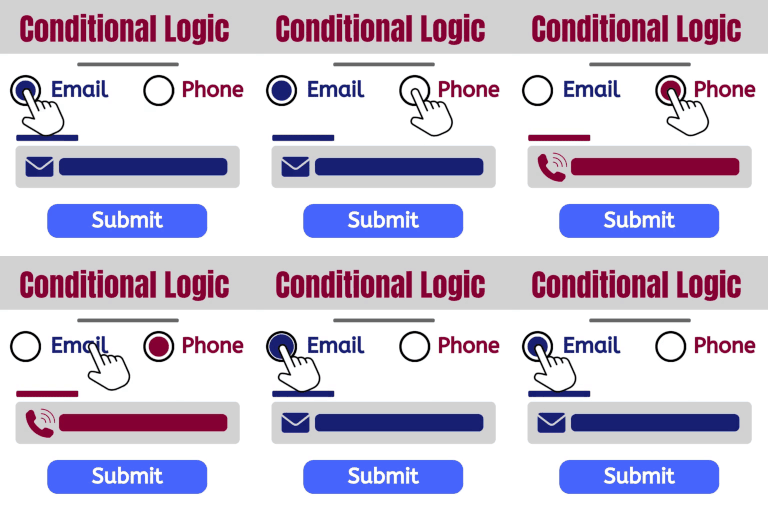
Show and hide rules (conditional logic) on questions, groups and pages, checked on the server.
Totals, value added tax (VAT), discounts, ages and deadlines in working days that skip the UK bank holidays you choose.
Clear to fill in
Several pages and an optional Check your answers page.
An error summary that links to each question that needs fixing.
These features alone don’t make a form accessible. Test each form yourself, including with a keyboard and a screen reader. Making your forms accessible is your responsibility.
Know what came in
Emails to your team and to the person who sent it.
An Entries screen with search, a form filter and spreadsheet (CSV) export.
Built-in spam checks with no setup and no puzzle to solve. Turnstile or reCAPTCHA, if you want one.
Look after people’s data
Keep entries for every form, some forms or none. Emails send either way.
Kept entries are deleted after 30 days to 2 years, as you choose.
Optional encryption for stored answers. Its key usually sits in your site’s files, so it helps only if the database leaks without them.
The plugin sets no cookies of its own. Visitors’ internet (IP) addresses aren’t saved with entries unless you turn that on.
Keep your work safe
Export a form as a file and import it on another site, so an agency can build it once and use it again.
An optional weekly backup of every form and all settings in one file, without entries.
The last 30 saves of each form, to compare and restore.
Read the guide at https://holmesportfolio.co.uk/guide/
HolmesPortfolio Forms is complete on its own, and we plan to keep everything in it free. We also make a paid add-on plugin for it, with two plans, Pro and Casework. Neither is on sale yet. Pro adds payments, booking calendars, signatures, a PDF of each entry, save and resume, polls, map questions, webhooks, Mailchimp and Brevo sign-ups and analytics. Casework includes Pro and adds a case system for a team, with response-time targets, complaint stages, subject access request clocks, case reports and a sign-in for the person who sent the form. Read more: https://holmesportfolio.co.uk/holmesportfolio-forms/
Privacy
Entries. Each entry is stored in the {prefix}holmesforms_submissions table. It holds the answers, any calculated and hidden values, uploaded file names and sizes (not the files), the page address and a signed-in sender’s user ID. The IP address is stored only if you turn on “Record the submitter IP” in Settings, which is off by default.
Storage can be on for every form, per form, or off (Forms → Settings). Notification emails still send in every mode. The setting only decides whether a copy of the answers stays in the database.
Answers in progress stay on your site until a day after the person’s last step, even if they never send the form.
Retention. A daily job deletes entries older than your retention period, which is 30 to 730 days (365 by default).
Export and erase. WordPress’s Personal Data Export and Erase tools cover a person’s entries, matched by their email address. Entries that only mention the address in another answer aren’t exported or erased; the erase tool lists them so you can check them by hand. Both tools also cover any send waiting or stuck in the send queue that holds the person’s email address: the export lists its answers and file names, and the erase tool deletes it with its files.
Search index. The {prefix}holmesforms_entry_search table holds a hash of each entry’s reference and contact email. Without encryption it’s a plain SHA-256 hash, so anyone with a copy could check a known address against it.
Encryption at rest is optional and off by default. To turn it on, define HOLMESFORMS_ENCRYPTION_KEY in wp-config.php. New entries’ answers and page address are then sealed with libsodium; their date, form, status, user ID and any IP address aren’t. Back the key up separately. If it’s lost, entries saved after it was set can’t be read. The key usually sits in your site’s files and in a full site backup, so encryption helps only if a copy of the database leaks on its own.
Email. Answers leave your site by email, through WordPress’s own mail function (wp_mail()) and your site’s mail setup. They’re sent from the address set on the form or in Settings, otherwise from your site’s own address. A visitor gets a copy only when the form is set to send one. Copies then sit in recipients’ mailboxes, outside the plugin’s control.
Send queue. A form’s emails, and any files they attach, wait in a queue on your site until they’ve gone, whether or not the form stores entries. While a send waits, its answers are in the database and its files in uploads/holmesforms-held, encrypted only when a site encryption key is set. A failed send is tried 3 times. After that it’s stuck: the Issues tab under Entries lists it with the reason, admins see a banner on every admin page, and an admin can download the waiting files to forward by hand. The send keeps its answers and files until an admin presses Try again or Remove, or until it’s older than the form’s retention period. A held file that no waiting send needs is deleted about 2 days after it was saved. Waiting files can use up to 200 MB between them. Past that, new emails still go without their files, and the Issues tab says so.
Activity log. The plugin logs what staff do with entries and settings, such as exporting, deleting or changing a setting, and what happens to sends that fail. Each record holds the staff member’s user ID, the entry number, what they did and when. It never holds anyone’s answers or what a setting was changed to. Only admins can see it, and each record is kept for two years.
Spam checks. A hashed form of each visitor’s IP address, and of any email address the plugin emails, is kept for up to an hour and never saved with the entry.
Cookies. The plugin sets no cookies of its own and stores nothing in visitors’ browsers. Signed-in users still have WordPress’s login cookie. If you turn on a spam challenge, its provider can set its own cookies. The admin screens keep a few working notes, such as unsaved form changes, in staff members’ own browsers.
What leaves your server. By default, only the emails you set up. Everything else is listed under External services.
Optional sign-up. Signing up with the plugin author and joining the mailing list are separate choices, and neither counts until you press the button in the confirmation email. Your site keeps a private sign-up code, and holmesportfolio.co.uk keeps only a hash of it. Leave the list or remove your sign-up from Settings → Help & support.
The guide has the full detail under Technical details, then Privacy: https://holmesportfolio.co.uk/guide/
External services
The plugin contacts these services only once you turn on the matching feature.
postcodes.io (address lookup). When a visitor presses “Find address”, the postcode they typed is sent from your server to api.postcodes.io to find its town, county and area. Nothing else is sent. Settings → Connections can point the lookup at your own copy of postcodes.io or another service with the same format. postcodes.io is a free, open-source service maintained by Ideal Postcodes, with no service guarantee and no privacy policy of its own. Service details: https://postcodes.io/docs/overview and Ideal Postcodes’ privacy policy: https://terms.ideal-postcodes.co.uk/website/privacy.html. Data licences: https://postcodes.io/docs/licences/. Great Britain postcode data is open data; Northern Ireland postcodes (starting BT) are free for non-commercial use only, and commercial use needs a licence from Land & Property Services in Northern Ireland. The data’s owners ask for this credit: Contains Ordnance Survey data © Crown copyright and database right. Contains Royal Mail data © Royal Mail copyright and database right. Contains National Statistics data © Crown copyright and database right. Contains NRS data © Crown copyright and database right.
GOV.UK bank holidays (working-day dates). A copy of the public list comes with the plugin. Only if you turn on Keep the list up to date, your server fetches https://www.gov.uk/bank-holidays.json once a week. No personal data is sent. Terms: https://www.gov.uk/help/terms-conditions and privacy: https://www.gov.uk/help/privacy-notice
Cloudflare Turnstile (optional spam check). The visitor’s browser loads Cloudflare’s script, and your server sends the challenge token and the visitor’s IP address to Cloudflare to verify it. Cloudflare’s script reads information from the visitor’s browser for the check, and Cloudflare can set its own cookies. Pressing “Test key” in Settings sends your saved secret key to Cloudflare with a dummy response. Nothing else is sent. Terms: https://www.cloudflare.com/website-terms/ and privacy: https://www.cloudflare.com/privacypolicy/
Google reCAPTCHA (optional spam check). The visitor’s browser loads Google’s script, and your server sends the challenge token and the visitor’s IP address to Google to verify it. Google sets a cookie called _GRECAPTCHA in the visitor’s browser. Pressing “Test key” in Settings sends your saved secret key to Google with a dummy response. Nothing else is sent. Terms: https://policies.google.com/terms and privacy: https://policies.google.com/privacy
holmesportfolio.co.uk (optional sign-up and mailing list). Nothing is sent until you tick a box and press Sign up. Then your email address, business type, site address, consent version and mailing-list choice are sent, with your site’s private sign-up code. If the server can’t be reached, your site tries again up to 6 times over about a day. Once you’ve signed up, opening Settings → Help & support or the setup wizard’s Sign up step sends only the code (not your email address), at most once every 5 minutes. The reply shows whether you’re signed up and on the mailing list. Leaving or joining the list, or removing your sign-up, sends the same code with that choice. Nothing else is sent to holmesportfolio.co.uk. Privacy notice: https://holmesportfolio.co.uk/privacy-policy/ and terms: https://holmesportfolio.co.uk/terms-and-conditions/
Every one of these services sees your server’s internet address. Postcode lookups also include your site’s address. Other requests name only the plugin, apart from the sign-up details listed above.
Disclaimer
HolmesPortfolio Forms is free software under the GNU General Public License
(GPL), version 2 or later. It is provided “as is”, without warranty of any
kind, so far as the law allows. Sections 11 and 12 of the GPL say more.
It is a tool. Nothing in the plugin, this readme or the guide is legal,
accessibility or security advice.
We don’t promise that the plugin, or any form made with it, meets any law,
standard or guidance. That includes UK GDPR, the Equality Act 2010, the
Public Sector Bodies Accessibility Regulations 2018, the Web Content
Accessibility Guidelines (WCAG) and the GOV.UK Design System.
You are responsible for your site, your forms and their wording, the data
you collect and your own legal duties. That includes making your forms
accessible.
The starter forms, consent text, deadlines and working-day sums are
examples. We wrote them in good faith, but the law and your own rules can
differ or change. We don’t promise they are correct or up to date. Check
each one and set your own before you publish. Meeting your legal deadlines
is your responsibility.
Spam checks, encryption, retention and email sending reduce risk, but they
don’t remove it. They depend on your host and setup. Test them on your own
site, and keep your own backups.
So far as the law allows, we are not liable for any loss or damage from using
the plugin, or from not being able to use it. That includes lost data,
undelivered emails, lost income, and complaints, claims or penalties against
you. Nothing in this disclaimer or the GPL limits any right you have, or any
liability, that the law does not allow to be limited, such as liability for
death or personal injury caused by negligence, or for fraud.
If a form handles personal data or a statutory process, have your setup
checked by someone qualified before you rely on it.
Third-party libraries and data
GOV.UK Frontend 5.7.1 (CSS only): MIT. The compiled CSS from the release page, with its font rules changed: the GDS Transport rules are removed and the font stack is “Helvetica Neue”, Helvetica, Arial, sans-serif. No GDS Transport typeface, crown, logotype or GOV.UK header is included. assets/css/vendor/govuk-frontend.LICENSE.txt. Source: https://github.com/alphagov/govuk-frontend/releases/tag/v5.7.1
Bootstrap 5.3.3 (CSS only): MIT. The compiled CSS from the release page, unchanged. assets/css/vendor/bootstrap.LICENSE.txt. Source: https://github.com/twbs/bootstrap/releases/tag/v5.3.3
GOV.UK bank holidays (data): Open Government Licence v3.0, https://www.nationalarchives.gov.uk/doc/open-government-licence/version/3/. data/bank-holidays.json is a copy of https://www.gov.uk/bank-holidays.json. Contains public sector information licensed under the Open Government Licence v3.0.