內容簡介
Frontend File Explorer 將 WordPress 轉變為現代化的檔案管理器,讓使用者能夠從乾淨的控制台管理所有文件、媒體和下載,並可透過簡單的短碼在任何頁面嵌入美觀的檔案瀏覽器。
【主要功能】
• 探索者風格介面,易於組織文件
• 前端檔案分享,訪客可瀏覽和下載
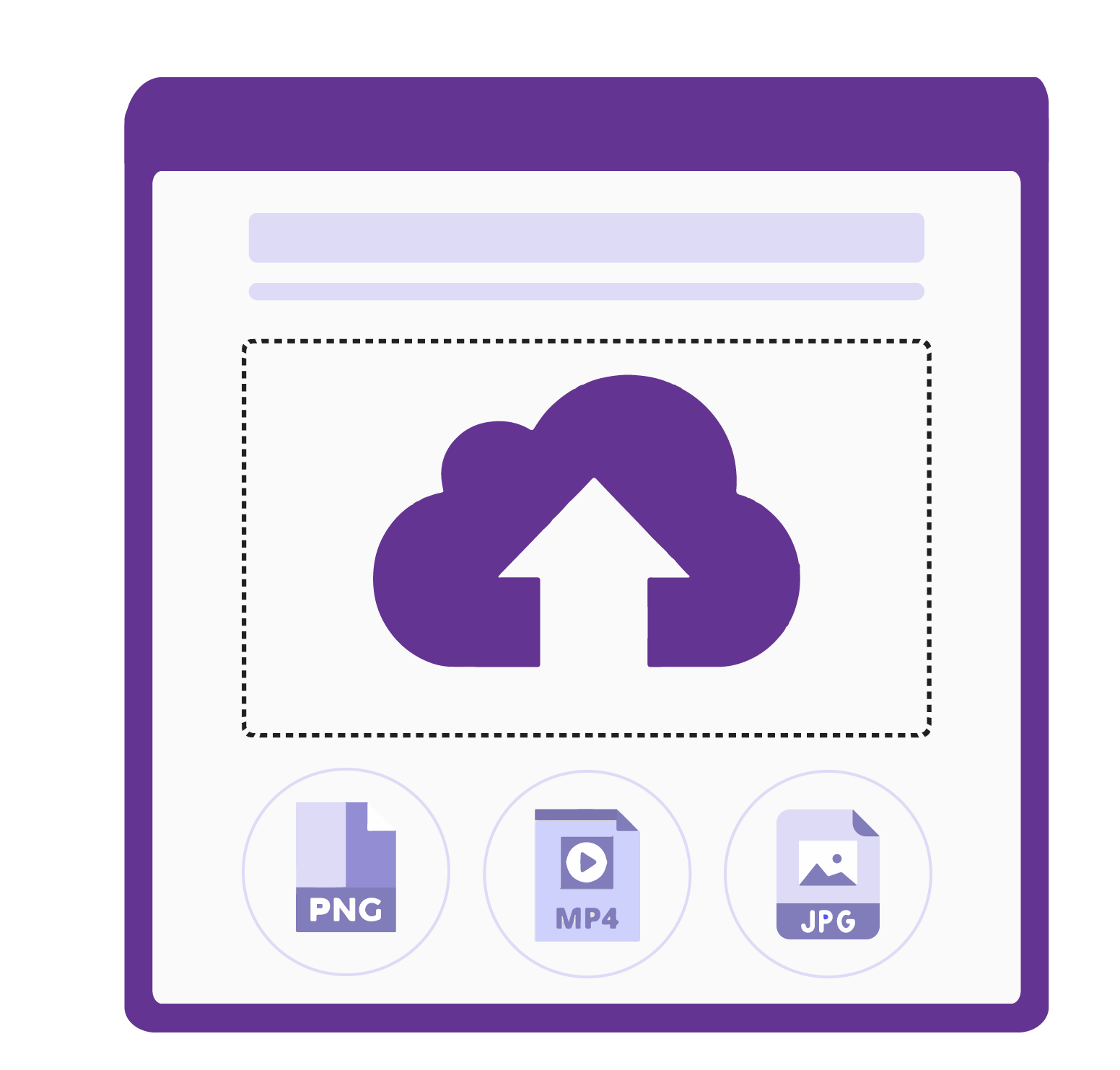
• 拖放上傳,支援批量上傳文件
• 無限層級的資料夾管理
• 一鍵下載整個資料夾為 ZIP 檔
• 直接連結複製,方便分享文件
外掛標籤
開發者團隊
原文外掛簡介
Frontend File Explorer turns WordPress into a modern, Windows Explorer–style file manager. Manage all your documents, media, and downloads from a clean admin dashboard — then embed a beautiful, mobile-friendly file explorer on any page with one shortcode.
No bloat. No page builder required. Works with every theme.
Why site owners choose Frontend File Explorer:
Explorer-style interface: Familiar breadcrumbs, toolbar, sorting, and pagination make organizing hundreds of files feel effortless.
Frontend file sharing: Embed a read-only file explorer on any page so visitors can browse folders and download files in one click.
Drag-and-drop uploads: Upload multiple files at once, or import existing files straight from your Media Library.
Folder management: Create unlimited nested folders, exactly like on your desktop.
ZIP downloads: Download an entire folder as a ZIP archive with a single click.
Copy direct links: Grab a shareable URL for any file instantly.
Secure by default: Visitors can browse and download, but uploading, editing, and deleting require the upload_files capability.
Dedicated storage: Files live in a dedicated wp-content/uploads/downloads directory, separate from your Media Library.
Fast AJAX navigation: Folder browsing without page reloads.
Translation ready: Fully localized with the frontend-file-explorer text domain.
Perfect for:
Course creators selling downloadable materials
Agencies delivering files to clients
Businesses publishing resource libraries, brochures, or documentation
Anyone who wants a clean, branded downloads page
How to use the Explorer:
Admin Interface:
Navigate to File Upload in your WordPress admin sidebar. From this dedicated dashboard you can create nested folders, upload bulk files (multi-select and drag-and-drop), import existing Media Library assets, delete items, and download entire directories as ZIP archives.
Frontend Shortcode:
Embed the user-facing explorer interface on any Page, Post, or Custom Post Type using the following shortcode setup:
[frontend_file_explorer]
(Renders the explorer starting at the root storage directory)
Advanced Shortcode Usage:
You can explicitly define the starting folder path relative to the root uploads/downloads directory by using the folder attribute:
[frontend_file_explorer folder="/course-materials"]
[frontend_file_explorer folder="/clients/acme-corp"]
Frontend Capabilities: Visitors can browse folders, download files, and copy direct sharing links.
Security: Mutating actions (upload, folder creation, deletion) are strictly hidden and blocked from public visitors — they are only accessible to logged-in users with the WordPress upload_files capability.
Support Development
If you find this plugin useful and want to support its continued development, consider buying me a coffee!
Your support helps keep the plugin maintained, secure, and free for everyone.