
內容簡介
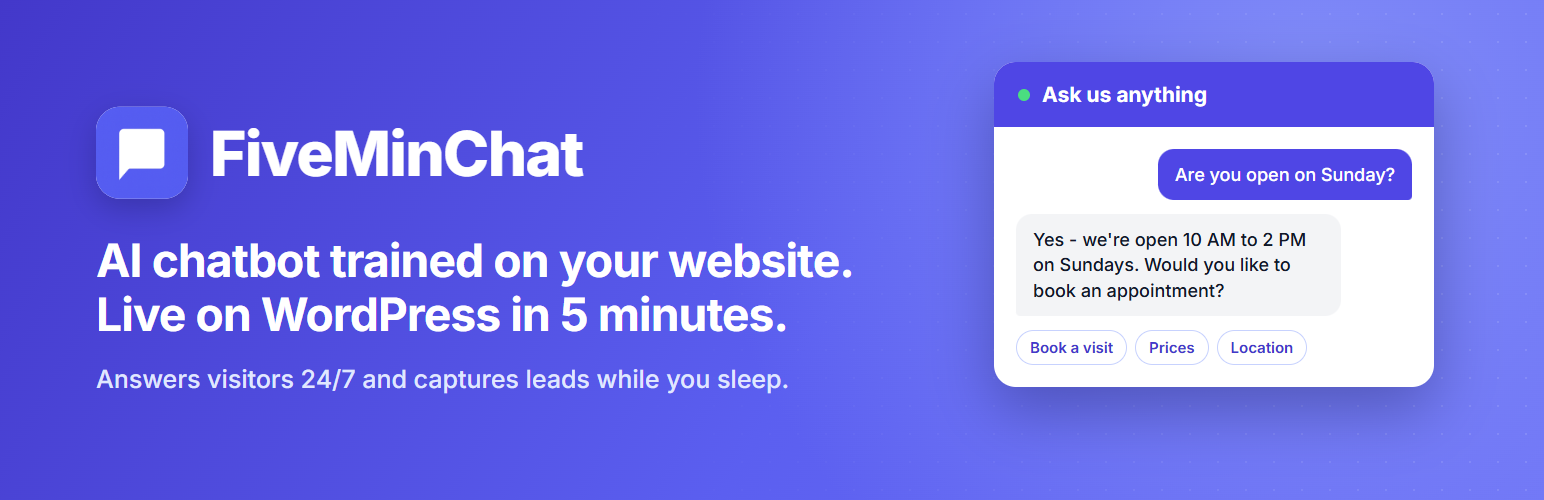
FiveMinChat 是一款讓您在 WordPress 網站上輕鬆添加 AI 聊天機器人的外掛。只需輸入一個 Bot ID,訪客便能立即開始對話,無需編寫任何程式碼。
【主要功能】
• 一個欄位,簡單儲存
• 自動在每個頁面和文章上運作
• 輕量級:僅在頁尾載入單一延遲腳本
• 無需短代碼或區塊
• Bot ID 會在儲存前進行 UUID v4 驗證
• 清除安裝:刪除外掛時移除所有設定
外掛標籤
開發者團隊
② 後台搜尋「FiveMinChat – AI Chatbot Widget」→ 直接安裝(推薦)
原文外掛簡介
FiveMinChat lets you add an AI chatbot, trained on your own website and documents, to any WordPress site by entering a single Bot ID.
Once activated and configured, the plugin loads the FiveMinChat widget script on every public page, so your visitors can start chatting immediately – without you touching a single line of code.
How it works:
Sign up at fiveminchat.com and create your AI chatbot.
Copy your Bot ID from the FiveMinChat dashboard (Settings page).
Paste the Bot ID into the plugin settings under Settings > FiveMinChat.
Save – the widget is live on your site.
Features:
One field, one save, done.
Works on every page and post automatically.
Lightweight: loads a single deferred script in the footer, no extra CSS or assets.
No shortcodes or blocks required.
Bot ID is validated as a UUID v4 before saving and before output. The widget script URL is fixed and never user-controlled.
Settings require the manage_options capability and are protected by WordPress nonces.
Clean uninstall: deleting the plugin removes its stored settings (including on multisite).
External services
This plugin connects to the FiveMinChat service, operated by Vibgyor Techsolutions, to show an AI chatbot on your site. The chatbot cannot work without it.
Widget script – on every public page (only after you save a Bot ID), visitors’ browsers load https://cdn.fiveminchat.com/widget.js. The request sends the usual browser data (IP address, user agent, referring page URL).
Chat API – when a visitor sends a message, the widget sends your Bot ID, the message, the recent chat history and a random session ID to https://api.fiveminchat.com. If the visitor types their name, email or phone number into the chat, that text is sent too, so the site owner can follow up.
No data is sent from your WordPress admin, and nothing is loaded until a Bot ID is saved.
Terms of Service: https://fiveminchat.com/terms.html
Privacy Policy: https://fiveminchat.com/privacy-policy.html














