內容簡介
FillKite 是一款簡單易用的表單建構器,能快速建立聯絡、報價、預訂或調查表單,並將所有潛在客戶集中在一個收件箱中,方便後續跟進。
【主要功能】
• 支援 29 種欄位類型
• 完全螢幕的直覺式設計工具
• 可自訂欄位大小與排列方式
• 內建可及性檢查功能
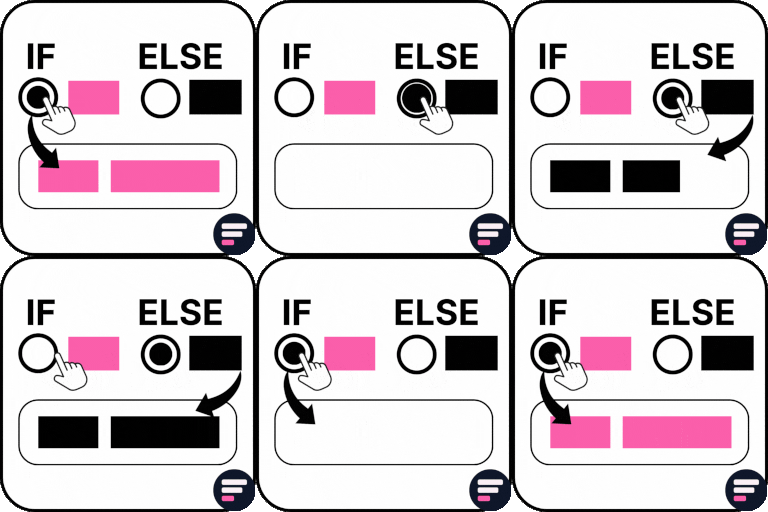
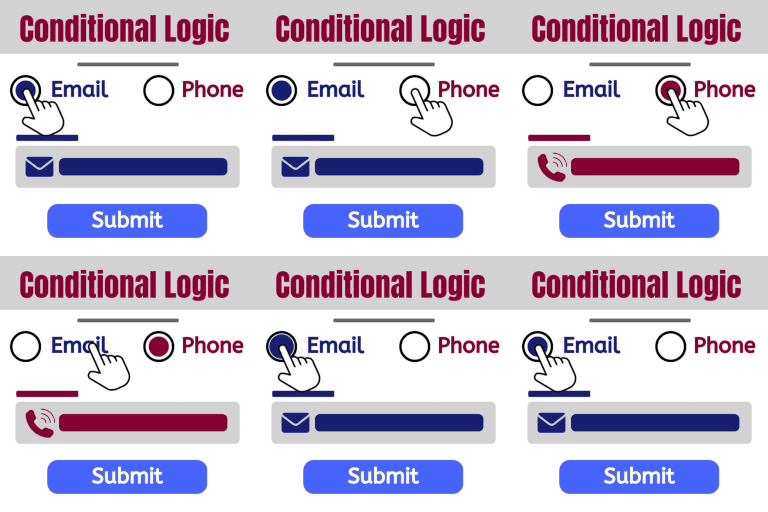
• 條件邏輯顯示或隱藏欄位
• 提供即時預覽與模板選擇
外掛標籤
開發者團隊
② 後台搜尋「FillKite – Contact Form Builder with Conditional Logic & Lead Inbox」→ 直接安裝(推薦)
原文外掛簡介
FillKite is a form builder that stays out of your way. Build a contact, quote, booking or survey form in a couple of minutes, put it on any page, and read every lead in an inbox made for following up. The form adds about 11 KB (gzipped) to the page, and only on pages that have a form.
A builder that feels like a design tool
The builder opens full screen: fields on the left, your form in the middle, the field’s settings on the right.
29 field types: text, paragraph, email, phone, number, website, date, time, name, address, rating, dropdown, multi-select, country, radio buttons, checkboxes, image choices, slider, Net Promoter Score, Likert scale, checkbox grid, ranking, colour, formatted text, consent, heading, divider, HTML block and hidden value.
Fields sit on a line of 12 columns: full, ¾, ⅔, ½, ⅓, ¼ or any number of columns. Drag along a field’s column strip to resize it, and keep two short fields side by side on phones with “Half width on phones”.
Help text, a starting value, read-only fields, sizes and your own CSS classes on every field.
Undo and redo, keyboard shortcuts, and a live preview that uses your site’s real form styles on desktop and mobile.
A built-in accessibility check flags missing labels, placeholders used as labels, unclear messages and hard-to-read colours while you build.
A visual designer per form: button, text, field and border colours, rounded corners, spacing and a full-width button, with a contrast warning. No CSS needed.
Start from a template or from scratch.
After someone submits: show a message, go to a thank-you page, or offer a download (a button on the page, or a link sent by email so it reaches only the address people gave you). Different messages for different answers.
Logic you can read
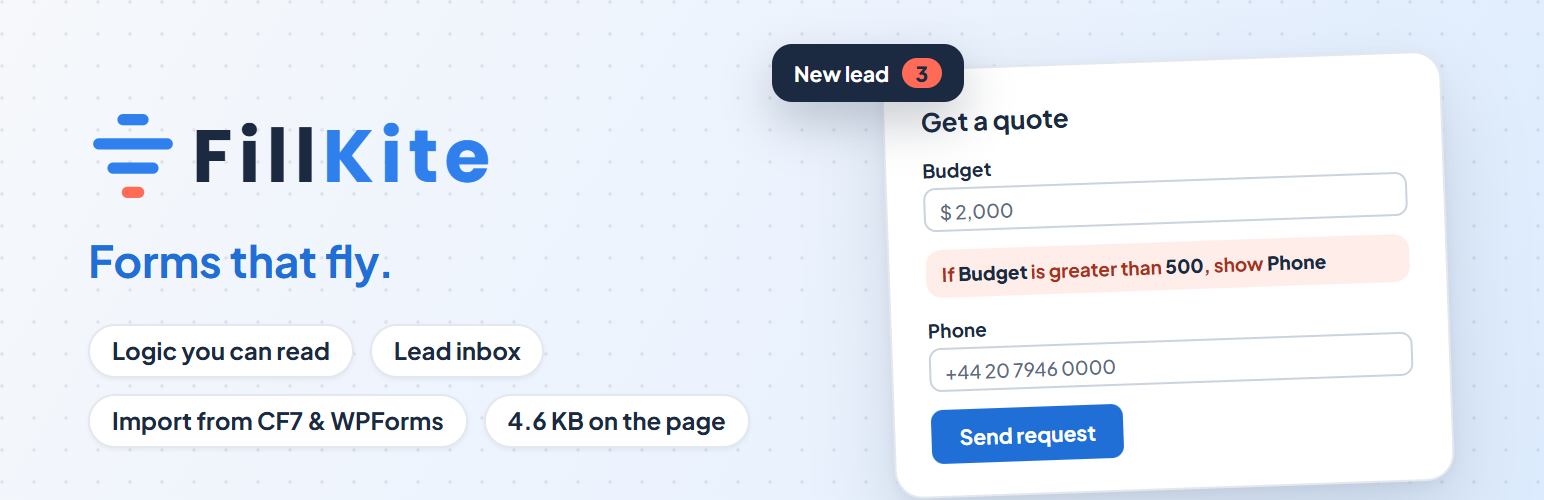
Show or hide fields with rules written as sentences: If Budget is greater than 500, show Phone. No code and no maze of dropdowns. The same rules run in the visitor’s browser and again on your server, so hidden fields are never validated or stored.
A lead inbox, not a spreadsheet
Every entry lands in an inbox with statuses: New, Read, Replied, Won and Spam.
Lead quality: each new entry is marked High, Medium or Low quality (a real mailbox, a company or free address, a duplicate, the spam score, answers filled in), and the inbox can show the best leads first.
Reply timer: see how long each lead has been waiting, your average first-reply time, and get a reminder when a lead waits too long.
Star the ones that matter, add private notes, edit answers, and search everything.
Filter by form, date and lead quality, act on many entries at once, and export to CSV, Excel or JSON.
Download or print any entry as a PDF.
Duplicate submissions from the same email are flagged, never lost.
The forms list shows views, entries and conversion per form for the last 30 days (counted without cookies), and on which pages each form is used.
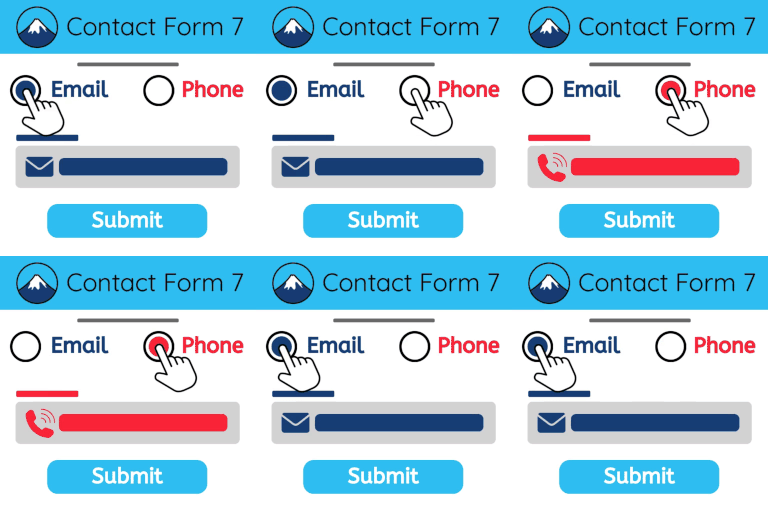
Switch from Contact Form 7 or WPForms in one click
FillKite reads your old forms, even when that plugin is switched off. It brings over fields, choices, required settings, notifications, auto-replies and thank-you messages, and tells you exactly what it could not bring and why. Then it can switch your pages to the new forms for you: you see every change first, and each page keeps a revision you can go back to. You can also move forms between sites as a file, and import past leads from a CSV file.
Emails that arrive
Built-in SMTP: send the site’s email through your own mail server, with the password stored encrypted (or in wp-config.php) and a test-email button.
A sender check tells you whether inboxes can trust your domain (SPF, DKIM and DMARC), with the fix in plain English.
A daily self-test email warns you in WordPress before a lead is missed.
Branded emails: your logo, brand colour and footer on every FillKite email.
An admin notification out of the box; add up to ten per form. Merge tags for any answer, plus {all_fields}, {page_url}, {entry_url} and more.
An auto-reply to the visitor, and a webhook for Zapier, Make or your own app, retried once if it fails.
A weekly summary email: new entries per form, how many still wait for a reply, and how fast you replied.
A delivery log with Sent / Failed views, so you can see what was sent and what failed.
Spam protection without puzzles
A hidden honeypot and a time check stop most bots with no extra step for people.
An explainable spam score, worked out on your own site with no cloud service: links, pasted or untyped messages, long text sent too fast, repeated messages, text in another script, spam phrases and capitals. Each Spam entry says why, and “Not spam” teaches the site.
A per-visitor rate limit, disposable email blocking, and a check that the email’s domain can receive mail.
Optional Akismet, Cloudflare Turnstile, hCaptcha or reCAPTCHA v3.
Marketing built in
Add subscribers to Mailchimp or Brevo from any form, optionally only when the visitor ticks your consent box (Mailchimp also with double opt-in and tags).
Records where each lead came from (UTM tags, referrer and landing page) without cookies, optionally on every page of the site.
Fires the GA4 generate_lead and Meta Pixel Lead events when those tags are already on your site.
A QR code for the page a form is on, as SVG or PNG, made in your browser.
Privacy and consent
Consent receipts: each ticked consent box is saved with the exact wording, a version fingerprint, the time and page, sealed against later changes, and printable as proof.
IP addresses are stored only as a hash, and entries can be deleted automatically after a number of days you choose, per form.
Test mode lets you try a live form without saving entries or sending emails.
Works with your site
A FillKite Form block for the block editor, with a live preview.
A FillKite Form widget for Elementor with style controls that start from your kit’s global colours and fonts.
The [fillkite id="123"] shortcode anywhere else, and any form can open in a popup from a button.
WooCommerce: show a form in its own tab on a product page; entries and emails know the product.
Uncanny Automator: the trigger “Someone submits a form”, with every answer as a token.
Forms pick up your theme’s fonts. The Send button can match your theme’s own button: automatically in block themes, Astra, GeneratePress and Kadence, or with “Match my theme” in any theme. Highlights use FillKite blue or the accent colour you choose.
Logged in? Every page that shows a form gets Edit Form in the admin bar, straight to that form in the builder.
Team access: let any WordPress role build forms, answer entries, or both.
WP-CLI commands to list forms and entries and export entries.
Built with care
Accessible: real labels, errors announced to screen readers, full keyboard support in the builder, and tested with axe.
Translated into Dutch; right-to-left languages and multisite networks are supported.
No limits on forms or entries.
For developers
FillKite has filters and actions for everything that matters, including fillkite_before_save_entry, fillkite_after_save_entry, fillkite_register_fields, fillkite_render_field, fillkite_form_gate, fillkite_notification_email, fillkite_merge_tags, fillkite_webhook_payload, fillkite_spam_check, fillkite_spam_phrases, fillkite_lead_quality, fillkite_rate_limit, fillkite_marketing_providers and fillkite_client_ip.
External services
FillKite does not contact any outside service unless you turn a feature on.
CAPTCHA (optional, off by default). When you choose a provider under FillKite → Settings → Spam protection and enter your keys, the provider’s script loads on pages with a form, and the visitor’s answer token and IP address are sent to the provider to check it when the form is submitted.
Cloudflare Turnstile: Terms, Privacy policy
hCaptcha: Terms, Privacy policy
Google reCAPTCHA: Terms, Privacy policy
Mailchimp (optional, off by default). Only when you add a Mailchimp API key under FillKite → Settings → Email marketing and turn it on for a form: when that form is sent (and, if you ask for it, only when the visitor ticks the consent box), the visitor’s email address, first and last name and the tags you set are sent to Mailchimp (Intuit) to add or update the subscriber in the audience you chose. The key is also used to load your lists. Terms, Privacy policy
Brevo (optional, off by default). The same as Mailchimp, for a Brevo API key: the visitor’s email address and first and last name are sent to Brevo (api.brevo.com) to add the contact to the list you chose. Terms, Privacy policy
Webhooks (optional, off by default). When you add a webhook URL to a form, each new entry is sent to that address. You choose the address and its terms apply.
SMTP (optional, off by default). When you turn on FillKite → Settings → Email sending, the site’s emails are sent through the mail server you enter. You choose the server and its terms apply.
Akismet (optional, off by default). Only when the Akismet plugin is active and “Also check entries with Akismet” is on under FillKite → Settings → Spam protection: each entry’s name, email, text answers, IP address, browser and page are sent to Akismet (Automattic) to check for spam. Terms, Privacy policy
DNS lookups. The email domain check on an email field (off by default) and the sender check under Settings → Email ask your server’s DNS for the domain’s mail and TXT records. No form data leaves your server.
The disposable email list ships with the plugin and is never downloaded. QR codes are made in your browser.
Bundled libraries
tFPDF (LGPL 2.1) writes the entry PDFs.
DejaVu Sans (free licence, see fonts/unifont/DejaVu_LICENSE.txt) is the PDF font.
qrcode-generator (MIT) draws the QR codes.
Plus Jakarta Sans and IBM Plex Mono (SIL Open Font License 1.1, see static/fonts) are the admin screen fonts.