
內容簡介
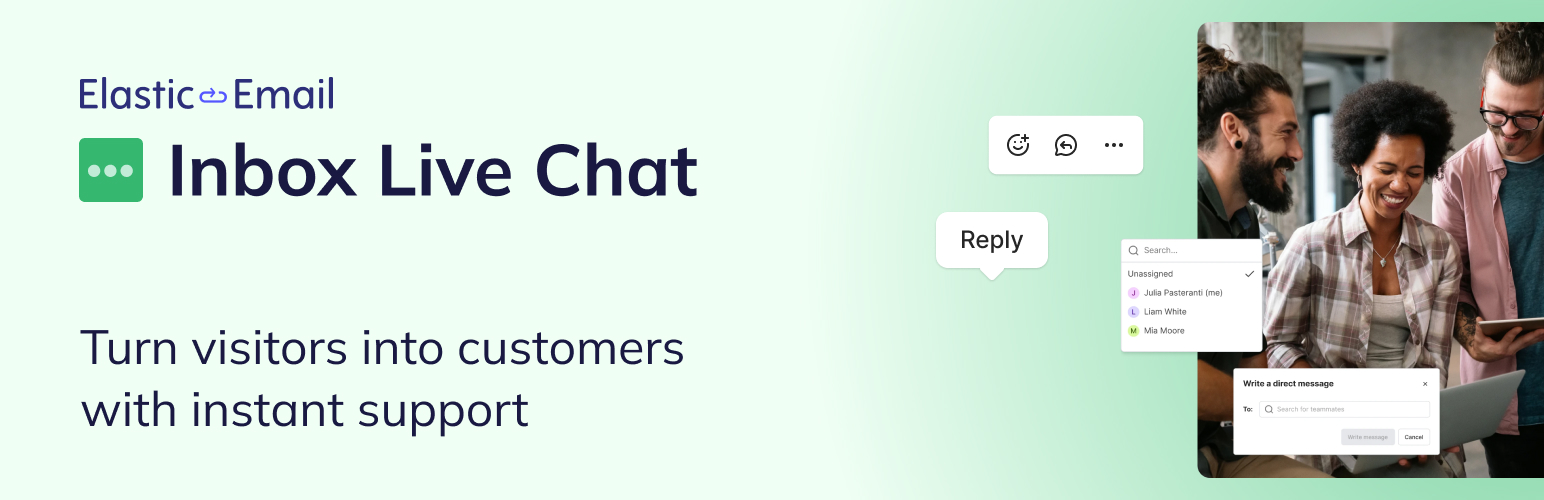
Elastic Email Inbox Live Chat 是一款即時聊天外掛,能將聊天小工具整合至您的 WordPress 網站,並連接到 Elastic Email Inbox 帳戶,讓您的團隊能即時回應訪客問題,提升客戶溝通效率。
【主要功能】
• 即時聊天小工具,增強客戶互動
• 自動識別回訪用戶,提升服務質量
• 整合客戶溝通,統一管理對話記錄
• 安全可靠,無需追蹤訪客數據
• 提供 24/7 支援,確保服務穩定
外掛標籤
開發者團隊
② 後台搜尋「Elastic Email Inbox Live Chat」→ 直接安裝(推薦)
原文外掛簡介
Elastic Email Inbox Live Chat puts a real-time chat widget on your WordPress site and connects it to your Elastic Email Inbox account. A visitor asks a question, your team answers from the Inbox dashboard, and the conversation is stored alongside the rest of your customer communication.
Answer the questions that stall a decision
People rarely leave a site because one detail went unconfirmed – whether the API covers their use case, what happens when they cross a usage tier, how long migration takes, or, if you run an e-commerce business, what about the shipping, the sizes, the returns. Inbox Live Chat lets you answer those questions on the page where it came up, while the person is still deciding.
Conversations that start on your site land in the same Inbox your team already works in. Sales and support see the same thread with the same history, so a pricing question raised on Monday and a shipping question raised on Thursday belong to the same customer record instead of two disconnected tools.
Recognize users automatically
This is the part a copy-pasted snippet cannot do on its own. When a customer opens the chat and he previously had a conversation with your company, the plugin passes their ID to Inbox and signs the request with a matching record. Your agents see who they are talking to from the first message, and the identity is verified rather than self-reported.
Security and reliability
Your APP ID, Live Chat widget ID, and secret key are stored in WordPress and used on the server-side. The plugin adds no tracking of its own. It writes no visitor data to your database, sets no cookie, and contacts no service other than Elastic Email. On the Inbox side, Elastic Email has run email infrastructure for over 15 years. The platform is GDPR-ready and offers multi-factor authentication, granular roles and access management for your team, and 24/7 support.
External service
This plugin is an interface to Inbox by Elastic Email, a hosted service operated by Elastic Email Inc., and cannot work without it. An Inbox account is required.
Nothing is sent anywhere until you enter your Live Chat ID and APP ID and enable the widget. Once enabled, every page that shows the widget loads the chat script https://inbox.elasticemail.com/scripts/chat.js directly from Elastic Email’s servers, so the service receives your visitor’s IP address, browser user agent and the address of the page being viewed. Chat conversations, including anything a visitor types into the chat, are transmitted to and stored by the service so your team can answer them. If you configure the optional secret key, the display name and email address of visitors who are signed in to your WordPress site are also sent, together with an HMAC-SHA256 signature of the email address, which is what lets Inbox recognize them.
Service website: https://elasticemail.com/inbox
Terms of Use: https://elasticemail.com/resources/usage-policies/terms-of-use
Privacy Policy: https://elasticemail.com/resources/usage-policies/privacy-policy
What Elastic Email Inbox is
Inbox is Elastic Email’s communication platform for growing teams, and Live Chat is one of its four tools:
Live Chat – a chat widget for your website, which is what this plugin installs,
Help Desk – a shared place where email and chat conversations from customers are collected, assigned, and resolved,
Team Chat – channels, group chats, and direct messages for your entire team,
Email Server – that allows you to create and manage email addresses for any inbox within your business.
All four tools are included in a single subscription at just $9 per seat per month. However, no credit card is required to start – there is a free plan included.














