內容簡介
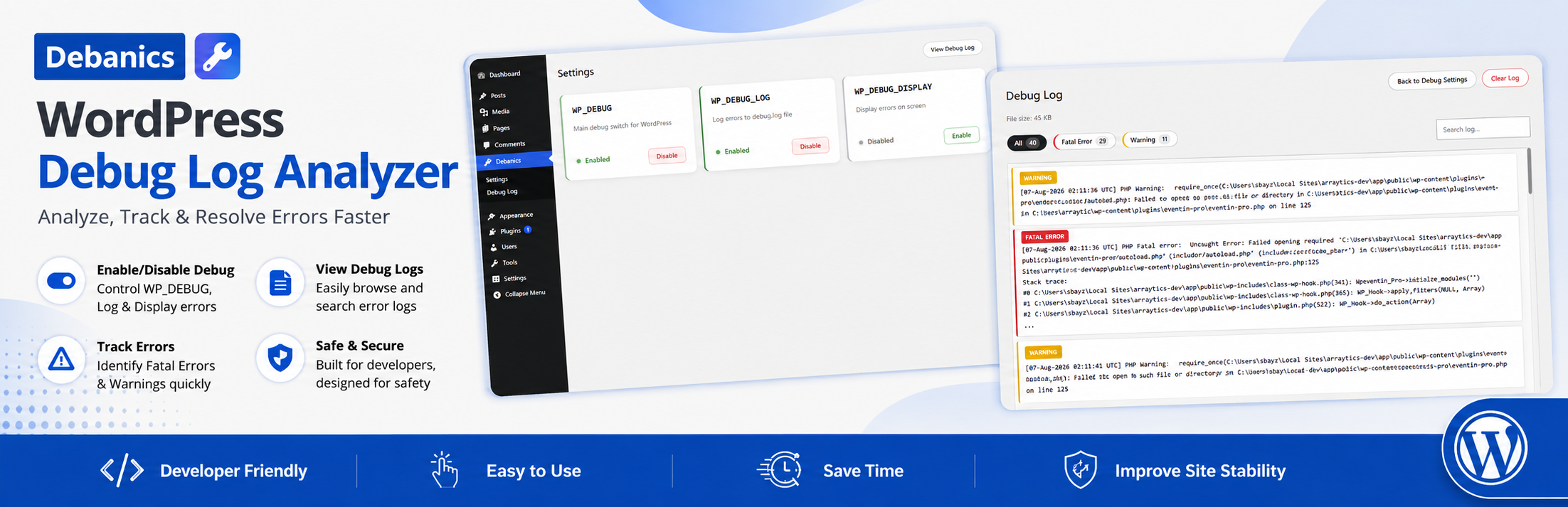
Debanics 是一款方便的 WordPress 外掛,讓使用者能夠輕鬆地在控制台上啟用或禁用除錯設定,無需手動編輯 wp-config.php,提升開發與除錯的效率。
【主要功能】
• 一鍵切換除錯設定
• 直接在控制台查看除錯日誌
• 僅限管理員使用,確保安全性
• 無需編碼,操作簡單
• 與任何佈景主題或外掛相容
外掛標籤
開發者團隊
② 後台搜尋「Debanics – Debug Log Analyzer」→ 直接安裝(推薦)
原文外掛簡介
Debanics lets you easily enable or disable WordPress debug settings (WP_DEBUG, WP_DEBUG_LOG, WP_DEBUG_DISPLAY) from the admin dashboard. No need to manually edit wp-config.php!
Features
Toggle debug settings with one click
View debug log directly in admin
Secure: Only admins can use
No coding required
Works with any theme or plugin
Why Use Debanics?
Easy to Use: Toggle debug settings with a single click
Safe: No need to manually edit wp-config.php
Secure: Only administrators can access
Compatible: Works with all WordPress themes and plugins
Developer Friendly: Useful for development and troubleshooting