內容簡介
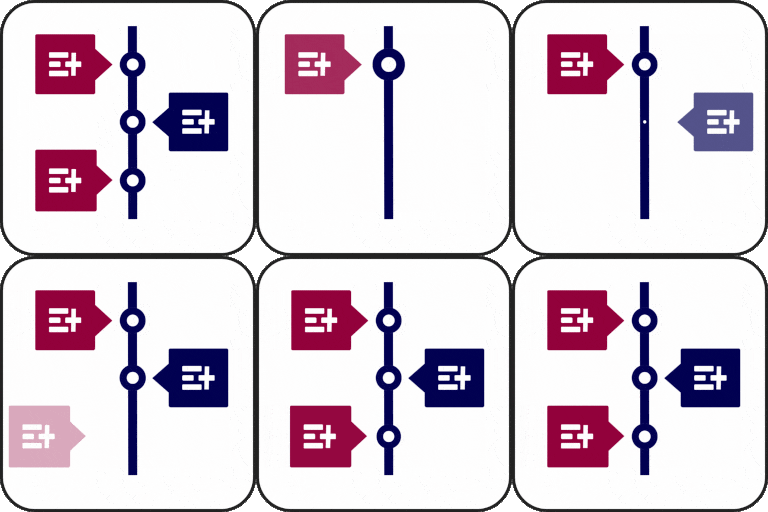
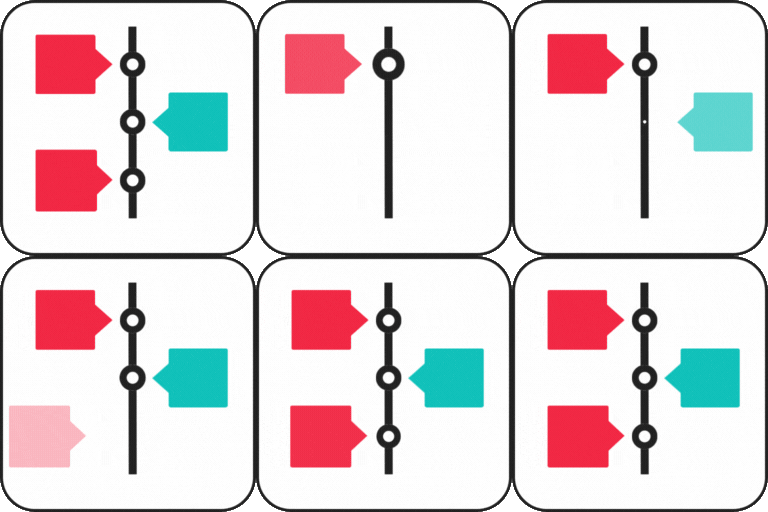
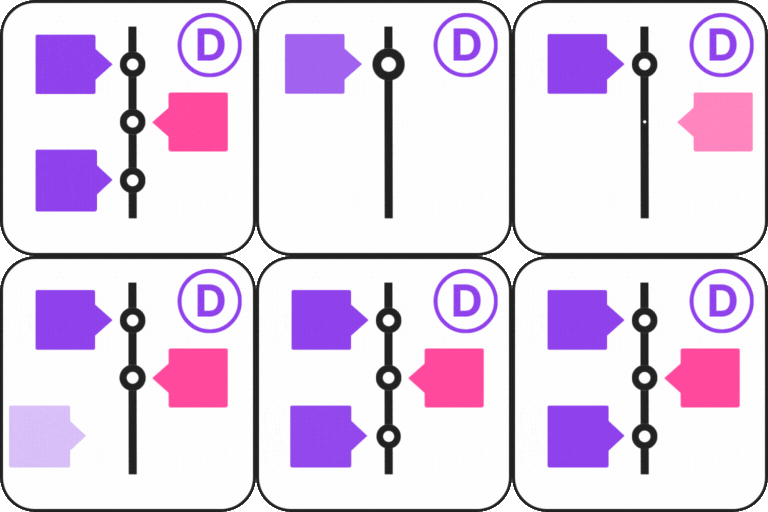
DearTimeline 是一款讓您輕鬆創建美觀、響應式的垂直時間軸的外掛,具備專業的鋸齒型佈局。它提供簡化的工作空間,讓事件管理變得快速且清晰,適合需要高端時間軸的使用者。
【主要功能】
• 集中式工作空間,簡化管理介面
• 即時預覽功能,快速查看變更
• 前端批次創建事件,方便一次新增多個
• 精準的圖片控制,確保專業裁剪
• 自動鋸齒型佈局,保持中心對齊
• 兩種佈局選擇,滿足不同需求
外掛標籤
開發者團隊
② 後台搜尋「Dear Timeline (Best Vertical & Horizontal Timeline)」→ 直接安裝(推薦)
原文外掛簡介
DearTimeline lets you create beautiful, responsive timelines with zero bloat. Unlike other plugins that ship heavy JS slider libraries (Slick.js, Owl Carousel), DearTimeline uses pure CSS techniques — CSS Scroll Snap for the horizontal layout and CSS Flexbox/Grid for vertical layouts — keeping your pages lightning-fast.
Layouts
Horizontal [deartimeline layout="horizontal"] — a scroll-snap-powered horizontal track with premium cards, calendar date boxes, color-coded dot markers, and arrow navigation.
Flat [deartimeline layout="flat"] — modern side-by-side image and text cards alternating around a thin vertical spine with scroll-reveal animations.
Premium Admin Experience
DearTimeline features a completely redesigned admin interface that lets you manage events directly from a live preview:
Live Preview First — the “Live Desktop Preview” metabox sits at the top of the editor, refreshed on every save so you see changes instantly without leaving the page.
Inline Quick-Add — a pulsing “+” button on the timeline spine opens a premium glassmorphism modal for adding new events in seconds.
Inline Edit/Delete — hover any event card to reveal edit (✎) and delete (×) buttons. Edit opens the same premium modal pre-filled; delete removes with a confirmation prompt.
Premium Modal — the quick-add/edit modal features a gradient glass header, elastic slide-up animation, uppercase labels with smooth focus rings, custom scrollbar, and a gradient submit button.
Core Features
Three Layouts: Horizontal (scroll-snap), Classic (zigzag), Flat (modern cards) — each with its own distinct premium design.
Classic Layout Redesign: Clean calendar badge with colored month strip, 2px gradient spine line, 14px refined dot with hover glow, white card with 3px colored accent bar on hover, and staggered entrance animations.
Per-Event Colors: Custom background color applied to calendar date boxes in all layouts (flat, classic, horizontal).
Centralized Workspace: Manage titles, dates, descriptions, featured images, and custom dimensions from a single dashboard.
Integrated Live Preview: Embedded preview refreshes on save — see your timeline update in real time.
Scroll Reveal Animations: Vertical items fade and slide in via IntersectionObserver — choose from fade, flip, or zoom.
Precision Image Controls: Custom width and height per event image with object-fit: cover.
CSS Scroll Snap: Horizontal layout uses native browser scroll-snapping — zero JavaScript slider libraries.
Best Use Cases
Company History — showcase your brand’s journey with the horizontal layout for decades-long stories or classic for detailed entries.
Product Roadmaps — keep customers informed about upcoming features and past milestones.
Personal Portfolios — display career progression or life story in a visually engaging way.
Event Schedules — multi-day conferences or workshops with swipeable horizontal agenda.
Step-by-Step Guides — any content that benefits from a left-to-right or top-to-bottom narrative.
Usage
Basic Shortcode
[deartimeline] (displays Flat layout by default)
Switching Layouts
Horizontal Layout: [deartimeline layout="horizontal"] — scrollable cards on a horizontal spine, CSS Scroll Snap, left/right nav buttons.
Flat Layout: [deartimeline layout="flat"] — modern side-by-side cards with image and text.
Animations (Vertical layouts only)
Choose from professional entrance effects:
– [deartimeline animation="fade-in"] (Default)
– [deartimeline animation="flip-up"]
– [deartimeline animation="zoom"]