內容簡介
Timeline Block 是一款 WordPress 外掛,讓使用者無需撰寫程式碼即可設計出精美的時間軸,適合展示故事、專案、里程碑及事件,並能以引人入勝的格式呈現。
【主要功能】
• 兩種免費佈景主題可自訂
• 可切換水平與垂直時間軸佈局
• 設定時間軸起始位置(左或右)
• 自訂顯示的項目數量
• 在標題中插入 HTML 以增強效果
外掛標籤
開發者團隊
② 後台搜尋「Timeline Block – tell your story with elegant timelines」→ 直接安裝(推薦)
📦 歷史版本下載
原文外掛簡介
Design stunning WordPress timelines without writing a single line of code – showcase your stories, projects, milestones, and events in a captivating format.
Timeline Block | Pricing | Support | Demo
What Is Timeline Block?
Timeline Block is a WordPress timeline plugin that lets you create responsive vertical and horizontal timelines directly in the Gutenberg Block Editor.
Use it to present company history, project milestones, product roadmaps, events, personal achievements, stories, development progress, or any content that works better in chronological order.
Choose a timeline layout, add your content, customize the settings, and publish. No coding knowledge is required.
Key Features
Two Free Themes: Customize the default theme to match your style and preferences.
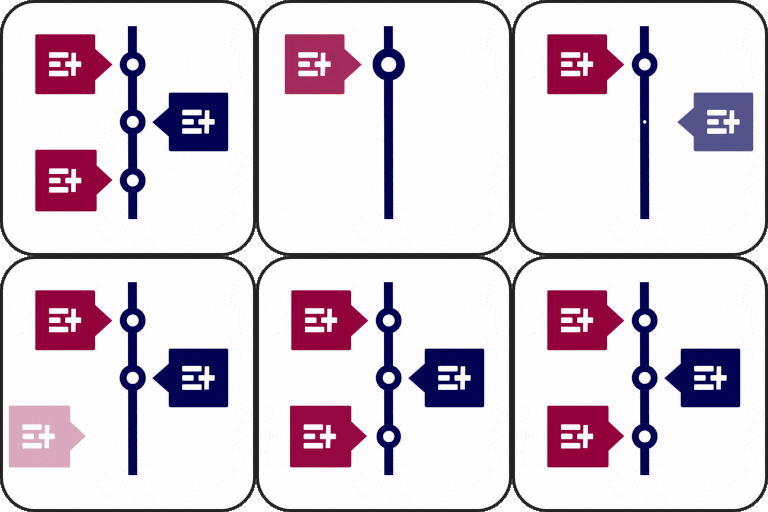
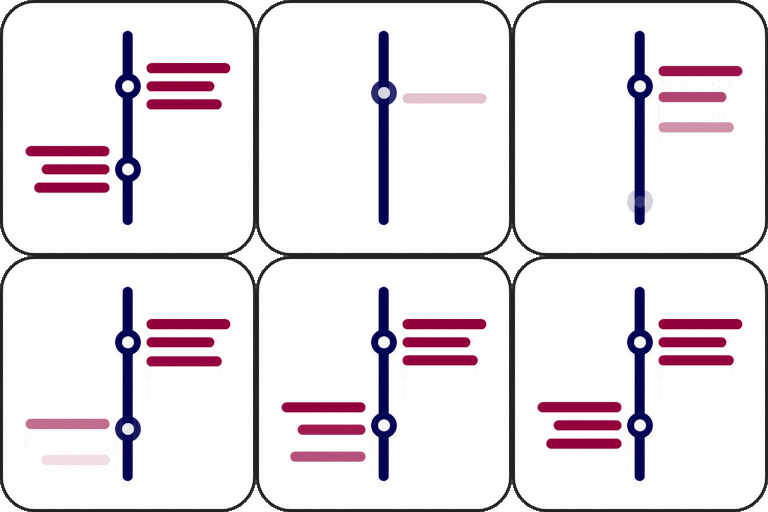
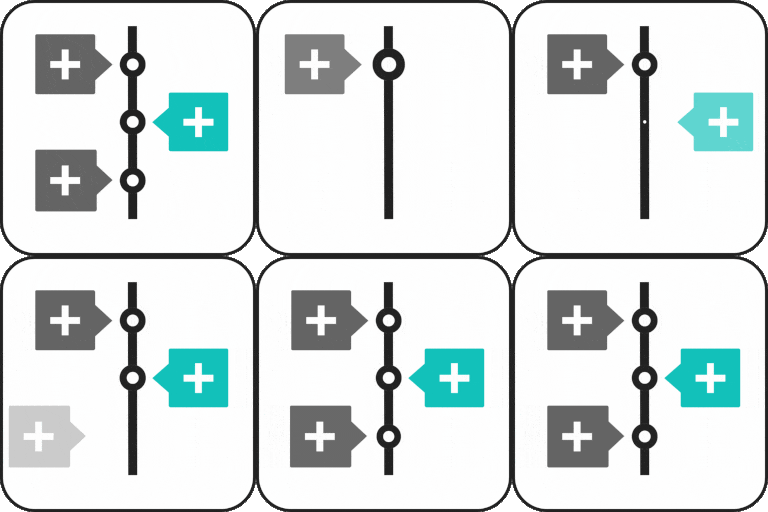
Timeline Type: Easily switch between horizontal and vertical layouts in the default theme.
Start Index: Set the starting position (left or right) for both horizontal and vertical timelines.
Display Item: Choose how many items to display in the horizontal timeline for a tailored view.
Insert HTML in timeline title: Add custom HTML to enhance your timeline titles.
Pro Features
Eight Extra Themes: Access Eight more professionally designed themes, some themes supporting both horizontal and vertical layouts.
Classic Editor for Descriptions: Edit timeline descriptions beautifully with the integrated classic editor, providing advanced formatting options.
Customizable Icons: Add unique icons to your timeline items and style them to create a polished, professional look.
Enhanced Customization Options: Fine-tune every aspect of your timeline for ultimate design control.
Animation: Add animation to your timeline items.
Dynamic Post Timeline Block: Build automated timelines dynamically from any WordPress post type, filtered by taxonomy terms and author.
Accordion Timeline Block: Group collapsible timeline steps with custom status markers, icon choices, and smooth interactive expand/collapse toggles.
Company History Timeline Block: Feature a spotlit year card with a clickable year rail and optional auto-slide carousel navigation.
Career Timeline Block: Showcase work experience, education, and career achievements with specialized timeline layouts.
Media Story Timeline Block: Display rich media stories combining images, video highlights, and narrative timelines.
Event Schedule Block: Present event agendas, schedules, and multi-track session timelines clearly.
Roadmap Timeline Block: Organize product releases, project phases, and strategic milestones into clean roadmap views.
Year Navigator Block: Navigate historical timelines effortlessly year-by-year.
AI Content Generator: Generate timeline items, titles, and descriptions instantly using integrated AI tools.
Load More Feature: Add a customizable Load More button with initial item counts, per-click reveal limits, and custom styling.
Add Shortcode API: Embed timelines anywhere using a powerful shortcode system.
Why Choose Timeline Block?
Create beautiful and professional timelines without writing any code.
Built for Gutenberg: Create timelines directly in the WordPress Block Editor.
Vertical and Horizontal Layouts: Choose the timeline orientation that fits your content.
Multiple Timeline Styles: Use ready-made themes and customize the design.
Dynamic Content: Generate timelines from WordPress post types, taxonomies, and authors.
Roadmap and Milestone Support: Present releases, phases, goals, and project progress.
**Ready-made timeline themes ** — Use professionally designed themes to create stunning timelines quickly.
**Easy Gutenberg integration ** — Add and customize timelines directly inside the WordPress block editor.
**Fully customizable design ** — Adjust colors, fonts, icons, and styling options to match your website.
**Shortcode support ** — Display your timelines anywhere on your WordPress website.
**Responsive timeline design ** — Looks great on desktop, tablet, and mobile devices.
**Lightweight & performance-friendly ** — Built for fast loading with optimized assets.
Common Use Cases
The plugin is useful for many types of WordPress websites:
✔ Company History: Highlight your business journey, achievements, and important milestones.
✔ Project Roadmaps: Display development stages, future plans, and product milestones.
✔ Product Launches: Showcase product releases, updates, and feature timelines.
✔ Personal Portfolios: Create career journeys, biographies, and achievement timelines.
✔ Educational Content: Present historical events, learning paths, and research timelines.
✔ Event Schedules: Organize conferences, programs, and important dates visually.
✔ Storytelling Websites: Create engaging visual stories with interactive timelines.
How to use
First, install the Timeline Block plugin
Add the Timeline Block block from the block category called “Widgets” in the Gutenberg editor.
You can change block settings from the right-side settings sidebar.
Enjoy!
For installation help click on Installation Tab
Feedback
Did you like this plugin? Dislike it? Do you have a feature request? Please share your feedback with us
⭐ Check out the Parent Plugin of this plugin-
🔥 B Blocks – Best gutenberg blocks collections for WordPress.
⭐ Check out our other WordPress Plugins-
🔥 Html5 Audio Player – Best audio player plugin for WordPress.
🔥 Html5 Video Player – Best video player plugin for WordPress.
🔥 PDF Poster – A fully-featured PDF Viewer Plugin for WordPress.
🔥 Document Embedder – Best WordPress Document Embedder Plugin.
🔥 3D Viewer – Display interactive 3D models on the webs.
🔥 Advanced Post Block – Best Post Display Plugin for WordPress.
Source Code
You can find the source code, report bugs, and contribute to the development of this plugin on our GitHub repository:
Timeline Block on GitHub
External Services
This plugin bundles the following third-party JavaScript/PHP libraries.
SVG Icons (Font Awesome, Lucide, etc.)
Purpose: Provides scalable vector icons used for UI elements.
Note: This plugin does not load the full Font Awesome or Lucide libraries. Instead, specific icons are included directly as inline SVGs in the source code to keep the plugin lightweight and performant.
Freemius Lite SDK
Version: 2.2.0
Source: https://bplugins.com/
GitHub: https://github.com/bPlugins/freemius-lite-sdk
License: GPL-2.0-or-later – https://www.gnu.org/licenses/gpl-2.0.html
Purpose: Provides an opt-in consent form for usage tracking and analytics to help improve the plugin. No data is sent before explicit user consent.
External Services: Communicates with api.bplugins.com (activation events) and wp.freemius.com (opt-in processing) only after user opt-in. See bPlugins Privacy Policy and Freemius Privacy Policy.
Timeline
Version: 1.2.0
Source: assets/js/timeline.min.js, assets/css/timeline.min.css
Author: Mike Collins
License: MIT
Purpose: A horizontal / vertical timeline component used for rendering timelines on the frontend.
YouTube
Source: https://www.youtube.com/
Purpose: Used to display documentation and tutorial videos in the admin dashboard.
Privacy: Loading or interacting with the video player connects to YouTube servers and is subject to YouTube’s privacy policy.
Third-Party Libraries
Immer
Version: 11.1.8
Source: https://immerjs.github.io/immer/
GitHub: https://github.com/immerjs/immer
License: MIT
Purpose: Used for managing immutable state in a more convenient way.
bpl-tools
Source / GitHub: https://github.com/bPlugins/bpl-tools
License: GPL-2.0-or-later – https://www.gnu.org/licenses/gpl-2.0.html
Purpose: Shared utility library providing admin dashboard components and common Gutenberg editor controls.
External Services: The library may connect to bPlugins, WordPress.org, and Freemius services for product data and checkout functionality. See full details: https://github.com/bPlugins/bpl-tools#external-requests–why-they-are-made