內容簡介
Timeline 外掛讓您輕鬆創建互動式時間軸,無需編碼即可展示歷史、計畫或事件日程。它提供多種佈局選擇,適合用於文章、頁面和小工具,幫助您以視覺化的方式講述故事。
【主要功能】
• 垂直與水平佈局切換
• 開始索引控制選項
• 支援 HTML 標題格式
• 響應式設計,適合各種螢幕
• 快速短碼生成器
• 輕量化且快速的效能
外掛標籤
開發者團隊
② 後台搜尋「Timeline – Tell Your Story Through Events and Milestones」→ 直接安裝(推薦)
📦 歷史版本下載
原文外掛簡介
Turn your history, roadmap, or event schedule into a beautiful interactive timeline visitors can follow at a glance – no code required.
Timeline | Pricing | Support | Live Demo
Why Use Timeline?
Timeline makes it effortless to create responsive, customizable, and interactive timelines that fit perfectly inside posts, pages, and widgets. Whether you’re displaying a personal journey, company history, project milestones, or event schedules, Timeline gives you complete visual storytelling freedom.
The plugin offers vertical and horizontal layouts, supports start alignment, custom HTML titles, and includes a powerful shortcode generator for quick embedding. Choose the layout you like, add timeline items, customize the visuals – and publish. No hassle. No technical knowledge required.
Free Features
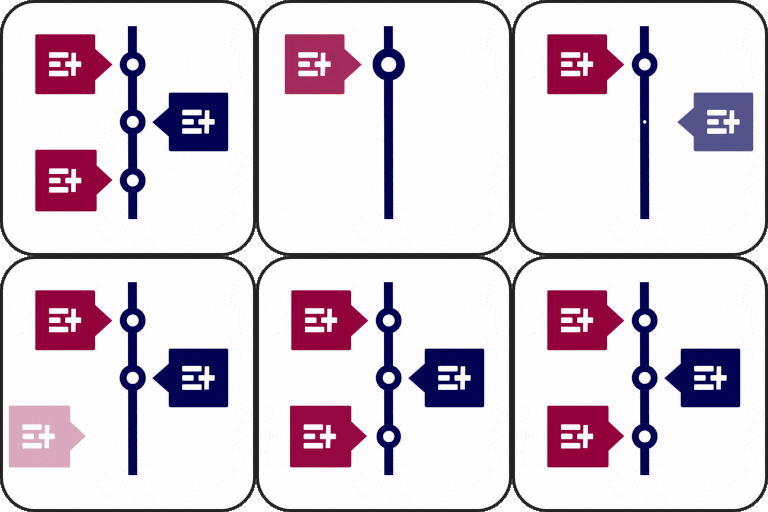
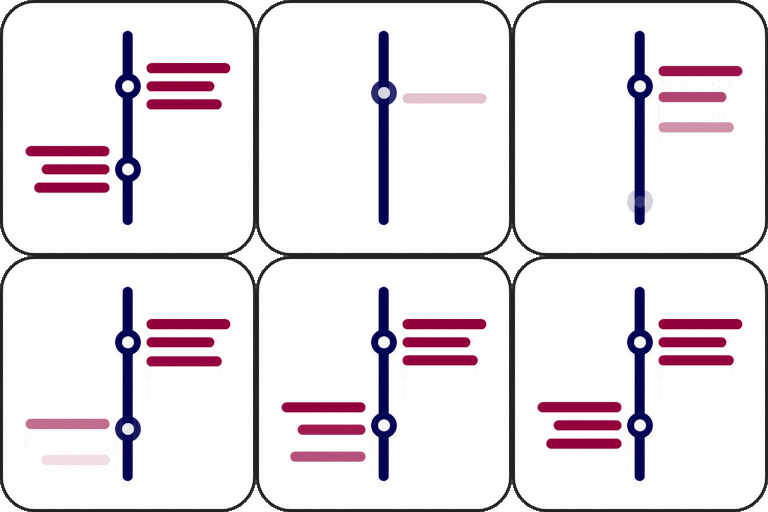
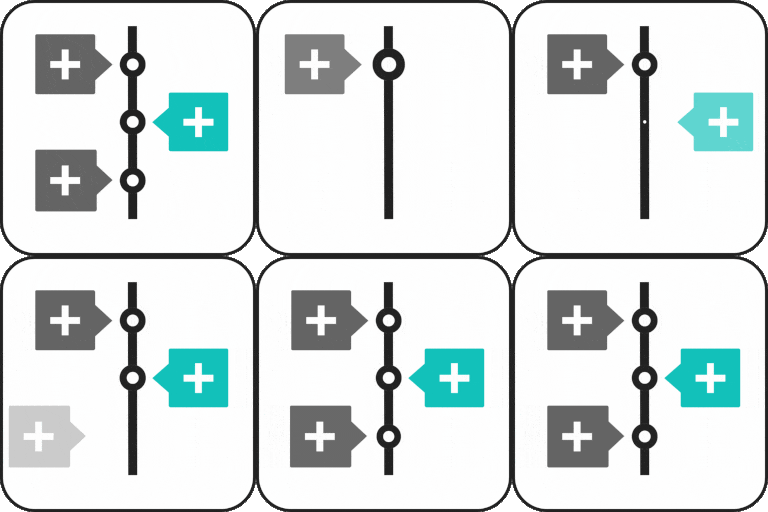
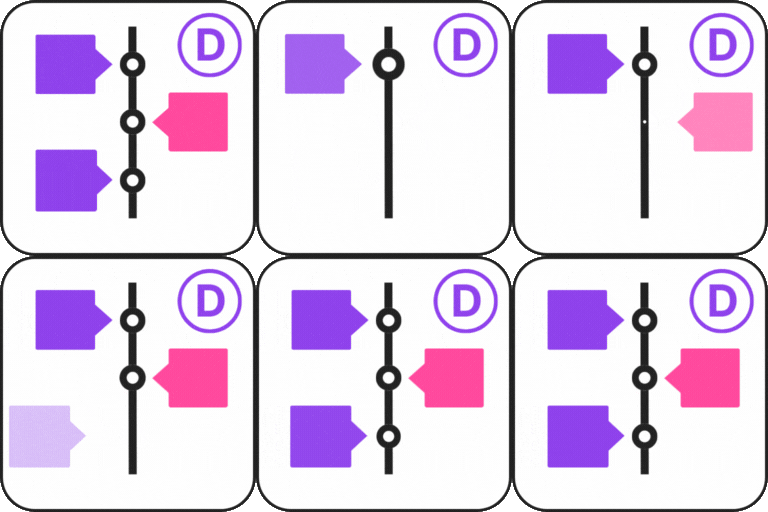
Vertical & Horizontal Layouts: Switch between vertical and horizontal timelines with a single click.
Start Index Control: Choose whether your timeline begins from the left, right, top, or bottom.
Visible Item Limit (Horizontal): Select how many items appear at once for better usability.
HTML Support in Timeline Titles: Add icons, bold text, or any HTML tags inside your titles.
Responsive & Mobile Friendly: Timelines automatically adapt to all screen sizes.
Shortcode Generator: Quickly embed a timeline anywhere using a shortcode.
Lightweight & Fast: Clean code, optimized performance, and minimal footprint.
Timeline Pro Features
Upgrade to Timeline Pro for advanced timeline layouts, Gutenberg blocks, themes, animations, and dynamic content.
Pro includes:
Powerful Gutenberg Block: Build and customize timelines visually inside the Block Editor.
Nine Extra Themes: Professionally designed templates including dual-orientation themes.
Classic Editor for Descriptions: Format descriptions beautifully with rich text support.
Customizable Icons: Add icons to timeline items and style them exactly how you want.
Advanced Styling Options: Add icons to timeline items and style them exactly how you want.
Customizable Icons: Add icons to timeline items and style them exactly how you want.
Enhanced Layout Controls: Adjust every detail for a polished, professional timeline.
Animation: Add animation to your timeline items.
Dynamic Post Timeline block: create timelines dynamically from any custom post type, filtered by taxonomy, terms, and author.
Accordion Timeline block: collapsible groups of steps with custom status markers and interactive toggle.
Company History Timeline block: interactive year card with clickable year rail and auto-slide navigation.
new feature blocks: Career Timeline, Media Story Timeline, Event Schedule, Roadmap Timeline, and Year Navigator.
👉 Upgrade to PRO
🎯 How to Use Timeline – Quick Start Guide
Install and activate the plugin
Go to → Timeline → Add New
Configure your timeline settings
Copy the generated shortcode
Paste it inside any post, page, or widget
That’s it — your timeline is live!
How to Create a Timeline with Gutenberg
The Pro version includes a Gutenberg Timeline block.
Install and activate Timeline Pro.
Open a post or page in the WordPress Block Editor.
Click the + button.
Search for Timeline.
Add the Timeline block.
Add your timeline content.
Customize the available layout and styling options.
Publish or update the page.
Timeline Use Cases
Company History
Show company milestones, growth, important dates, and achievements.
Project Roadmap
Display product releases, development phases, project milestones, and future plans.
Event Schedule
Present conferences, meetings, workshops, sessions, and event agendas.
Personal Timeline
Create a visual biography, life story, career journey, or personal milestones timeline.
Career Timeline
Show education, employment history, professional achievements, and career progression.
Product Timeline
Display product development, releases, updates, and product evolution.
Educational Timeline
Organize lessons, course chapters, academic milestones, and learning progress.
Portfolio Timeline
Show design processes, development stages, project history, and creative work.
⭐ Checkout our other WordPress Plugins-
🔥 Html5 Audio Player – Best audio player plugin for WordPress.
🔥 Html5 Video Player – Best video player plugin for WordPress.
🔥 PDF Poster – A fully-featured PDF Viewer Plugin for WordPresss.
🔥 StreamCast – A fully-featured Radio Player Plugin for WordPresss.
🔥 3D Viewer – Display interactive 3D models on the webs.