
外掛標籤
開發者團隊
原文外掛簡介
Websites are one of the most important sources of leads for your business. That means your CRM system should be well integrated with your website to contextually capture each and every visitor to turn them into a lead.
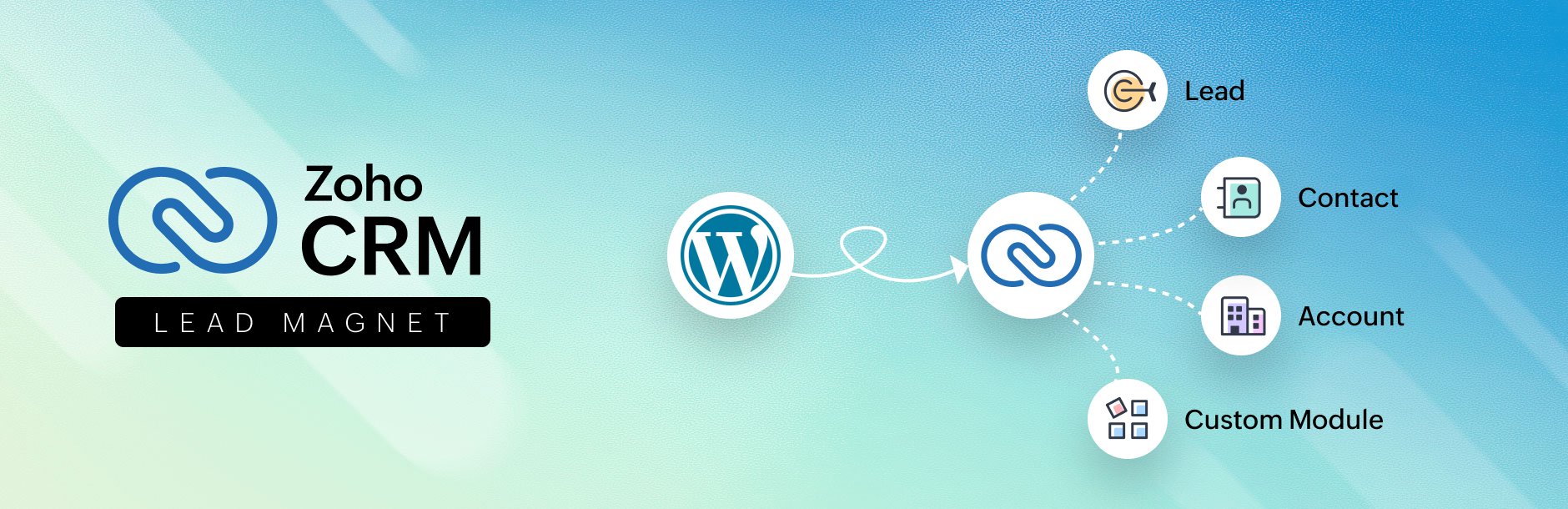
Introducing the Zoho CRM Lead Magnet plugin for WordPress. This lets you create webforms, embed them in your website, and automatically capture leads directly into your CRM with zero attenuation.
Not only is the integration easy to set-up but it’s also easy on your wallet.
Overall usage flow
Install the Zoho CRM forms plugin from the WordPress plugin Marketplace.
Create a form using Zoho CRM webforms or Contact form 7 plugin.
Configure the settings for your form.
Use the short code to embed the form.
A prospect’s information is automatically captured upon entering your site. All that’s left is lead nurturing.
For businesses that want to maximize their websites, the Zoho CRM Lead Capture plugin for WordPress CMS is an ideal solution.
Key features
Two forms, one solution
This plugin works well with forms created using Zoho CRM and Contact 7 Form plugin.
Light on code
Creating a form is incredibly simple and the entire process of establishing an integration involves a few drag-drops and copy-pastes. Simply create, embed, and capture.
Capture leads and more
Using this plugin not only lets you capture leads but also additional custom modules you create for unique business needs.
Capture. nurture. win.
The Information entered in a website’s form is automatically pushed into Zoho CRM with zero attenuation. Now you never miss out on another lead.
Light on your purse
The plugin is absolutely free of cost. No hidden fees, no additional costs. All you need is a website hosted with WordPress and a Zoho CRM account.
Special mail-tags support
[_url]
[_site_title]
[_site_description]
[_site_url]
For examples
[hidden get-url default:_url]
[hidden site_title default:_site_title]
[hidden site-description default:_site_description]
[hidden site-url default:_site_url]
Please feel free to contact us for any further assistance: [email protected]
A vulnerability reporting program in “Bug Bounty”, to reach the community of researchers, is in place, which recognizes and rewards the work of security researchers. We are committed to working with the community to verify, reproduce, respond and implement appropriate solutions for the reported vulnerabilities.
If you happen to find any, please submit the issues at https://bugbounty.zohocorp.com/. If you want to directly report vulnerabilities to us, mail us at [email protected].