
外掛標籤
開發者團隊
原文外掛簡介
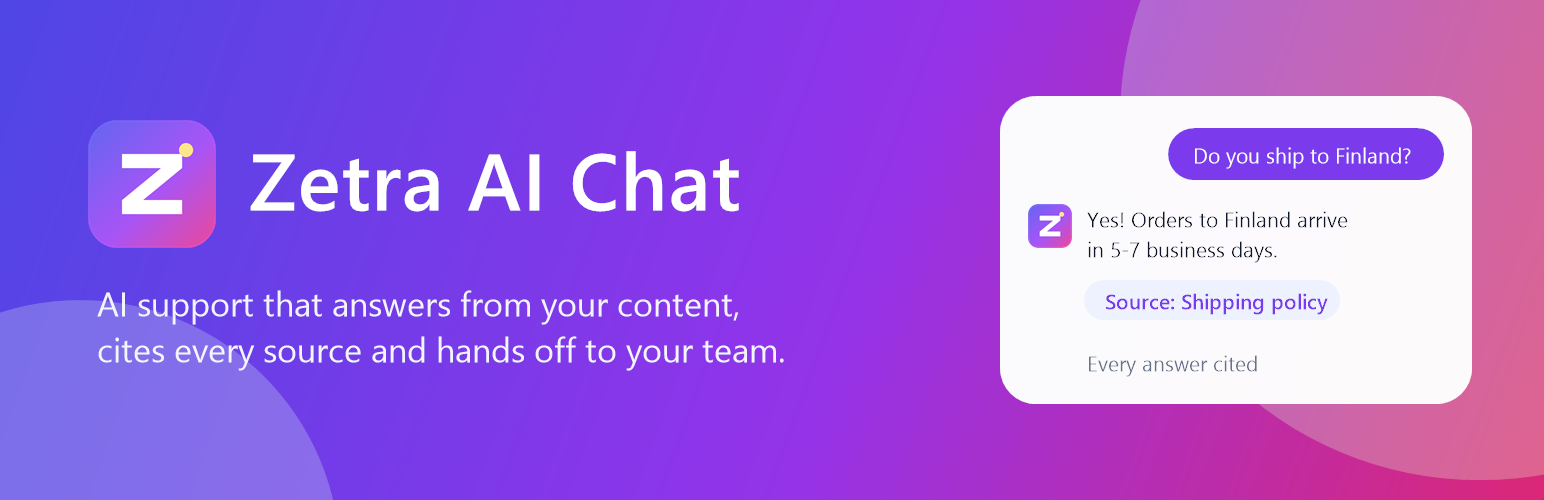
Zetra AI Chat adds your Zetra AI agent to your WordPress site as a chat bubble, or inside any page with a shortcode.
Your agent learns from your website, documents and help articles, then answers visitors’ questions in seconds. Every answer links to the passage it came from, and when the agent isn’t sure it says so and passes the conversation to your team instead of guessing.
What your visitors get
Instant, accurate answers about your products, services and policies, any time of day
Sources they can check, linked under each answer
A smooth hand-off to a person when they need one
What you get
Set up in minutes: paste your agent ID (or the whole embed code) and the plugin checks the connection, telling you exactly what to fix if something is wrong
Try your agent from the settings page before your visitors see it
Train the agent on your site, PDFs, Notion or Google Docs from the Zetra dashboard
Escalate to your inbox, Zendesk, HubSpot, Freshdesk or Help Scout
Leads and conversation history in one place, with analytics on what visitors ask
Choose where it shows: every page except some, or only chosen pages; desktop or mobile only; hidden for signed-in users or on the WooCommerce cart and checkout
Recognise signed-in users with secure identity verification, so they don’t have to repeat their name or email
Put the chat inside any page with the “Zetra AI Chat” block or the [zetra_chat] shortcode
Hosted in the EU and GDPR-ready, with a Data Processing Agreement for every customer
Zetra has a free plan. Paid plans add more messages, agents and integrations: see pricing.
External services
This plugin connects your site to Zetra (https://zetra.chat), an AI customer-support service provided by Zetra. It is required for the plugin to work.
What is loaded: when the chat bubble is enabled and an agent ID is saved, every front-end page loads the Zetra widget script from https://zetra.chat/widget.js. The [zetra_chat] shortcode loads the chat page from https://zetra.chat/help/{agent ID} in an iframe.
What is sent, and when: loading the script sends Zetra the standard request data any web resource receives (the visitor’s IP address, browser user agent and the page’s origin). When a visitor opens the chat and sends a message, the message, the page it was sent from, and any details the visitor chooses to give (such as their name or email) are sent to Zetra so the agent can answer and the site owner can follow up. If you turn on “Recognise users”, the signed-in user’s WordPress user ID, display name and email are passed to the chat with a signature, so the agent knows who it is talking to.
Connection check: the settings page asks Zetra (https://zetra.chat/api/embed/{agent ID}) whether the agent exists and may run on your domain. Only the agent ID, your site’s address and the plugin version are sent, and only when an administrator opens the settings page. Zetra uses them to show your site as connected in your dashboard.
Who processes it: Zetra, under its Terms of Service and Privacy Policy. Data handling is described at zetra.chat/gdpr and zetra.chat/subprocessors.
Nothing is sent to Zetra until you save an agent ID, and the plugin itself stores only your settings in your WordPress database.














