內容簡介
YITH WooCommerce Product Add-Ons 是一款多功能的外掛,專為創建和銷售可自訂產品或服務而設計。它允許商家在產品頁面上添加自定義選項,提升顧客的購物體驗。
【主要功能】
• 創建無限選項區塊
• 在特定產品或類別中顯示選項
• 支援多種選項類型(如單選、下拉選單)
• 設定選項的價格或折扣
• 根據條件顯示或隱藏選項
外掛標籤
開發者團隊
② 後台搜尋「YITH WooCommerce Product Add-Ons」→ 直接安裝(推薦)
📦 歷史版本下載
原文外掛簡介
YITH Product Add-ons & Extra Options is a versatile and complete tool for the creation and sale of advanced products or services and the addition of custom options to your product pages.
You can create endless blocks of options to display in all products or only in specific products or categories, and choose from different types of product add-ons: radios, drop-down menus, text boxes, checkboxes, etc. Set a price for each option, offer it for free or discount the product price when the option is selected.
This product add-ons plugin is a simple solution for selling customizable products (e.g., if you sell t-shirts or jewelry, you can insert a radio button to let the user choose whether or not to customize the product and if they choose “Yes” show a text box to enter the text to be printed or engraved) or products with advanced add-ons (e.g., if you sell a box of products, you can let the user choose the number of products to include, charge extra for additional products, and have the user choose the shipping service from a list of available couriers).
The options selected and information submitted by customers will be included in the order details.
YITH WOOCOMMERCE PRODUCT ADD-ON & EXTRA OPTIONS FEATURES
FREE VERSION
See the plugin in action:
Try the free version’s live demo >
Create unlimited blocks of options
Display the block of addons in all products or only in specific products or categories
Add HTML elements to the options block: title, text, and delimiters (single, double, dotted or dashed border, space, etc.)
Add “Radio button” type options
Add “Text input” options (optional: set a minimum and maximum number of characters the user can enter)
Add “Select” type options
Add “Checkbox” type options
Set conditions to show or hide a block of product addons (e.g., show option B only when the user selects “Yes” in option A)
Set conditions to show add-on options only in certain variations (e.g., show options only when black color variation is selected)
Choose whether to set the option as mandatory
Choose whether to show the option as selected by default
Choose where to show the addons on the Product Page (before or after the “Add to Cart” button)
Enter an optional title for each option block and choose which format to use (h1, h2, h3, etc.)
Enter a name and a description for each option
Display an optional tooltip for each option
Choose whether to offer the option for free (product price does not change when selected)
Choose whether the option has a fixed or percentage cost that increases the product price, or whether to offer a discount on the product price when the option is selected
Set a background and padding for the option block, and customize the border, text, and highlight colors.
WANT MORE? DISCOVER WHAT THE PREMIUM VERSION HAS TO OFFER!
See the plugin in action:
Visit the Premium version’s live demo >
Hide options from specific products
Show add-ons to all users/only logged in users/only certain user roles
Add “Text area” type options (you can also set a minimum and maximum number of characters the user can enter)
Add “Color picker” options (set a color swatch or image)
Add “Number” type options
Add “Label or image” type options
Add “Date” type options (with advanced options to also set a default date, start and end year, etc.)
Add “File upload” type options with drag and drop support. Set supported file formats and maximum allowed size
Add “Product” type options to display related products for upsell promotion
Upload an image to represent the option and choose whether to use it to replace the main product image (on the product page and in the shopping cart)
Choose the location of the image (above or below the label, right or left)
Choose whether or not to display the set of product addons in a section that can be opened and closed (toggle)
Hide the name, description and price of the options
Choose how many options you want to show for each row, and enable the grid layout to adjust the arrangement of the options based on the width of the page
Choose whether or not to multiply the product price by the length of the text entered by the user (available only for the “Text” and “Text Area” types)
Choose whether the product price should be multiplied by the quantity of the option selected by the user (available for “Quantity” type only)
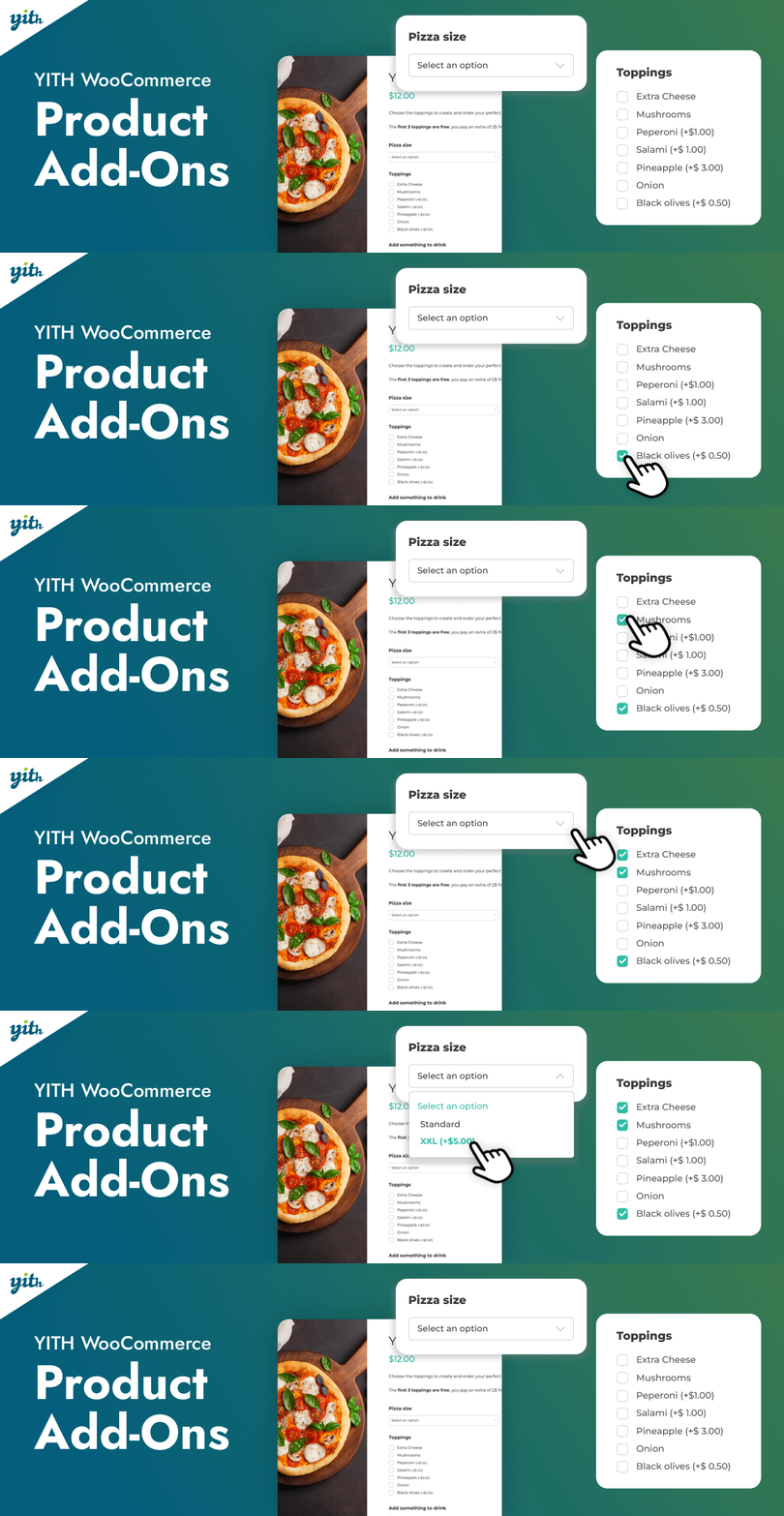
Offer the first X selected options for free (e.g. if someone buys a pizza, the first three toppings are free, the fourth is charged)
Choose whether to replace the product price with the updated price including options, and whether to display a price summary box on the product page
Choose the style for checkboxes and color swatches (round or square)
Set image position for “Label or image” type options
Set the default position for name and description
For each block, choose how many options the user can select and whether to set a number (exact, minimum, or maximum) of options to select before paying
Hide the “Add to Cart” button until the user selects the required options
Show or hide selected addons in the cart
Allow the user to change the selected options in the cart from a modal window NEW
Show or hide selected product addons in order emails